
AI Workflow Builder Comparison: Orchestrating AI Agents
A year or two ago, “AI integration” usually meant one API call bolted onto an existing process. In 2026, technical teams are building something more ambitious: multi-step pipelines where AI models classify, summarize, decide, and hand work to each other — with humans approving the steps that matter. That shift has created a new tool category, and a new evaluation problem.
This AI workflow builder comparison is written for the engineers and technical leads doing that evaluation. We will cover what actually distinguishes AI workflow orchestration tools from ordinary automation platforms, compare the leading options, and outline how to get a first pipeline running without over-committing.
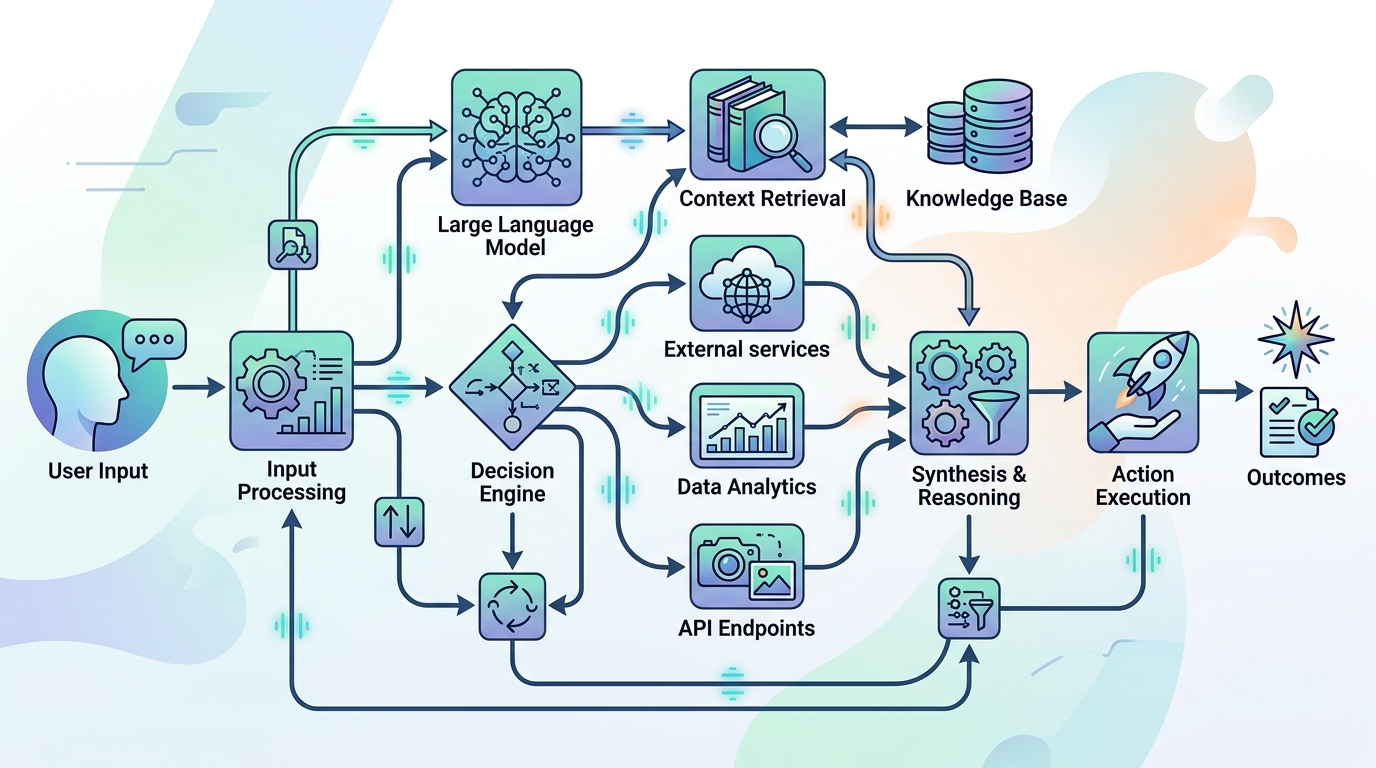
An AI agent workflow builder orchestrates complex processes by connecting multiple AI models and API endpoints, enabling sophisticated decision-making and data flow.
The Rise of AI Agent Workflow Builders
Traditional automation platforms move data between apps: when X happens in one system, do Y in another. An AI agent workflow builder adds a fundamentally different capability — steps that reason over unstructured input and make decisions.
That unlocks workflows that were previously impossible to automate:
- Triage and routing — an AI step reads an incoming ticket, email, or alert and decides where it goes and how urgent it is.
- Extraction and transformation — pulling structured fields out of messy documents, logs, or free-text form submissions.
- Drafting and summarization — generating first-draft responses, reports, and summaries that a human reviews before anything ships.
- Multi-agent handoffs — one model’s output becomes another’s input: a research step feeds a drafting step, which feeds a review step.
The demand is coming disproportionately from technical teams, because they are the ones who understand both the potential and the failure modes. They also have requirements that consumer-grade AI tools ignore — which brings us to features.
Key Features in AI Workflow Orchestration Tools
Not every automation platform with an “AI node” is a genuine orchestration tool. When comparing options, evaluate on these two axes first.
API Connectivity and Technical Extensibility
An orchestration layer is only as useful as what it can reach and what it can express:
- Multi-model support. You should be able to call different AI providers — Claude, GPT, Gemini, or local models — within one workflow, and swap providers without rebuilding. Model quality and pricing shift quickly; single-vendor lock-in at the workflow layer is a strategic mistake.
- Arbitrary API access. Beyond the built-in integration catalog, you need generic HTTP steps with full control over headers, auth, and payloads for internal and niche APIs.
- Script execution. Real pipelines eventually need custom logic. Platforms that let you run scripts as workflow steps age far better than pure no-code walled gardens.
- Composability. Can workflows call other workflows? Reusable sub-flows are the difference between a library of pipelines and a pile of duplicated ones.
State Management and Security
AI workflows carry more state — and more sensitive state — than simple trigger-action automations:
- Execution visibility. Per-step inputs and outputs, so you can see exactly what a model received and returned when debugging a bad decision.
- Error handling and retries. AI providers have outages and rate limits; orchestration tools need retry policies and fallback paths, not silent failures.
- Human-in-the-loop steps. Approval gates before consequential actions are essential for agent workflows that touch production systems or external communication.
- Data residency. Every prompt and response passes through the orchestration layer. If the platform is cloud-hosted, a third party sits in the middle of all of it. This is the single biggest architectural difference between tools, and it is why many technical teams now shortlist self-hosted options first.
Top AI Workflow Builders Compared
Here is how the main contenders position on the dimensions above:
- NORA — a local-first, desktop, node-based builder with AI-native nodes. Its distinguishing traits are local execution (prompts, responses, and workflow data stay on your infrastructure), native support for multiple AI models (Claude, GPT, Gemini) in one canvas, script orchestration, and no per-task pricing since runs happen on your own hardware. Best fit: technical teams that treat data control as a hard requirement, or that want to set up an automation platform for internal operations without metered execution costs.
- Zapier — the broadest cloud integration catalog, with AI features layered onto its trigger-action model. Strong for SaaS-to-SaaS automation; less suited to deep multi-step AI pipelines or internal infrastructure. Cloud-only, task-based pricing.
- Make — a cloud visual builder with more expressive branching and data manipulation than most trigger-action tools. Same cloud-first constraints on data residency.
- n8n — source-available with a self-host option, and popular with developers building AI workflows. Capable, but self-hosting shifts deployment and maintenance onto your team, and the licensing and feature-tier landscape requires reading the fine print. Teams evaluating this route often also want to discover a self-hosted n8n alternative before committing, to understand what a fully local-first architecture changes.
- Power Automate — the natural choice inside Microsoft-centric organizations, with AI capabilities tied to the Microsoft ecosystem.
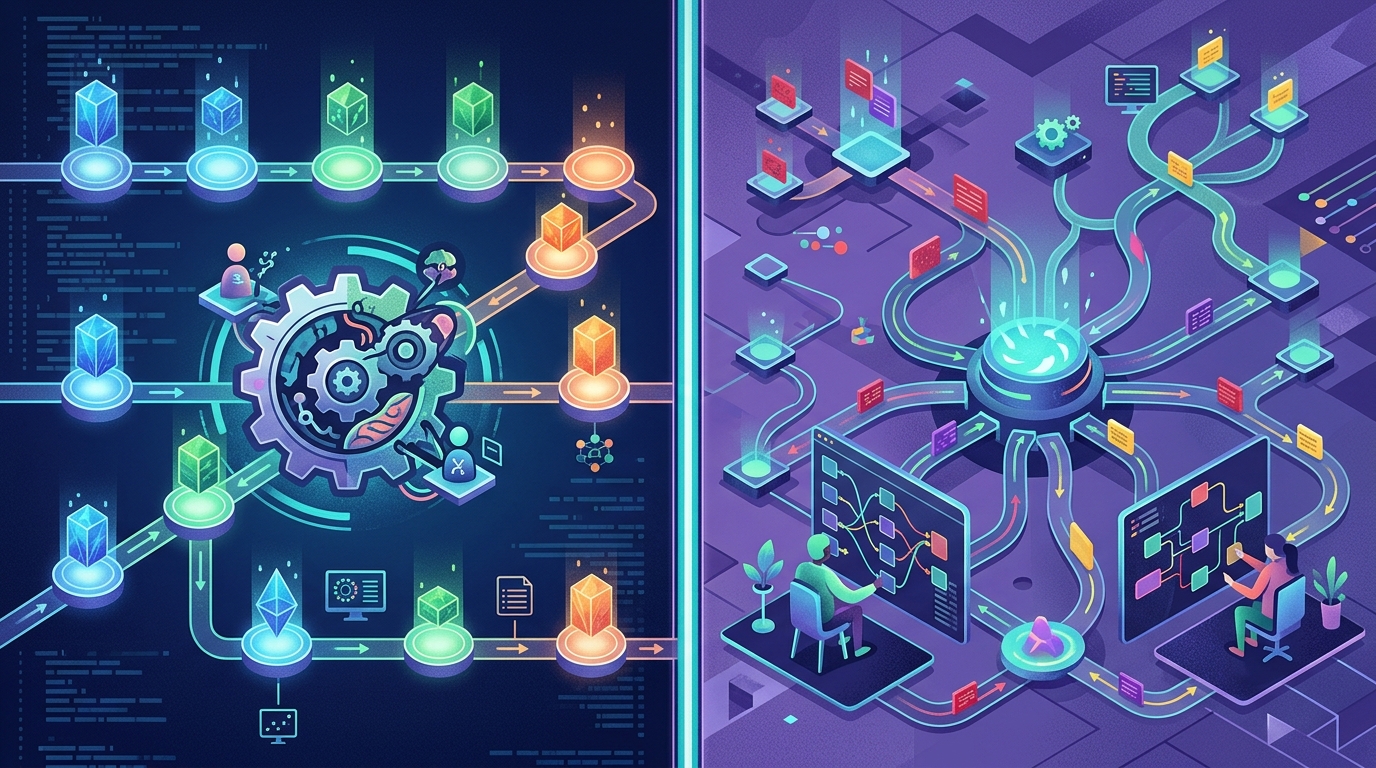
Comparing leading AI workflow builders reveals distinct approaches to orchestration, data control, and extensibility, catering to different technical team needs.
The honest summary: cloud tools win on integration breadth and zero-setup adoption; local-first and self-hosted tools win on data control, internal reachability, and execution cost. Which side of that trade you should take depends on what your workflows carry.
Connecting Multiple AI Models Into One Workflow
The most valuable AI pipelines rarely use a single model for everything. A pattern we see consistently in well-designed workflows:
- A fast, inexpensive model handles classification and routing — high volume, low stakes.
- A stronger reasoning model handles the analysis, drafting, or decision step where quality matters.
- A verification step — either a second model reviewing the first model’s output against rules, or a human approval gate — sits before any consequential action.
To build this well, your orchestration tool needs provider-agnostic AI steps, the ability to pass structured output between models, and clear logs of every intermediate result. This is precisely where dedicated AI workflow builders separate from general automation tools with a single “AI action” bolted on. If you are still assembling your shortlist, you can also evaluate the best AI automation tools for developers for a broader look at the field beyond pure orchestration.
Getting Started with AI Pipeline Builders
A pragmatic adoption path that avoids the most common failure mode (boiling the ocean on day one):
- Pick one workflow with real volume and low blast radius. Ticket triage, log summarization, and report drafting are ideal first candidates — useful, frequent, and recoverable if the AI gets one wrong.
- Build it end-to-end with a human approval step. Keep a person in the loop until you have seen enough executions to trust the pipeline’s judgment.
- Instrument before you scale. Review execution logs weekly. Look at where the AI steps fail or produce weak output, and tighten prompts or add validation there.
- Only then expand to workflows that act autonomously or touch sensitive systems.
Two weeks with one real pipeline will teach you more about a platform than any comparison article — including this one.
Frequently Asked Questions
What is an AI agent workflow builder?
It is a platform for composing multi-step processes where AI models perform reasoning steps — classifying, extracting, drafting, deciding — alongside conventional automation steps like API calls, scripts, and schedules. The “agent” part refers to workflows where model outputs drive subsequent actions rather than just producing text for a human.
How is an AI workflow builder different from a regular automation tool?
Regular automation tools execute predefined trigger-action logic. AI workflow builders add steps that handle unstructured input and make decisions, plus the surrounding needs that creates: multi-model support, per-step observability, human approval gates, and fallback handling for AI provider failures.
Can I use multiple AI models in one workflow?
Yes — on platforms that treat model calls as provider-agnostic steps. NORA, for example, supports Claude, GPT, and Gemini nodes within a single workflow, which lets you match each step to the cheapest model that does the job well.
Should AI workflow orchestration be self-hosted?
If your workflows process sensitive data — and most useful ones do — self-hosted or local-first execution removes a third party from the path of every prompt and response. Teams with strict privacy, compliance, or cost-predictability requirements generally end up there.