
Scaling Workflows with Replicate API Image Generation
Replicate API image generation is one approach to running image models through a cloud inference interface instead of maintaining every runtime detail yourself. For teams building asset generation systems, cloud inference can shorten the path from prototype to production by exposing model execution through an API that scripts, internal tools, and orchestration layers can call.
But Replicate is only one pattern. Teams evaluating a Stable Diffusion API pipeline often compare serverless-style inference, dedicated GPU platforms such as RunPod, and workflow-driven environments like ComfyUI. Each option changes how you handle cost, latency, customization, scaling, and operational ownership.
This guide compares the architectural trade-offs and shows how to think about Replicate, RunPod, and ComfyUI as components inside a broader image automation stack.
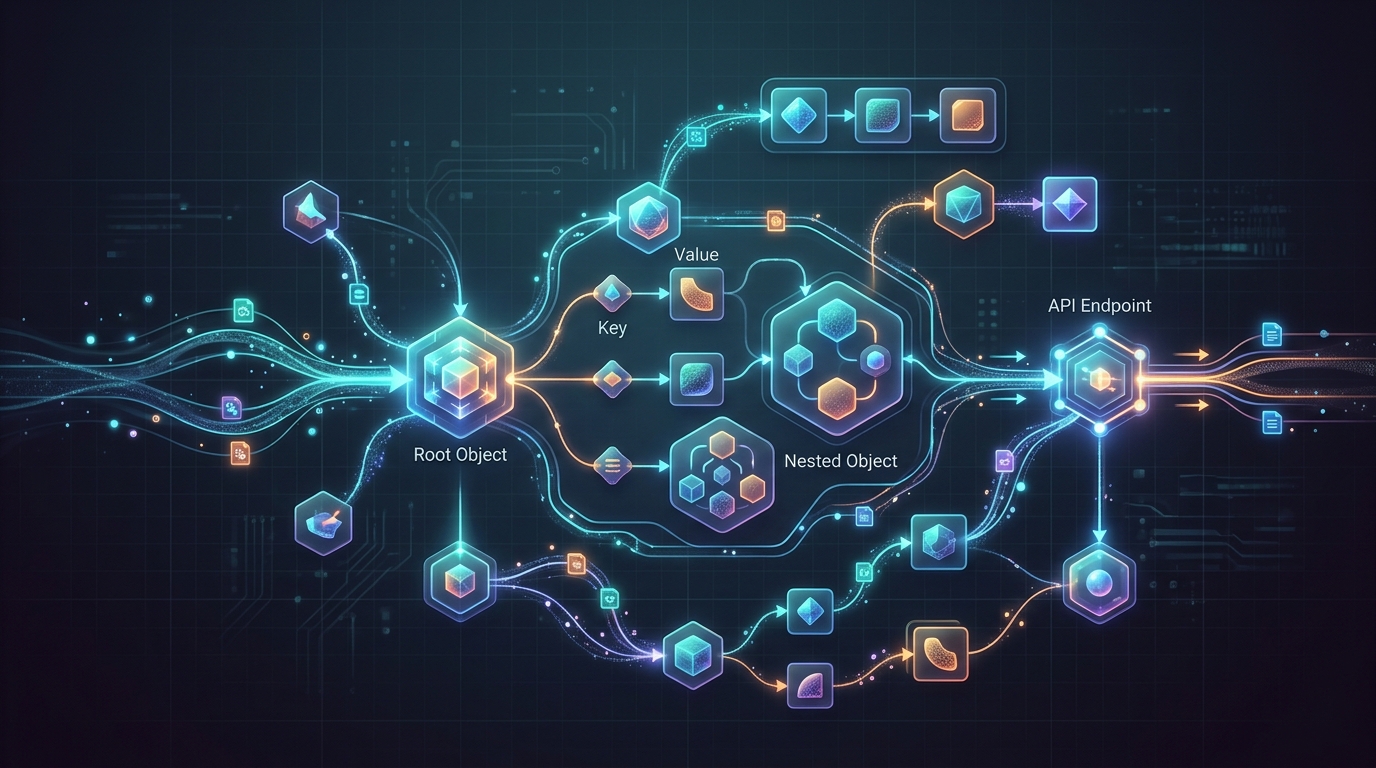
A conceptual representation of a JSON response from a Replicate API image generation endpoint, showing structured data output.
The Role of Cloud Inference in a Stable Diffusion API Pipeline
Cloud inference separates model execution from the rest of your application. Instead of running a model directly inside your own application server, you submit a request to an inference endpoint and receive generated output synchronously or asynchronously.
In a production Stable Diffusion API pipeline, cloud inference usually sits behind an orchestration layer:
- A user or system submits an image request.
- The pipeline validates fields and assembles the prompt.
- A worker sends the request to a model endpoint.
- The endpoint runs inference and returns output references.
- The pipeline downloads or stores assets.
- Metadata and review states are recorded.
- Approved assets move to a CMS, DAM, campaign folder, or application.
Cloud inference is useful because it reduces the need to manage GPU drivers, runtime dependencies, autoscaling, and model servers at the earliest stage. It also lets teams test multiple models or providers before committing to a long-term infrastructure pattern.
However, the inference provider is not the whole pipeline. You still need job state, retries, storage, metadata, review, and publishing. For that reason, cloud endpoints should be treated as replaceable execution backends inside scaling a repeatable AI image generation system, not as the entire architecture.
Key design questions include:
- Does the endpoint support asynchronous jobs?
- How are outputs returned and stored?
- Can you pin model versions?
- How are failures reported?
- What request fields should your internal system expose?
- Which workloads require private routing?
- How will your team track prompt and parameter metadata?
Building a Replicate Stable Diffusion Workflow
A Replicate Stable Diffusion workflow typically starts with a script or service that submits model inputs to an API endpoint, waits for completion, and stores the resulting image URLs or files. The exact fields depend on the model being called, so use provider documentation for final implementation details.
A simplified workflow looks like this:
Request intake → prompt template → Replicate API request → job status → output download → metadata record → review queue
For engineering teams, the cleanest pattern is to wrap provider calls in an internal client. The rest of the system should not know every provider-specific detail. It should ask for a generation job using a stable internal schema.
Example internal request schema:
{
  "asset_type": "product_tile",
  "prompt": "Clean studio image of a matte black insulated bottle on a neutral background",
  "negative_prompt": "distorted text, extra logos, warped product",
  "width": 1024,
  "height": 1024,
  "num_outputs": 4,
  "model_profile": "approved-product-style-v1",
  "campaign_id": "spring-launch"
}
Your provider adapter can translate this internal schema into the exact request format required by the external endpoint. This keeps your application stable if you later switch models or add another backend.
For implementation details, teams often pair this with how to automate image generation with Python. Python works well for loading campaign data, rendering prompt templates, calling APIs, downloading outputs, and writing metadata.
A production-ready Replicate workflow should include:
- Secure API key handling.
- Request validation before submission.
- Job IDs mapped to internal request IDs.
- Retry logic for transient failures.
- Rate limit handling.
- Output download and storage.
- Metadata capture for prompt, parameters, model, and response.
- Review state before publication.
Webhooks and Asynchronous Generation Processing
Image generation may take longer than a normal web request should remain open. Asynchronous processing avoids tying up users, servers, and frontend sessions while the model runs.
A common async pattern is:
- Submit a generation request.
- Store the provider job ID.
- Mark the internal job as
running. - Receive a webhook or poll for completion.
- Validate the result.
- Download output files.
- Mark the job as
completedorfailed. - Notify the next workflow step.
When using webhooks, treat incoming events as untrusted until verified. A production webhook handler should:
- Validate signatures if supported by the provider.
- Confirm the job ID exists.
- Handle duplicate events idempotently.
- Avoid assuming event order is perfect.
- Record raw event payloads where appropriate for debugging.
- Separate completion handling from publishing.
If webhooks are not available or not appropriate, polling can work. Polling should use backoff so your system does not hammer the provider endpoint.
The important architectural point is that generation state belongs in your system. The provider may know whether a model job is complete, but your pipeline needs to know whether the asset was downloaded, reviewed, approved, and exported.
RunPod Image Generation Workflow: A Cost-Effective Alternative
A RunPod image generation workflow is often evaluated when teams want more control than a high-level API but do not want to operate physical on-premise GPU hardware. Dedicated GPU environments can support custom runtimes, persistent workers, and specialized workflows.
This approach may fit teams that need:
- Custom model loading.
- More control over runtime dependencies.
- Dedicated GPU capacity for predictable workloads.
- Custom APIs or worker containers.
- Long-running services rather than one-off model calls.
- A bridge between serverless inference and fully self-hosted infrastructure.
The trade-off is operational ownership. With a higher-level API, the provider abstracts most runtime management. With dedicated GPU environments, your team usually owns more of the container, model server, queue integration, logging, and deployment process.
A practical RunPod-style architecture may include:
Internal app → job queue → GPU worker endpoint → model runtime → object storage → metadata database → review UI
This pattern gives engineering teams more room to optimize. For example, workers can keep models warm, support custom preprocessing, run post-processing near inference, or expose a custom request contract. That can be valuable for high-volume production workflows.
The risk is complexity. If the team does not have time to maintain worker images, monitor GPU health, manage model files, and debug runtime issues, a simpler API may be better.
Teams building marketing systems may also use dedicated GPU environments when integrating a RunPod image generation workflow into an asset pipeline that requires consistent product templates, post-processing, or custom nodes.
Designing a ComfyUI Automation Pipeline for Custom Nodes
A ComfyUI automation pipeline is useful when image generation is not a single model call but a graph of steps. Visual node-based workflows can represent prompt conditioning, control inputs, model selection, upscaling, background operations, and other processing stages.
ComfyUI-style workflows are attractive for technical creative teams because they make complex generation chains inspectable. A creative technologist can design the graph, while an engineer can automate execution through a service wrapper or queue.
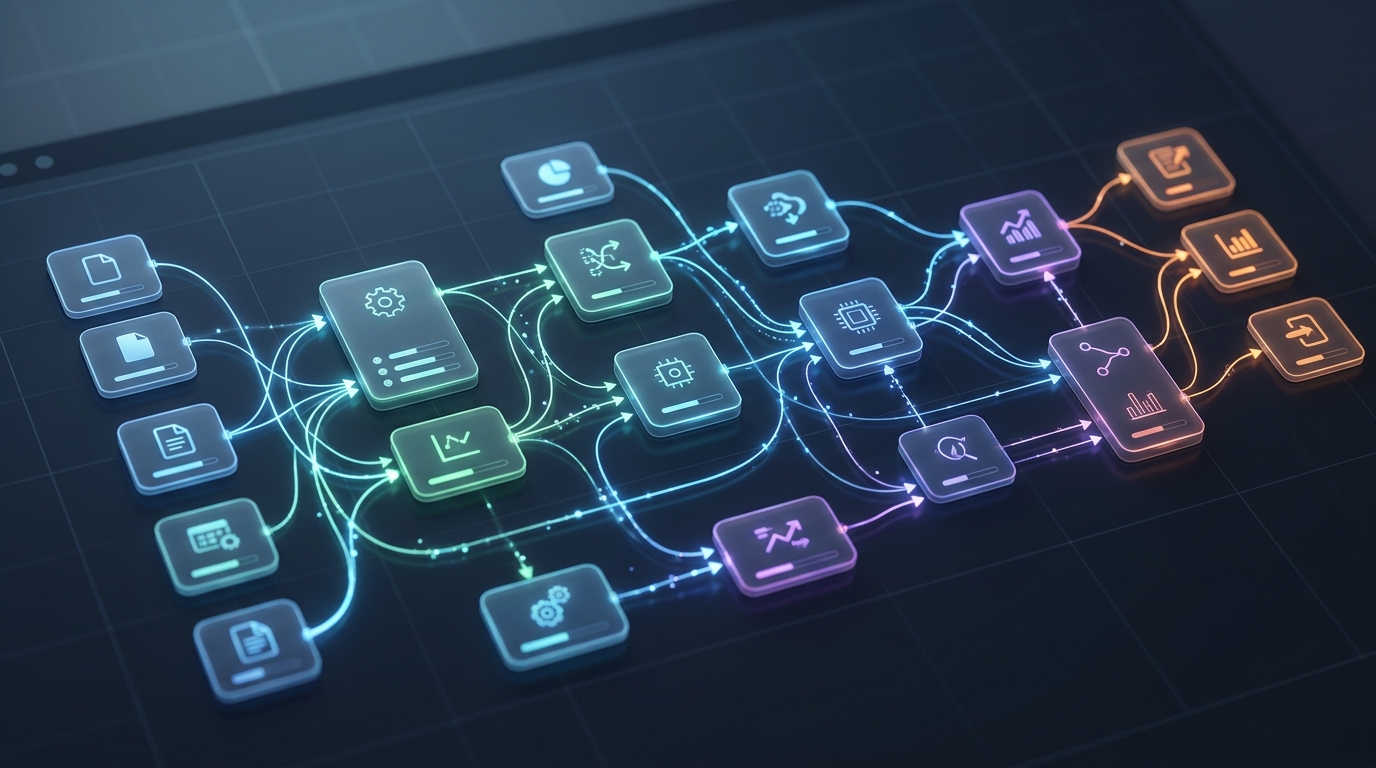
A conceptual interface node setup within a ComfyUI automation pipeline, illustrating the flow of operations.
A production-minded ComfyUI automation architecture should include:
- Approved workflow graph files.
- Versioned custom nodes and dependencies.
- A controlled input schema for each workflow.
- Queue-based execution.
- GPU worker isolation.
- Output storage and metadata capture.
- Review and approval states.
The biggest advantage is customization. The biggest risk is reproducibility. Custom nodes, dependency versions, model files, and graph changes can all alter outputs. Treat workflow graphs as versioned artifacts. Store the graph version with every generated asset.
A simple internal workflow request might include:
{
  "workflow_id": "product-background-v3",
  "inputs": {
    "product_image_url": "s3://assets/source/bottle.png",
    "background_style": "minimal studio",
    "brand_palette": "neutral warm",
    "output_ratio": "1:1"
  }
}
The automation layer maps these safe fields into the graph. This prevents non-technical users from changing fragile node settings while still giving them meaningful creative control.
ComfyUI can be combined with private infrastructure for sensitive work, dedicated GPU services for scale, or cloud APIs for simpler jobs. It is best viewed as a workflow execution layer, not necessarily the whole platform.
Which Platform Fits Your Infrastructure Stack?
The right platform depends on your team’s tolerance for operational complexity and your need for customization.
Use a high-level API approach when:
- You need fast implementation.
- You want minimal GPU operations.
- Your workflows fit supported model inputs.
- Usage is exploratory or bursty.
- Your engineering team wants to focus on application logic.
Use dedicated GPU environments when:
- You need custom containers or runtimes.
- You have steady generation workloads.
- You want more control over performance and model loading.
- You can maintain workers and monitor infrastructure.
- You need a middle ground between API abstraction and full self-hosting.
Use ComfyUI-style automation when:
- Your workflow is graph-based or multi-stage.
- Creative technologists need to iterate visually.
- Custom nodes are important.
- The team can version and control graph changes.
- You need more than a single prompt-to-image request.
Use deploying a self-hosted Stable Diffusion workflow when:
- Sensitive data must remain in controlled infrastructure.
- You need full control over runtime and model assets.
- You have engineering resources for GPU operations.
- Compliance, IP, or policy constraints limit external APIs.
Many production teams eventually use more than one backend. A routing layer can send jobs to the right execution environment based on sensitivity, cost, urgency, and workflow type.
The strategic mistake is coupling your entire pipeline to one provider’s request shape. Build an internal job model first, then write adapters for Replicate, RunPod-style workers, ComfyUI, or self-hosted services. That gives your system room to evolve as models, costs, and requirements change.
FAQ
What is Replicate API image generation?
Replicate API image generation refers to using Replicate’s API to run image generation models through cloud inference endpoints. In production, it is typically one backend inside a larger workflow for job management, storage, review, and publishing.
How does a Replicate Stable Diffusion workflow usually work?
A system submits model inputs through an API, tracks the job, receives or polls for completion, downloads outputs, stores metadata, and routes assets to review or downstream systems.
When should I use RunPod for image generation workflows?
A dedicated GPU platform can make sense when you need custom runtimes, persistent workers, or more control than a high-level API, but do not want to manage physical GPU hardware.
What is a ComfyUI automation pipeline best for?
ComfyUI-style automation is best for multi-step, graph-based image workflows where custom nodes, visual iteration, and controlled workflow versions are important.
Should cloud inference replace my full AI image pipeline?
No. Cloud inference handles model execution. You still need orchestration, validation, retries, storage, metadata, review states, and publishing integrations.