How to Build an AI Image Automation Python Script
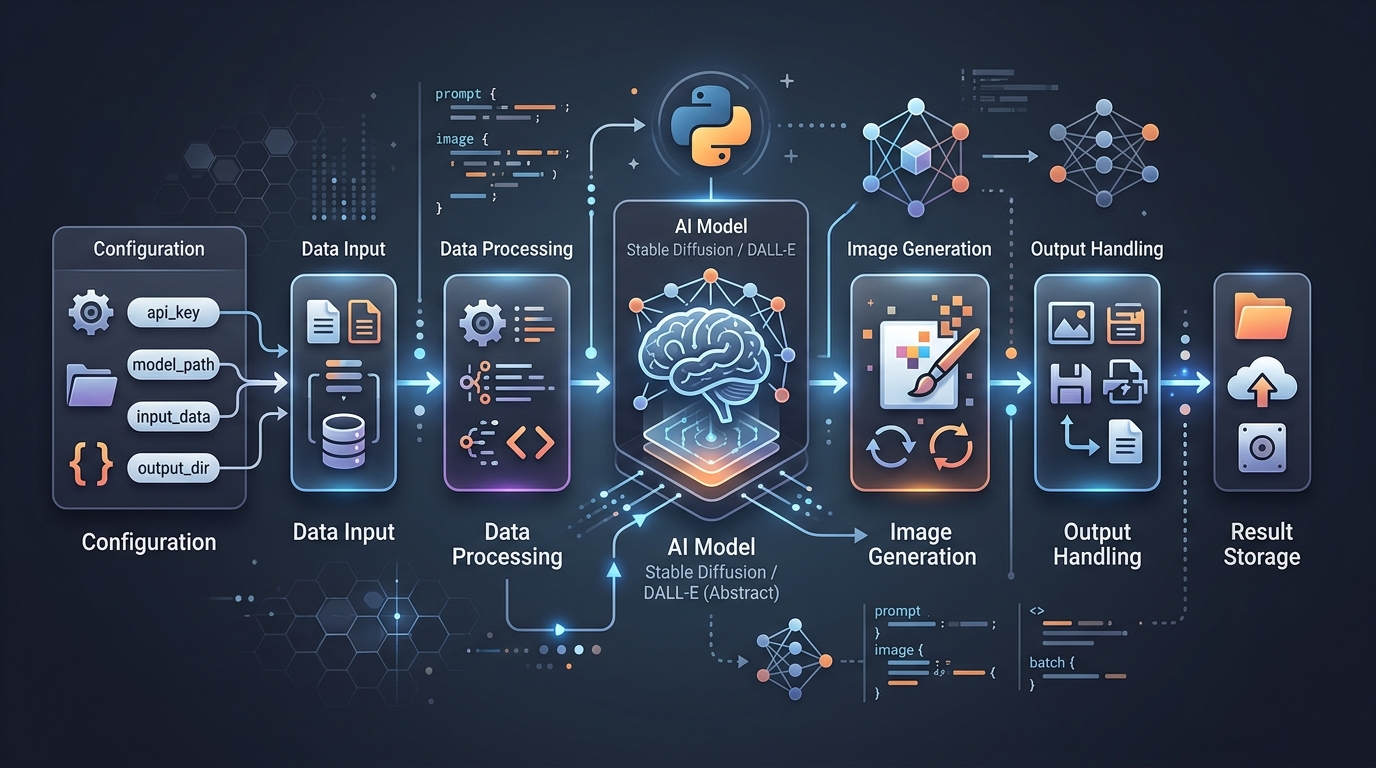
[IMAGE: Code snippet showing an AI image automation Python script]
[IMAGE: Code snippet showing an AI image automation Python script]
For technical marketing teams, ecommerce teams, and product-led organizations, the difference is operational. A prompt can create a single image. A pipeline can create a consistent set of campaign vis
For marketing leaders, the opportunity is not simply “more images.” The real value is a more responsive creative operation: faster campaign testing, more consistent product visuals, and less friction
For technical leaders, the right answer depends on workload volume, privacy requirements, team expertise, cost model, latency needs, and how deeply image generation must integrate with internal system
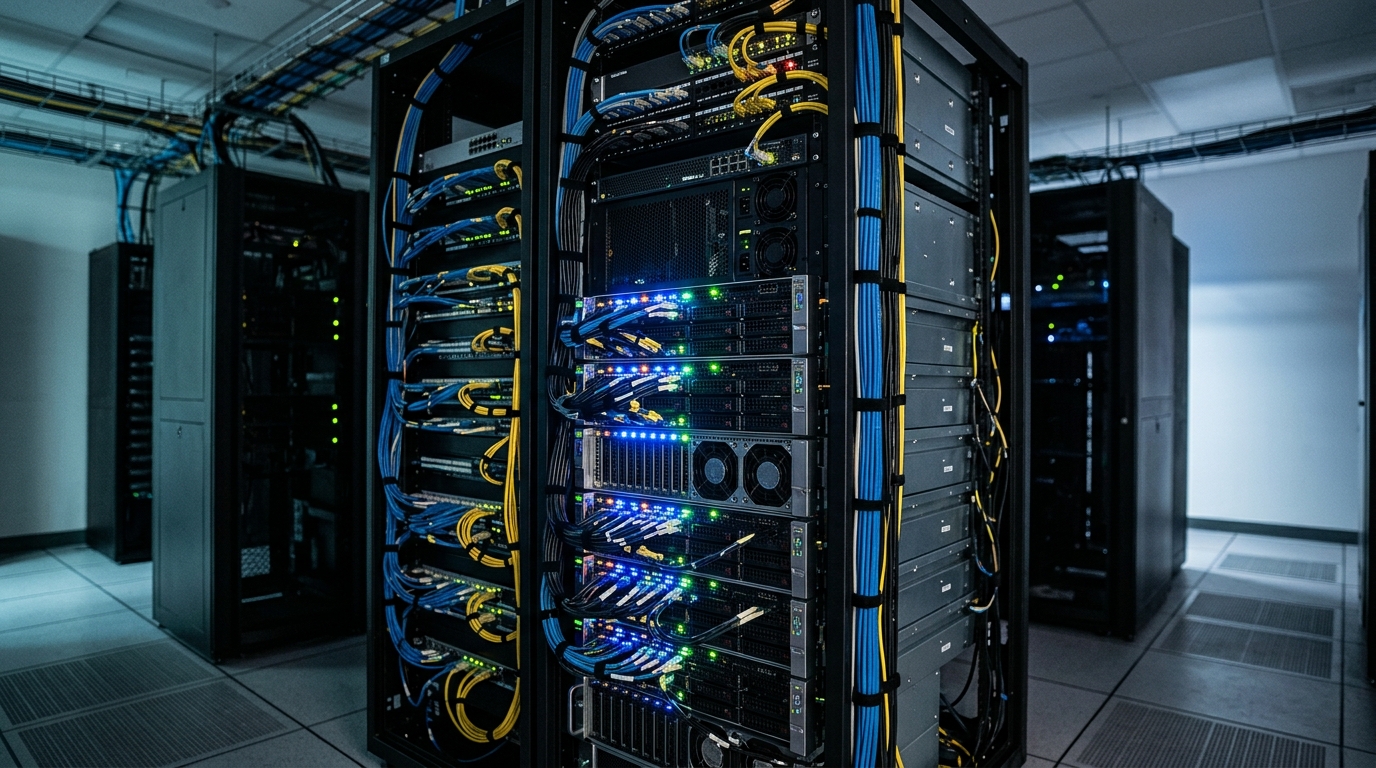
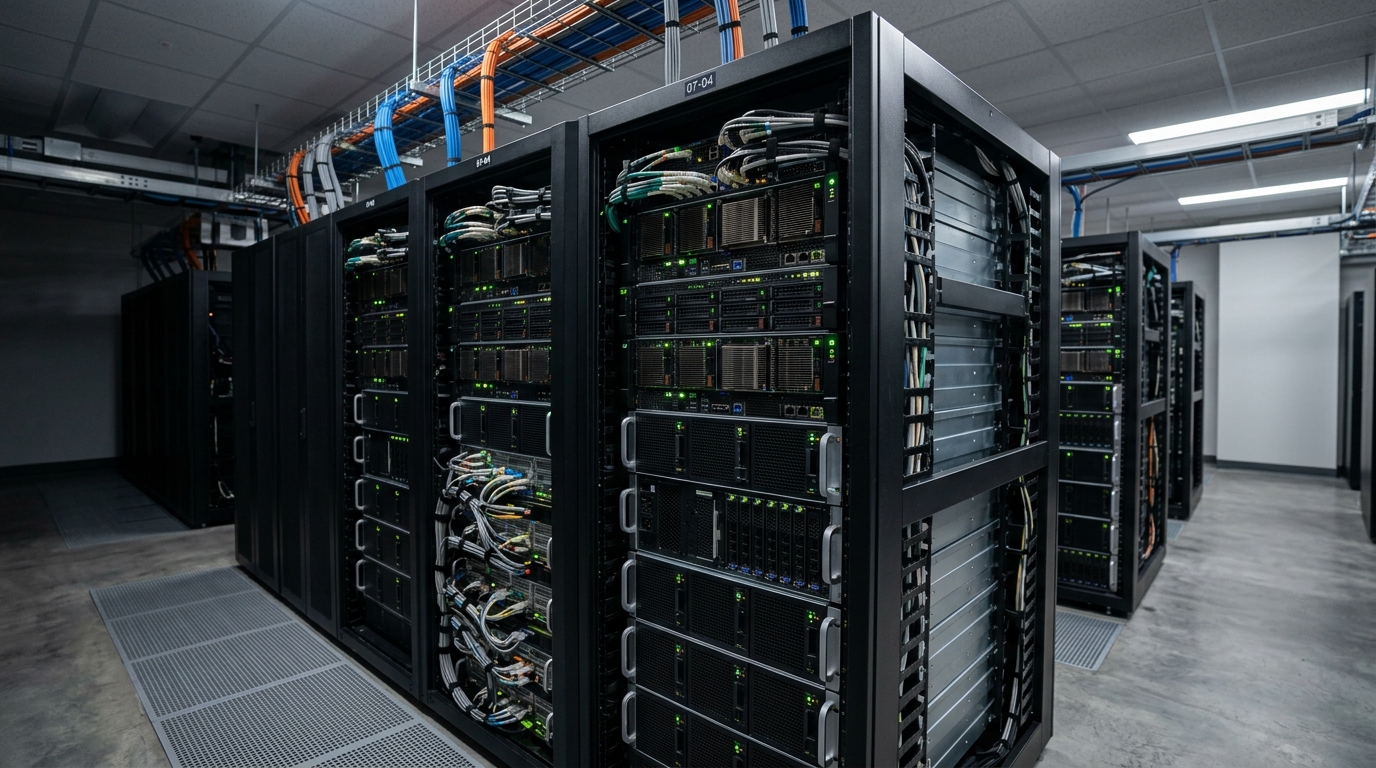
For DevOps teams, technical founders, and engineering-led marketing teams, the appeal is clear: local infrastructure can support privacy-sensitive workflows, custom model experimentation, predictable
For technical marketing teams, developers, and creative operations teams, the question is usually not whether Stable Diffusion can generate images. The question is how to make the workflow reliable en
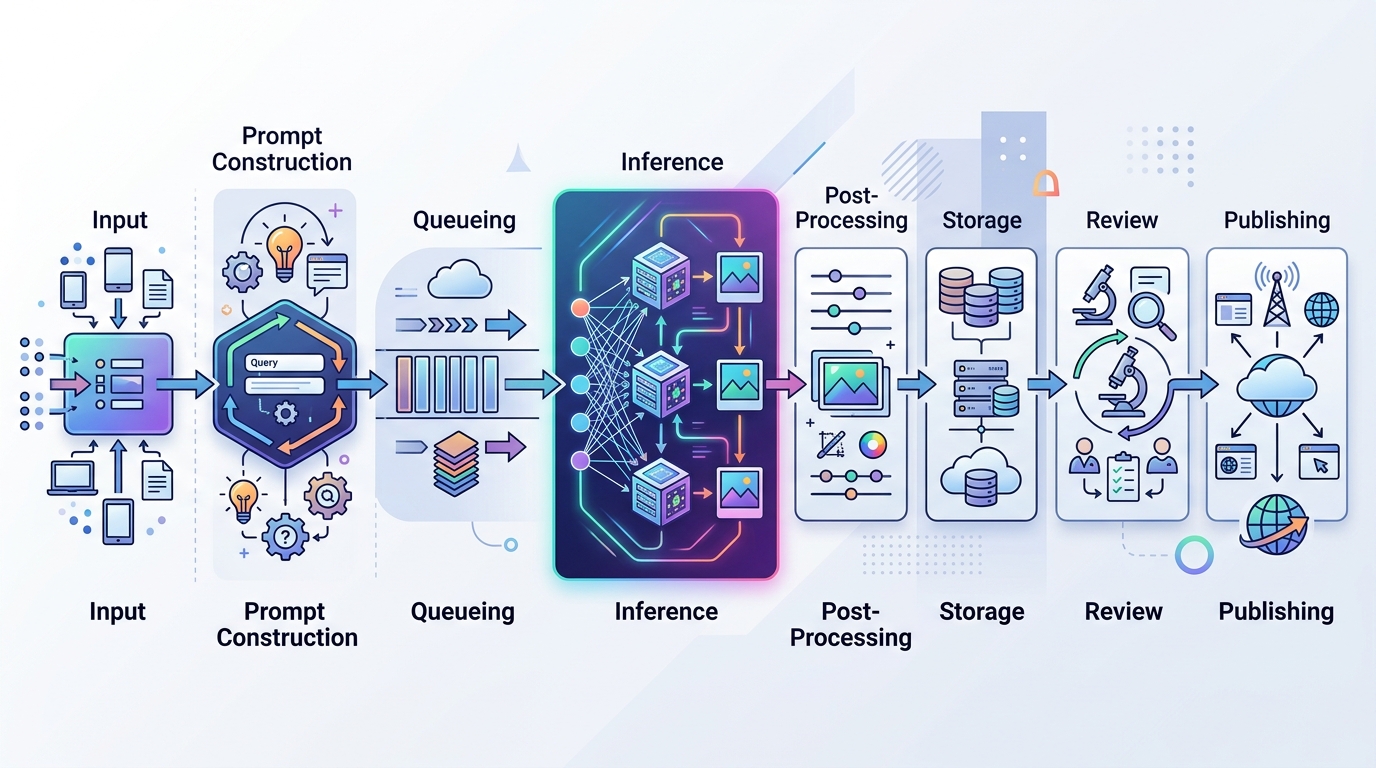
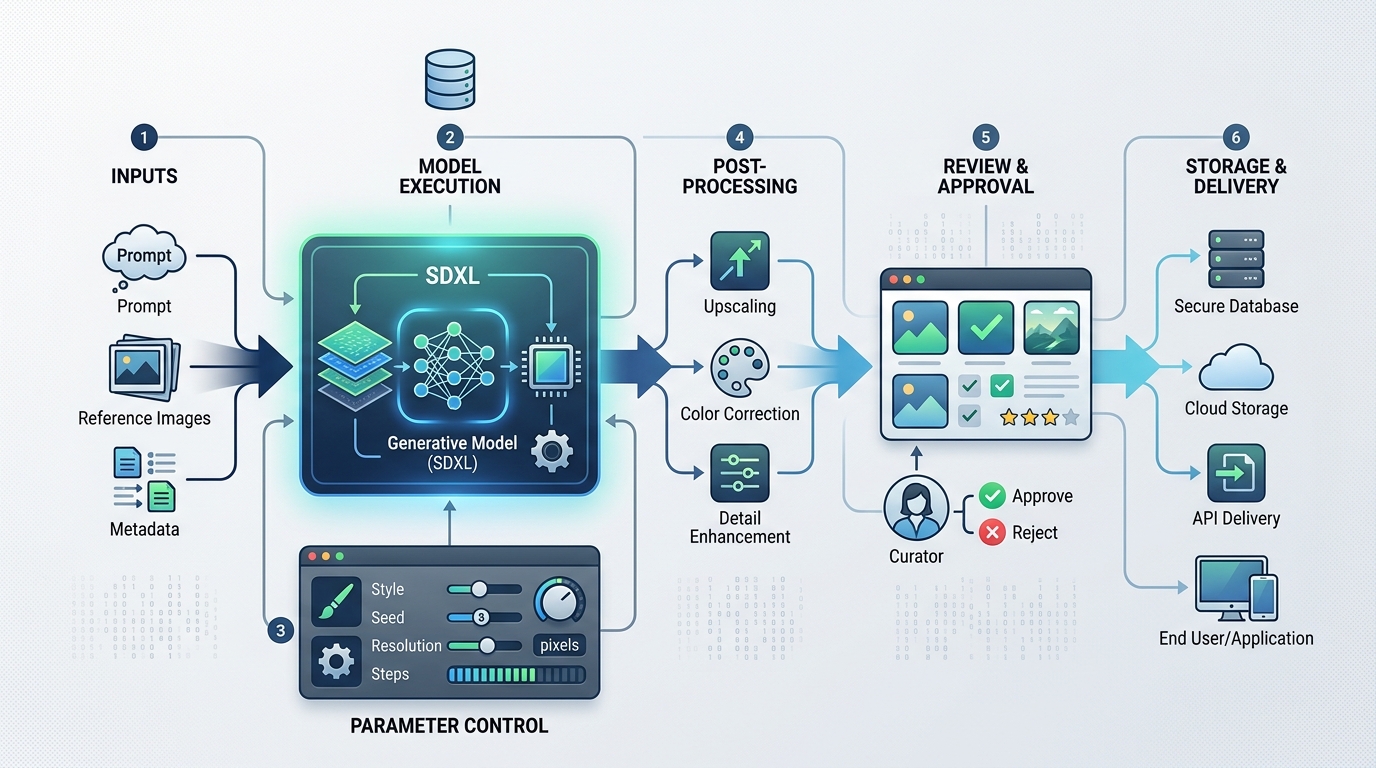
A production-ready pipeline has to coordinate prompts, models, brand rules, queues, storage, review states, metadata, and downstream publishing. It also needs to give engineers enough observability to
For dev-side marketers and technical creative operators, Python is often the fastest path from “we can generate an image” to “we can generate 500 controlled variants for a campaign.” It gives you enou
The strongest workflows combine AI generation, prompt templates, product data, brand rules, review gates, and publishing integrations. That lets creative teams define the system while marketing engine
This guide compares the architectural trade-offs and shows how to think about Replicate, RunPod, and ComfyUI as components inside a broader image automation stack.