
Building a Self-Hosted AI Image Generation Infrastructure
Self-hosted AI image generation gives technical teams more control over data handling, model configuration, runtime behavior, and infrastructure policy. Instead of sending every prompt and source asset to a third-party endpoint, you run generation workloads on infrastructure you manage directly.
That control comes with trade-offs. A local or private deployment requires GPU capacity, environment management, model versioning, monitoring, storage, and operational ownership. For some teams, this is the right answer. For others, cloud inference APIs are faster, simpler, and easier to scale on demand.
This guide evaluates when private AI image generation infrastructure makes sense, what components it requires, and how to think about a local AI image generation setup as part of a broader production workflow.
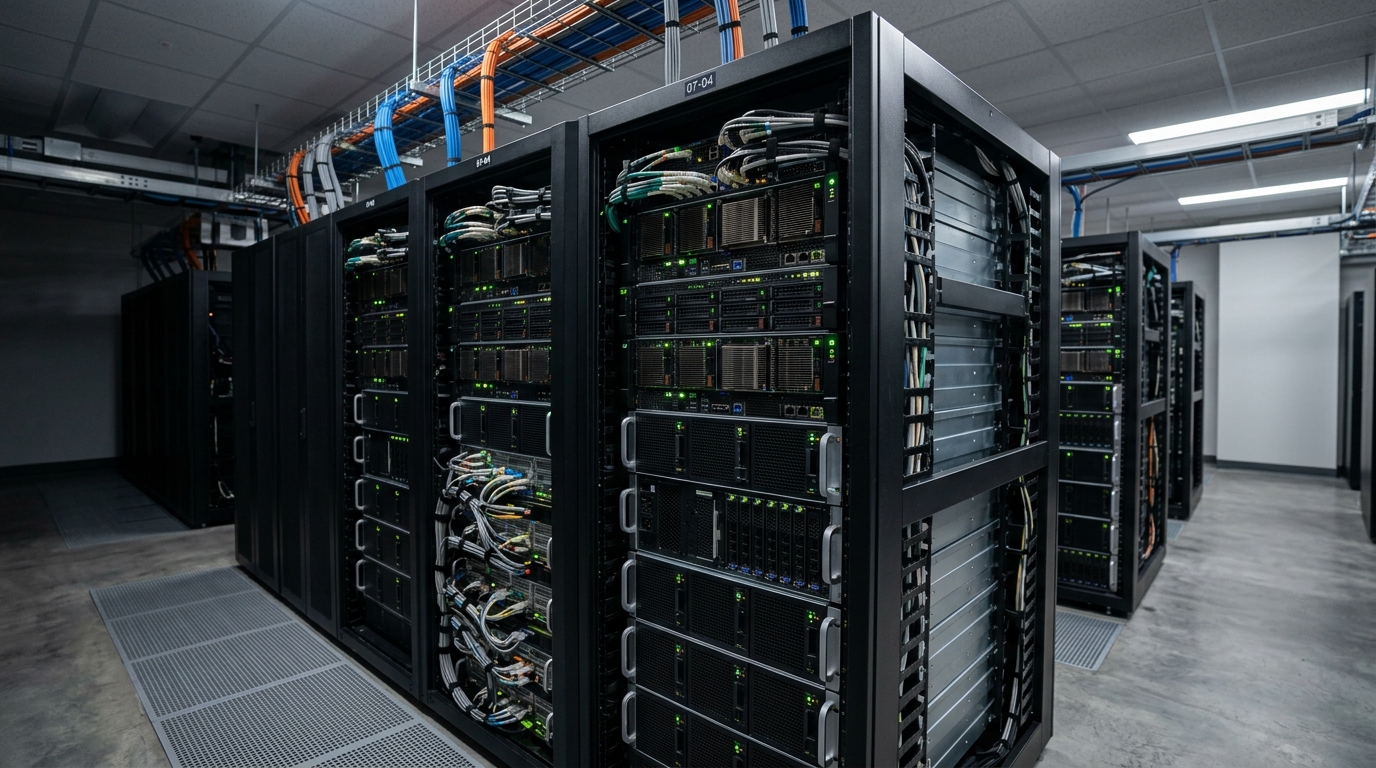
A robust server rack setup, representing the physical infrastructure required for a private, self-hosted AI image generation environment.
Why Choose Private AI Image Generation Infrastructure?
Teams usually consider private infrastructure for one of four reasons: privacy, control, cost predictability, or customization. The strongest cases involve more than one.
A self-hosted system can help when prompts, product images, unreleased designs, customer-specific content, or campaign concepts should not leave a controlled environment. It also allows teams to standardize model versions and runtime settings without depending entirely on a vendor’s abstraction layer.
Private deployment may be appropriate when:
- Source images include confidential products or concepts.
- Internal policy restricts sending assets to external APIs.
- Teams need custom models, extensions, or workflow nodes.
- Generation volume is predictable enough to justify dedicated GPU capacity.
- Engineering wants deeper control over queues, storage, and monitoring.
- Latency requirements are better served by local or dedicated infrastructure.
However, self-hosting is not automatically more secure or cheaper. A poorly managed private deployment can create its own risks: unpatched services, weak access controls, unclear audit trails, and fragile GPU utilization.
Data Privacy, IP Security, and Compliance
For many organizations, the main reason to evaluate AI image generation without cloud is reducing exposure of sensitive data. Prompts may include product concepts, unreleased campaigns, customer-specific personalization, or internal brand strategy. Source images may contain confidential designs or proprietary photography.
A private deployment can keep inference traffic inside a controlled network boundary. This may simplify internal review for teams that already have strict policies around external processors and file transfer.
Important controls include:
- Network isolation for inference services and storage.
- Role-based access control for users, service accounts, and administrators.
- Secrets management for API tokens, model registry credentials, and storage keys.
- Audit logging for requests, outputs, approvals, and administrative actions.
- Retention policies for generated assets, temporary files, and prompt logs.
- Model provenance so teams know which weights, checkpoints, and extensions are approved.
This is not legal or compliance advice. The practical engineering takeaway is simple: self-hosting shifts responsibility to your team. If you choose private infrastructure, design it with the same discipline you would apply to any internal production service.
Cost Analysis (Cloud vs. Local AI Image Generation Setup)
Cost comparisons between hosted APIs and self-hosted GPUs depend heavily on workload shape. Avoid generic assumptions. A useful analysis should include:
- Expected generation volume by day, week, and campaign cycle.
- Average runtime per job.
- Required image size and post-processing steps.
- Peak concurrency requirements.
- GPU purchase, lease, or instance cost.
- Power, cooling, hosting, or cloud compute cost.
- Engineering time for maintenance and incident response.
- Storage, backup, monitoring, and networking costs.
- Utilization rate of dedicated hardware.
Cloud APIs are often attractive when usage is spiky, teams need quick setup, or engineering resources are limited. Self-hosting can become attractive when workloads are steady, customization is important, or sensitive data policies make external endpoints difficult.
A hybrid model is common: use cloud inference for non-sensitive burst workloads and private infrastructure for controlled internal workloads. The architecture should support routing by policy rather than forcing every job through one backend.
Hardware Requirements for AI Image Generation Without Cloud
A self-hosted setup needs enough GPU memory, system memory, storage, and network capacity to support the models and workflows you plan to run. Exact requirements vary by model, resolution, batch size, precision, and optimization strategy, so validate against your chosen model stack instead of relying on broad rules.
Key hardware considerations include:
- GPU VRAM: Larger models, higher resolutions, and larger batch sizes require more memory.
- System RAM: Useful for model loading, preprocessing, post-processing, and concurrent services.
- Storage speed: Model checkpoints, generated images, and temporary files can create substantial I/O.
- CPU capacity: Still needed for orchestration, API services, image transformations, and background workers.
- Networking: Important when workers pull source assets from shared storage or push outputs to a DAM or object store.
- Cooling and power: Critical for on-premise hardware stability.
For a local AI image generation setup, separate experimentation from production. A workstation may be fine for prompt development or template testing. Production workloads need reproducibility, queueing, monitoring, backups, and access control.
A minimum production-minded architecture may include:
- One or more GPU workers.
- An internal API service.
- A job queue.
- Object storage or shared file storage.
- Metadata database.
- Monitoring and logs.
- Authentication and network controls.
This mirrors the structure of a broader orchestrating an AI image generation pipeline, with the inference layer running inside your environment.
Deploying a Self-Hosted Stable Diffusion Workflow
A self-hosted Stable Diffusion workflow should be deployed as a service, not as a manual desktop session, if it will support real production work. The goal is to make generation callable through a consistent interface that other systems can use.
A practical deployment pattern includes:
- Model registry or approved model folder: Store approved checkpoints, adapters, and configuration files.
- Inference runtime: Run the model through a maintained service or workflow engine.
- Internal API wrapper: Expose a controlled request schema for generation jobs.
- Queue worker: Pull jobs, execute inference, and write outputs.
- Storage integration: Save images and metadata to persistent storage.
- Review interface: Allow operators to approve, reject, or annotate outputs.

Conceptual architecture diagram outlining the key components and data flow within a self-hosted Stable Diffusion workflow, from model registry to output storage.
The API wrapper is important. It prevents every downstream script from depending directly on low-level runtime details. Instead of letting users pass arbitrary settings, expose supported fields such as:
- Asset type.
- Prompt variables.
- Template ID.
- Model profile.
- Output size.
- Number of variants.
- Priority.
- Source asset references.
This also makes it easier to automate image generation with Python locally. Python scripts can submit structured requests to the internal API just as they would call a cloud endpoint.
Model versioning should be explicit. When a model changes, outputs may change. Record the model version, runtime version, prompt template, seed where applicable, and post-processing steps with every output.
Managing and Scaling On-Premise GPU Nodes
Scaling self-hosted image generation is an operations problem. Adding GPUs is only useful if the system can keep them utilized, route jobs correctly, and recover from failures.
Operational concerns include:
- Scheduling: Assign jobs to available GPU workers based on model, memory, priority, and queue depth.
- Isolation: Prevent one experimental workflow from disrupting production jobs.
- Health checks: Detect failed workers, stuck jobs, model load failures, and disk pressure.
- Logging: Capture request IDs, job states, errors, and runtime details.
- Capacity planning: Track queue wait time, generation duration, and throughput.
- Model distribution: Keep approved model files synchronized across nodes.
- Access controls: Limit who can deploy models, change runtime settings, or submit high-priority jobs.
For teams that do not want to maintain physical on-premise hardware, dedicated GPU instances or managed GPU platforms may provide a middle ground. You still control more of the runtime than a fully abstracted API, but you avoid some hardware management burden.
This is where comparing local models to Replicate API image generation is useful. Serverless-style APIs reduce operational complexity, while self-hosted systems increase control. Dedicated GPU services sit somewhere between those two approaches.
The best architecture may route jobs across multiple backends. Sensitive internal requests go to private nodes. Burst workloads go to cloud inference. Custom node workflows go to dedicated environments. The routing layer becomes more important than any single provider.
Is Self-Hosting Right for Your Development Team?
Self-hosting is right when the benefits of control outweigh the operational burden. It is usually not the fastest way to start, but it can be the strongest long-term fit for teams with strict data policies, custom model requirements, or predictable generation volume.
Consider self-hosting if:
- You have sensitive prompts, source images, or unreleased product data.
- You need custom models, adapters, or workflow nodes.
- You have engineering capacity to maintain GPU services.
- You need stable model versions and reproducible outputs.
- You can monitor, secure, and support the environment like a production system.
Consider cloud APIs if:
- You need to ship quickly.
- Workloads are unpredictable or bursty.
- Your team does not want GPU operations responsibility.
- Standard model endpoints are sufficient.
- Vendor-managed scaling is more valuable than low-level control.
Consider hybrid infrastructure if:
- Some workloads are sensitive and others are not.
- You need both experimentation speed and production control.
- You want redundancy across inference backends.
- Cost and performance vary by job type.
The most durable decision is to design your pipeline so the inference backend is replaceable. Whether you run local models, hosted APIs, or both, the surrounding system should preserve request structure, metadata, approvals, and asset lineage.
FAQ
What is self-hosted AI image generation?
Self-hosted AI image generation means running image generation models on infrastructure you control, such as local workstations, on-premise GPU servers, private cloud instances, or dedicated GPU environments.
Is self-hosted AI image generation more secure than cloud APIs?
It can reduce exposure to third-party endpoints, but it is not automatically more secure. Security depends on access control, network isolation, logging, patching, secrets management, and operational discipline.
What hardware is needed for AI image generation without cloud?
Requirements depend on the model, resolution, batch size, and runtime. In general, you need GPU capacity with sufficient VRAM, supporting CPU and RAM, fast storage, and reliable networking.
How does a self-hosted Stable Diffusion workflow connect to automation scripts?
Expose the workflow through an internal API or queue. Python scripts and other services can submit structured generation requests and receive output references without depending on runtime internals.
Should my team choose cloud, self-hosted, or hybrid infrastructure?
Choose cloud for speed and lower operational burden, self-hosted for control and sensitive workloads, and hybrid when you need both private routing and burst capacity.