
How to Build Reliable Node.js Cron Jobs for Production
Scheduled tasks are the quiet workhorses of most Node.js applications: nightly database cleanups, hourly report generation, cache refreshes, and email digests. And yet, cron jobs are one of the most common sources of silent production failures. A job drifts a few seconds each run, a server restart swallows a scheduled execution, and nobody notices until a customer asks why last week’s invoices never went out.
This guide walks through how to build a nodejs cron job production reliable setup from the ground up: preventing time drift, deciding what to do about missed runs, and putting logging and monitoring in place so scheduled tasks never fail silently again.
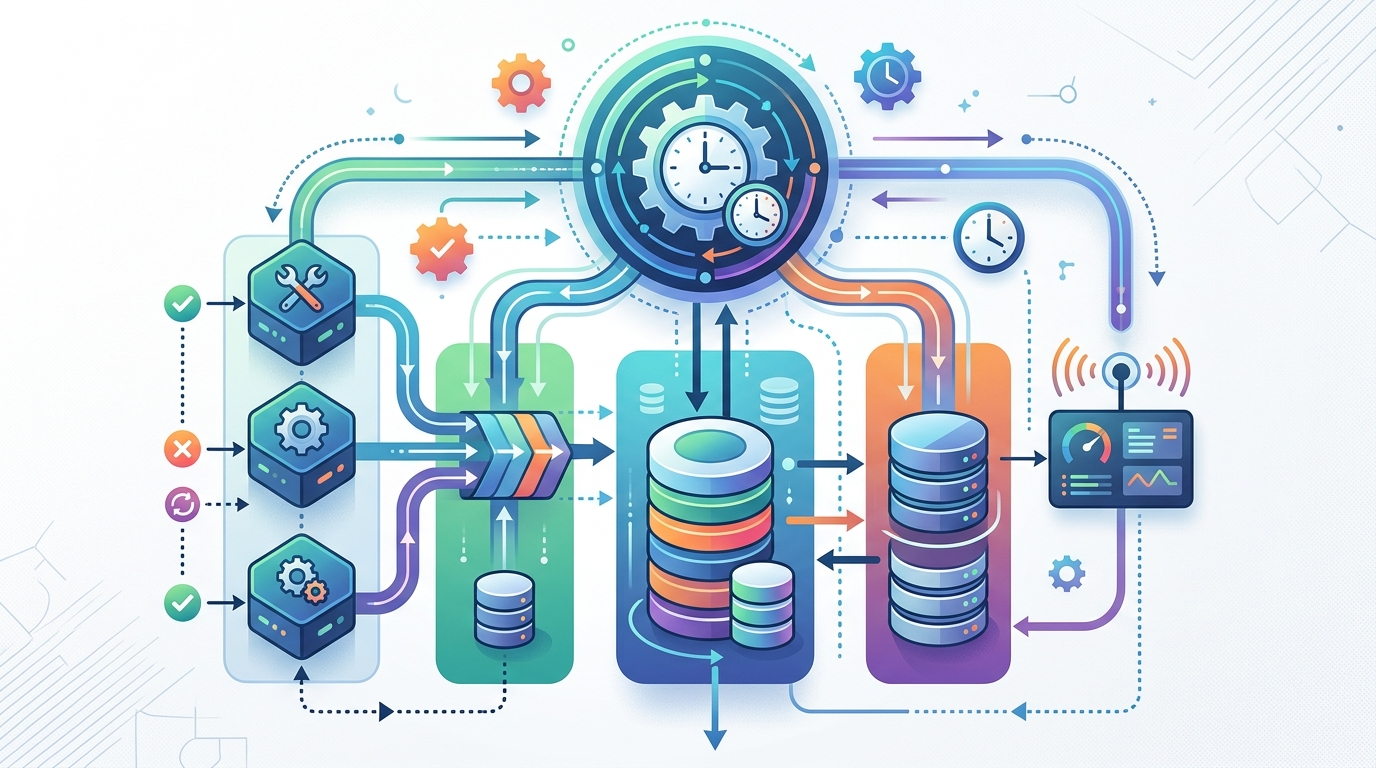
An architectural diagram showing how to build a reliable Node.js cron job system that prevents time drift and ensures consistent execution.
The Problem with Standard Node.js Cron Jobs
The naive approach to scheduling in Node.js looks something like this:
setInterval(() => {
  runNightlyCleanup();
}, 24 * 60 * 60 * 1000); // every 24 hours
This works in a demo and fails in production for several reasons:
- The schedule resets on every restart. If your process restarts at 3 PM, your “midnight” job now runs at 3 PM.
- No missed-run awareness. If the process was down when the job should have fired, the run simply never happens.
- Overlapping executions. If a job takes longer than its interval, a second instance starts while the first is still running.
- No visibility. Without logging, a failing job and a successful job look identical from the outside.
Even dedicated scheduling libraries only solve part of this. Before picking one, it helps to compare cron libraries so you understand what each actually guarantees — most in-process schedulers handle triggering, not reliability.
Why Cron Jobs Drift Over Time
Time drift happens when the actual execution time slowly diverges from the intended schedule. Common causes in Node.js include:
- Interval-based scheduling.
setIntervalmeasures time from the previous tick, so any delay compounds. A job that runs 200ms late every hour is minutes off schedule within weeks of uptime. - Event loop blocking. Node.js timers only fire when the event loop is free. A CPU-heavy task or synchronous I/O can delay a scheduled callback significantly.
- Long-running job bodies. If the job itself takes variable time and the next run is scheduled relative to completion, the schedule wanders.
- System clock adjustments. NTP corrections and daylight saving transitions can shift wall-clock-based schedules.
The fix is to always schedule against the wall clock, not against elapsed intervals.
How to Build a Reliable Node.js Cron Job That Doesn’t Drift
The core pattern for a nodejs cron job no drift setup is to calculate the next absolute execution time and set a one-shot timer for exactly that moment. After each run, recalculate from the wall clock:
function scheduleAt(getNextRun, task) {
  const next = getNextRun(new Date());
  const delay = next.getTime() - Date.now();

  setTimeout(async () => {
    try {
      await task();
    } finally {
      scheduleAt(getNextRun, task); // recalc from the clock, not from "now + interval"
    }
  }, delay);
}

// Example: run at the top of every hour
scheduleAt(
  (now) => {
    const next = new Date(now);
    next.setHours(now.getHours() + 1, 0, 0, 0);
    return next;
  },
  runHourlyJob
);
Because every run recalculates its target from the current wall-clock time, delays never compound. Libraries like node-cron and node-schedule implement this pattern internally with cron-expression parsing, which is why they are preferable to hand-rolled intervals for anything non-trivial.
Two additional rules keep executions clean:
- Guard against overlap. Keep an
isRunningflag (or a distributed lock if you run multiple instances) and skip or queue a run if the previous one hasn’t finished. - Make jobs idempotent. A job that can safely run twice is dramatically easier to operate than one that must run exactly once.
let isRunning = false;

async function safeRun(task) {
  if (isRunning) {
    logger.warn('Previous run still active — skipping this tick');
    return;
  }
  isRunning = true;
  try {
    await task();
  } finally {
    isRunning = false;
  }
}
How to Skip Missed Runs in a Node.js Scheduled Task
When a process restarts or the server is down during a scheduled tick, you have a decision to make: catch up or skip. For most nodejs cron job skip missed runs scenarios, skipping is the right default — replaying six missed email digests at once is usually worse than sending none.
The reliable pattern is to persist the last successful run time and compare on startup:
async function onStartup() {
  const lastRun = await store.get('nightly-job:lastRun'); // e.g., Redis, DB, or a JSON file
  const missed = getMissedTicks(lastRun, new Date());

  if (missed.length > 0) {
    logger.warn(`Missed ${missed.length} run(s) since ${lastRun}. Policy: skip.`);
    // Deliberately do NOT replay. Record the skip for observability.
    await store.set('nightly-job:skippedRuns', missed.length);
  }
}
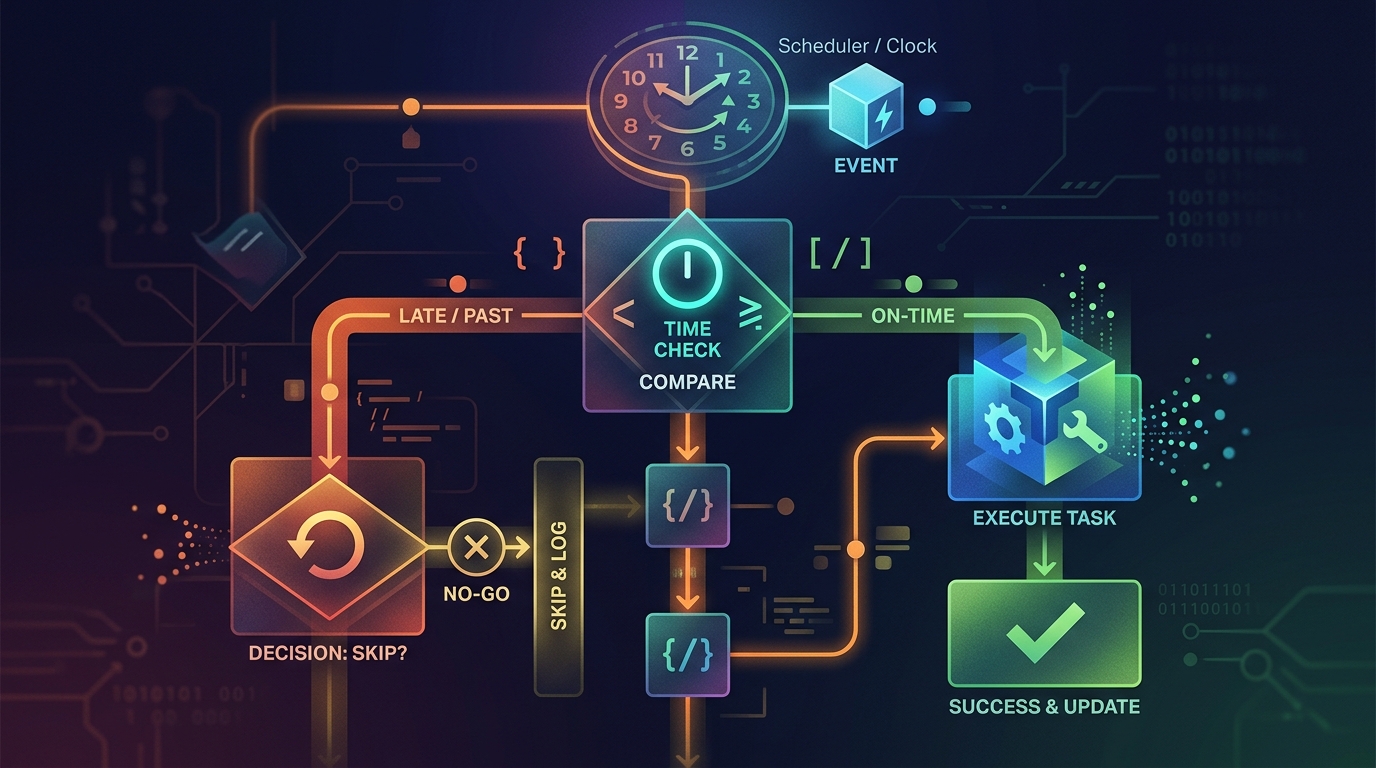
A conceptual representation of a Node.js code snippet demonstrating how to implement a policy for skipping missed runs in a scheduled task, often involving persistent state.
Key principles:
- Persist state outside the process. In-memory state disappears on restart; use a database, Redis, or at minimum a file.
- Make skip vs. catch-up an explicit policy per job. Billing jobs may need catch-up; notification jobs almost never do.
- Log every skipped run. A skipped run should be a visible, queryable event — not an invisible gap.
How Do I Log and Monitor Node.js Cron Jobs in Production?
A production cron job without logging and monitoring is a liability. The goal is to answer three questions at any time: Did the job run? Did it succeed? How long did it take?
At minimum, wrap every job in a standard execution envelope:
async function runWithTelemetry(name, task) {
  const startedAt = new Date();
  logger.info({ job: name, event: 'start', startedAt });

  try {
    await task();
    logger.info({
      job: name,
      event: 'success',
      durationMs: Date.now() - startedAt.getTime(),
    });
  } catch (err) {
    logger.error({ job: name, event: 'failure', error: err.message, stack: err.stack });
    await alerting.notify(`Cron job "${name}" failed: ${err.message}`);
    throw err;
  }
}
Implementing Persistent Logging for Scheduled Tasks
Console output vanishes when the process dies, so persistence matters:
- Use a structured logger (such as
pinoorwinston) writing JSON lines, so job runs are machine-queryable. - Write to durable destinations — rotating log files, a logging service, or a database table of job runs with
job_name,started_at,finished_at,status, anderror. - Add heartbeat monitoring. Have each successful run ping a dead-man’s-switch endpoint; if the ping doesn’t arrive on schedule, you get alerted. This catches the worst failure mode: the job that never ran at all.
- Track duration trends. A job that used to take 30 seconds and now takes 25 minutes is a failure in progress.
Node.js Scheduled Task Automation Best Practices
Pulling it all together, a production-grade nodejs scheduled task automation setup follows these rules:
- Schedule against the wall clock, never with compounding intervals.
- Use one-shot recalculation or a proven cron library rather than
setInterval. - Persist last-run state and apply an explicit skip/catch-up policy per job.
- Prevent overlapping runs with a lock or running flag.
- Make every job idempotent so retries are safe.
- Wrap jobs in structured logging with start, success, failure, and duration events.
- Alert on absence, not just on errors — heartbeats catch silent failures.
- Keep job bodies thin. Have the cron trigger enqueue work or call a well-tested function, rather than embedding complex logic inside the scheduler callback.
Cron jobs rarely exist in isolation. They frequently trigger pipelines that also process files via webhooks or feed into larger modern async workflows — and the same reliability principles (idempotency, persistence, observability) apply across all of them.
FAQ
What is the most reliable way to run cron jobs in Node.js?
Use a wall-clock-based scheduler (a library like node-cron or node-schedule, or the one-shot setTimeout recalculation pattern), combined with persisted last-run state, overlap guards, and structured logging. Reliability comes from the operational wrapper, not the trigger mechanism alone.
Why does my Node.js cron job drift over time?
Drift usually comes from setInterval-style scheduling, where each delay compounds into the next run, or from event loop blocking that postpones timer callbacks. Scheduling each run against an absolute wall-clock target eliminates compounding drift.
Should a cron job catch up on missed runs after a restart?
It depends on the job. Notification and report jobs should generally skip missed runs to avoid duplicate or stale sends; financial or data-consistency jobs may need explicit catch-up. Either way, persist the last-run timestamp and make the policy deliberate and logged.
How do I know if my Node.js cron job silently stopped running?
Use heartbeat (dead-man’s-switch) monitoring: each successful run pings a monitoring endpoint, and an alert fires if the ping is late. Error-based alerting alone cannot detect a job that never started.
Do I need a job queue instead of cron for production tasks?
For single-instance apps with simple schedules, a hardened in-process cron is fine. Once you need multi-instance coordination, retries with backoff, or high job volume, a persistent queue (backed by Redis or a database) is the more robust architecture.