
Cloud Automation vs Self-Hosted: Privacy & Lock-in
The deployment model you choose for your automation platform will quietly shape everything that comes after it: what data you can safely automate, what your costs look like at scale, how hard it is to leave, and how many third parties sit inside your critical workflows.
This guide compares cloud automation vs self-hosted deployment honestly — including where cloud genuinely wins — with particular focus on the two issues that drive most technical teams to reconsider their platform: data privacy and vendor lock-in.
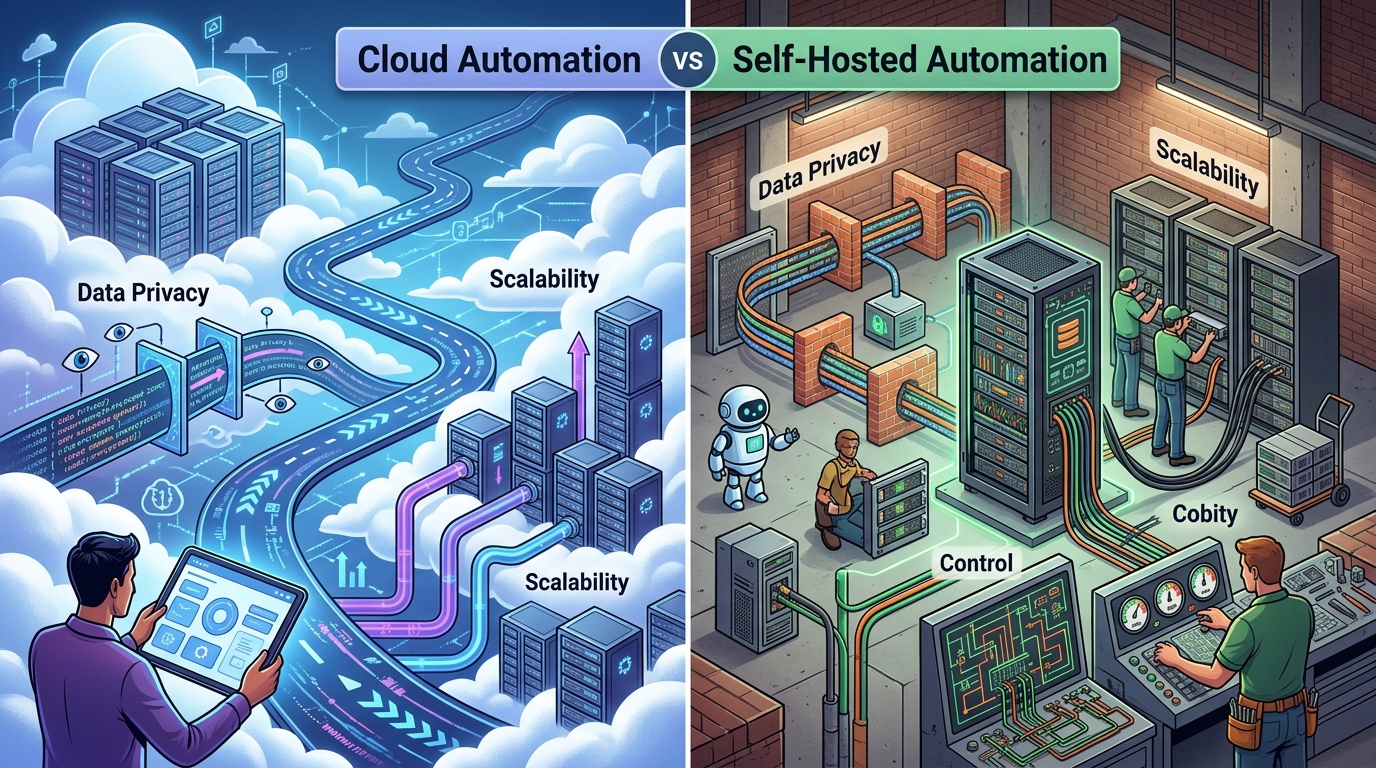
A comparison of cloud automation and self-hosted deployment models, emphasizing key differences in privacy, control, and cost implications.
Understanding Cloud vs. Self-Hosted Deployment
The definitions first, because vendors blur them:
- Cloud automation — the platform runs on the vendor’s infrastructure. Your triggers, workflow logic, credentials, and every payload that flows through a workflow live on and pass through their servers. Zapier, Make, and Power Automate are the canonical examples.
- Self-hosted automation — the platform runs on infrastructure you control: a server, a VM, or your private network. n8n’s self-hosted deployment is a well-known example, though feature availability varies by tier.
- Local-first automation — a stricter form of self-hosting where the software is designed to run locally as its primary mode, with no cloud dependency at all. NORA takes this approach as a desktop application.
Cloud’s real advantages deserve stating plainly: zero setup, no infrastructure to maintain, large integration catalogs, and easy access for non-technical users. If your workflows connect low-sensitivity SaaS data and your team has no appetite for running software, cloud is a reasonable answer.
The problems appear when workflows touch things that matter — which, for internal and technical automation, is most of the time.
The Hidden Cost of Automation Platform Vendor Lock-in
Automation platform vendor lock-in is rarely visible at signup. It accumulates: every workflow you build encodes logic in the vendor’s proprietary format, every integration binds you to their catalog, and every team habit deepens the dependency. Two mechanisms deserve special attention.
API Rate Limits and Unpredictable Costs
Metered cloud pricing means your bill scales with your success. The workflows most worth automating are high-frequency — polling, syncing, triaging — and per-task pricing turns each of them into a recurring cost that grows as adoption grows. Common consequences:
- Teams begin rationing automation, batching or slowing workflows to control the bill — optimizing for the meter instead of the outcome.
- Plan-tier rate limits and execution caps force upgrades that were not in the original budget.
- Pricing model changes arrive on the vendor’s schedule, not yours, and re-platforming is expensive enough that most teams absorb the increase.
That last point is the lock-in mechanism in its purest form: the cost of leaving becomes the vendor’s pricing power.
Operational Migration Challenges
Even when a team decides to move, migration is harder than expected:
- Workflow logic does not port. Node configurations, expressions, and platform-specific behaviors have to be rebuilt, not exported, on the next platform.
- Credentials and connections must be re-established across every integrated system.
- Institutional knowledge is embedded in dozens of workflows nobody fully documented, built by people who may have moved on.
- The business depends on the workflows staying up, so migration must happen live, in parallel, with careful cutover.
The strategic lesson is not “never use a vendor” — it is to prefer platforms where your logic remains portable (scripts you own, standard API calls) and where the economics do not punish you for using the product more.
Local Automation Software Data Privacy
Privacy is the second structural issue, and for AI-era automation it is the bigger one. Local automation software data privacy rests on a simple architectural fact: data that never leaves your infrastructure cannot be mishandled by a platform in the middle.
Consider what a cloud automation platform sees when it runs your workflows: the credentials to every connected system, every record that passes through every step, and — for AI workflows — every prompt and every model response. You are trusting the vendor’s security posture, employee access controls, retention policies, and subprocessor list, continuously.
With local execution:
- Payloads stay on your machines. Customer records, internal documents, and logs are processed where they already live.
- Credentials are stored locally, not in a multi-tenant vault that is a high-value target precisely because it holds everyone’s keys.
- AI traffic goes direct. You call Claude, GPT, or Gemini with your own API keys, from your own environment — no automation vendor logging prompts in between.
- Compliance conversations simplify. “The data does not leave our infrastructure” is a shorter audit than a subprocessor chain.
Which Deployment Model is Right for Your Team?
A candid decision guide:
Choose cloud automation if:
- Your workflows connect SaaS tools with low-sensitivity data
- Non-technical staff will build most workflows
- Execution volume is modest and unlikely to grow sharply
- You have no capacity or desire to run any software yourself
Choose self-hosted or local-first if:
- Workflows touch internal systems, credentials, or sensitive data
- You automate high-frequency operational tasks where metered pricing compounds
- AI steps process content you would not paste into a third-party tool
- Vendor lock-in is a strategic concern — you want logic and costs you control
Most technical teams evaluating honestly land in the second column for internal operations, even if they keep a cloud tool for light SaaS glue. For a structured scoring approach across these criteria and more, you can learn how to choose an automation platform in our step-by-step guide.
How Self-Hosted Infrastructure Solves Privacy Risks
Self-hosting is not magic — you still own patching, access control, and backups. What it removes is the category of risk you cannot control: the third party in the data path.

A security padlock illustrates how self-hosted infrastructure enhances data privacy by keeping sensitive information within the user’s control.
A local-first platform like NORA resolves the two structural problems in one architecture:
- Privacy by locality. Workflows execute on your machines, so payloads, credentials, and AI prompts stay inside your boundary by default rather than by policy.
- Economics without a meter. Local execution has no per-task fee, so high-frequency automation scales without a scaling bill — and pricing power stays with you.
- Portability by design. Workflows that orchestrate your own scripts and standard API calls keep the logic yours, shrinking the cost of ever changing course.
If you are ready to act on this, you can deploy a local-first self-hosted automation platform without a server project — NORA runs as a desktop application inside your environment. And if you are currently on a hybrid tool and weighing the jump, see why teams switch to a secure self-hosted n8n alternative when self-managed hosting proves heavier than promised.
Frequently Asked Questions
Is cloud automation or self-hosted better?
Neither is universally better. Cloud wins on convenience and integration breadth for low-sensitivity SaaS workflows; self-hosted wins on data privacy, internal system access, and cost predictability for high-frequency or sensitive workloads. Most technical teams automating internal operations are better served self-hosted or local-first.
How do I avoid automation platform vendor lock-in?
Prefer platforms with flat rather than metered pricing, keep core logic in portable forms (your own scripts, standard API calls) rather than proprietary expressions where possible, document workflows as you build them, and favor deployment models where leaving is an inconvenience rather than a crisis.
How does local automation software protect data privacy?
By architecture: workflows execute on infrastructure you control, so payloads, credentials, execution logs, and AI prompts never transit a third-party platform. There is no vendor in the middle to secure, audit, or trust.
Can self-hosted automation still use cloud AI models?
Yes. Local-first platforms like NORA call Claude, GPT, or Gemini directly with your own API keys. The orchestration and workflow data stay local; only the model requests you explicitly configure leave your environment, going straight to the provider you chose.