
How to Run AI Agents on a Schedule (Cron & Python)
Interactive AI agents are useful. Scheduled AI agents are transformative. When an agent runs unattended — triaging overnight alerts at 6 a.m., reconciling reports every hour, checking infrastructure drift nightly — it stops being a tool you use and becomes a teammate that works while you don’t.
This tutorial covers running AI agents on a schedule three ways: classic cron, Python-based scheduling with proper error handling, and scheduled agents built on Claude Code with MCP tool access. Code snippets included throughout; adapt them to your stack.
Why Schedule AI Agents?
Most agent value in ops comes from recurring work, not one-off requests:
- Morning briefings. An agent that summarizes overnight alerts, failed jobs, and anomalies before the team logs in.
- Periodic hygiene. Nightly checks for config drift, stale resources, expiring certificates, or dependency updates.
- Report generation. Hourly or daily processing of data drops into human-readable summaries.
- Proactive checks. An agent that reads queue depths and disk trends every 15 minutes and opens a ticket before the threshold alert fires.
These are exactly the tasks humans do inconsistently and scripts do brittly. A scheduled agent does them consistently and adaptively — one of the core patterns behind AI agent runbook automation in modern ops teams.
The mechanics matter, though. A scheduled agent is unattended by definition, so scheduling, logging, timeouts, and failure handling must all be solid before you walk away.
Cron Job AI Agent Automation Basics
The simplest pattern for cron job AI agent automation: wrap your agent invocation in a shell script, then schedule it.
Step 1 — Wrap the agent run in a script. Never put a complex agent command directly in the crontab. A wrapper gives you logging, environment setup, and locking:
#!/usr/bin/env bash
# /opt/agents/run-nightly-triage.sh
set -euo pipefail

export PATH="/usr/local/bin:$PATH"
cd /srv/agent-workspace

LOCKFILE=/tmp/nightly-triage.lock
exec 9>"$LOCKFILE"
flock -n 9 || { echo "Previous run still active, skipping"; exit 0; }

LOG="/var/log/agents/nightly-triage-$(date +%Y%m%d-%H%M%S).log"

timeout 30m your-agent-cli run \
  --task "Review overnight alerts, summarize incidents, draft remediation steps" \
  --max-turns 25 \
  >> "$LOG" 2>&1
Three details do the heavy lifting here:
flockprevents overlapping runs — critical because agent runtimes vary, and two agents working the same task simultaneously create chaos.timeoutcaps wall-clock time so a stalled run can’t hang forever.--max-turns(or your framework’s equivalent) caps agent iterations so a confused agent can’t loop up your API bill.
Step 2 — Schedule it. Edit the crontab for your agent’s service user:
crontab -e -u svc-agent
# Nightly alert triage at 06:00
0 6 * * * /opt/agents/run-nightly-triage.sh

# Hourly queue health check, business hours only
0 9-18 * * 1-5 /opt/agents/run-queue-check.sh
Step 3 — Remember cron’s sharp edges. Cron runs with a minimal environment: no interactive shell profile, no .bashrc. Set PATH, API keys, and working directories explicitly in the wrapper (or source a dedicated env file with tight permissions). And always redirect output — cron output that goes nowhere is a silent failure waiting to happen.
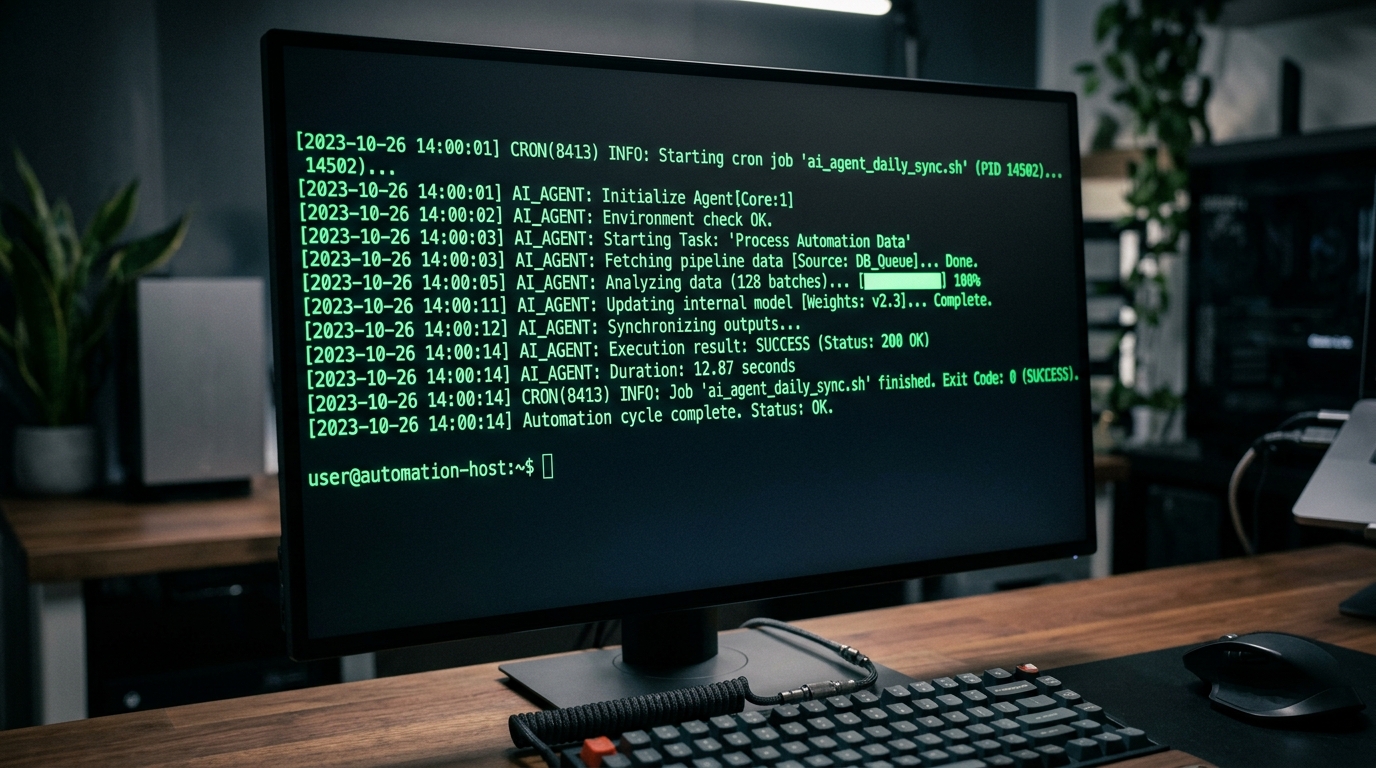
A successful cron job execution for an AI agent automation task, as displayed on a terminal screen.
Cron is perfect when the schedule is fixed and the logic lives in the agent. When you need retries, conditional scheduling, or richer orchestration, move up to Python.
Setting up a Python AI Agent Scheduled Task
A Python AI agent scheduled task gives you programmatic control: dynamic schedules, retry logic, structured logging, and clean integration with your agent SDK.
Python Scheduling Libraries
Two solid options depending on how much machinery you want:
Option A: schedule — minimal and readable. Great for a single always-on worker process:
import schedule
import time

def run_triage_agent():
    result = agent.run(
        task="Summarize overnight alerts and draft remediation steps",
        max_turns=25,
    )
    save_report(result)

schedule.every().day.at("06:00").do(run_triage_agent)
schedule.every(15).minutes.do(run_queue_check)

while True:
    schedule.run_pending()
    time.sleep(30)
Option B: APScheduler — production-grade features. Cron-style expressions, persistent job stores, misfire handling, and concurrency limits:
from apscheduler.schedulers.blocking import BlockingScheduler
from apscheduler.triggers.cron import CronTrigger

scheduler = BlockingScheduler()

scheduler.add_job(
    run_triage_agent,
    CronTrigger(hour=6, minute=0),
    id="nightly-triage",
    max_instances=1,          # no overlapping runs
    misfire_grace_time=3600,  # run late if host was down, within 1h
    coalesce=True,            # collapse multiple missed runs into one
)

scheduler.start()
max_instances=1, misfire_grace_time, and coalesce replace the flock + manual bookkeeping you’d do with cron — this is the main practical advantage of the Python route.
If you’re on Kubernetes, a CronJob resource wrapping the Python runner gives you the same semantics with cluster-native logging and restart policies.
Error Handling in Scheduled Tasks
Unattended agents need explicit failure paths. Wrap every scheduled run with timeout, retry, and alerting:
import logging
from tenacity import retry, stop_after_attempt, wait_exponential

logger = logging.getLogger("agent.scheduler")

@retry(
    stop=stop_after_attempt(3),
    wait=wait_exponential(multiplier=30, max=300),
)
def run_with_retries():
    result = agent.run(task=TASK, max_turns=25, timeout_seconds=1800)
    if not result.completed:
        raise RuntimeError(f"Agent run incomplete: {result.status}")
    return result

def scheduled_job():
    try:
        result = run_with_retries()
        logger.info("run_succeeded", extra={"summary": result.summary})
    except Exception:
        logger.exception("run_failed_after_retries")
        notify_oncall("Scheduled agent 'nightly-triage' failed after 3 attempts")
Key principles:
- Retry transient failures, not logical ones. An API timeout deserves a retry; an agent that completed but produced a wrong-shaped result deserves a human look.
- Escalate after bounded attempts. Three tries, then page. Silence is the enemy.
- Log the agent’s own trail, not just success/failure. You’ll want to know what the agent did on a failed run, not merely that it failed.
For failures inside the workflows the agent manages — not just failures of the agent itself — the natural next step is a self-healing automation AI agent error handler that detects, diagnoses, and remediates issues autonomously within safe bounds.
Integrating Claude Code & MCP
Claude Code works well as a scheduled agent runtime because it’s fully driveable from the command line in non-interactive mode, and it can reach your internal tools through MCP servers.
AI Agent Cron Schedule with Claude Code MCP
Step 1 — Configure MCP servers. Define the tools your scheduled agent may use in a project-scoped .mcp.json:
{
  "mcpServers": {
    "ops-tools": {
      "command": "node",
      "args": ["/opt/mcp/ops-tools-server.js"],
      "env": { "OPS_API_URL": "https://internal.example.com" }
    }
  }
}
This gives the agent controlled access to your ticketing, monitoring, or deployment APIs through a single, auditable interface. (New to MCP? Our MCP server AI agent integration guide walks through building and securing a server from scratch.)
Step 2 — Run Claude Code headlessly from your scheduler. Non-interactive mode (-p) executes a task and exits:
#!/usr/bin/env bash
# /opt/agents/run-claude-triage.sh
set -euo pipefail
cd /srv/agent-workspace/triage

timeout 30m claude -p \
  "Read the overnight alerts via the ops-tools MCP server. \
   Summarize incidents by severity, and draft remediation steps \
   for anything critical. Write the report to reports/$(date +%F).md" \
  --allowedTools "mcp__ops-tools__*,Read,Write" \
  --output-format json \
  > "/var/log/agents/claude-triage-$(date +%F).json" 2>&1
Then schedule it exactly like any other cron job:
0 6 * * * /opt/agents/run-claude-triage.sh
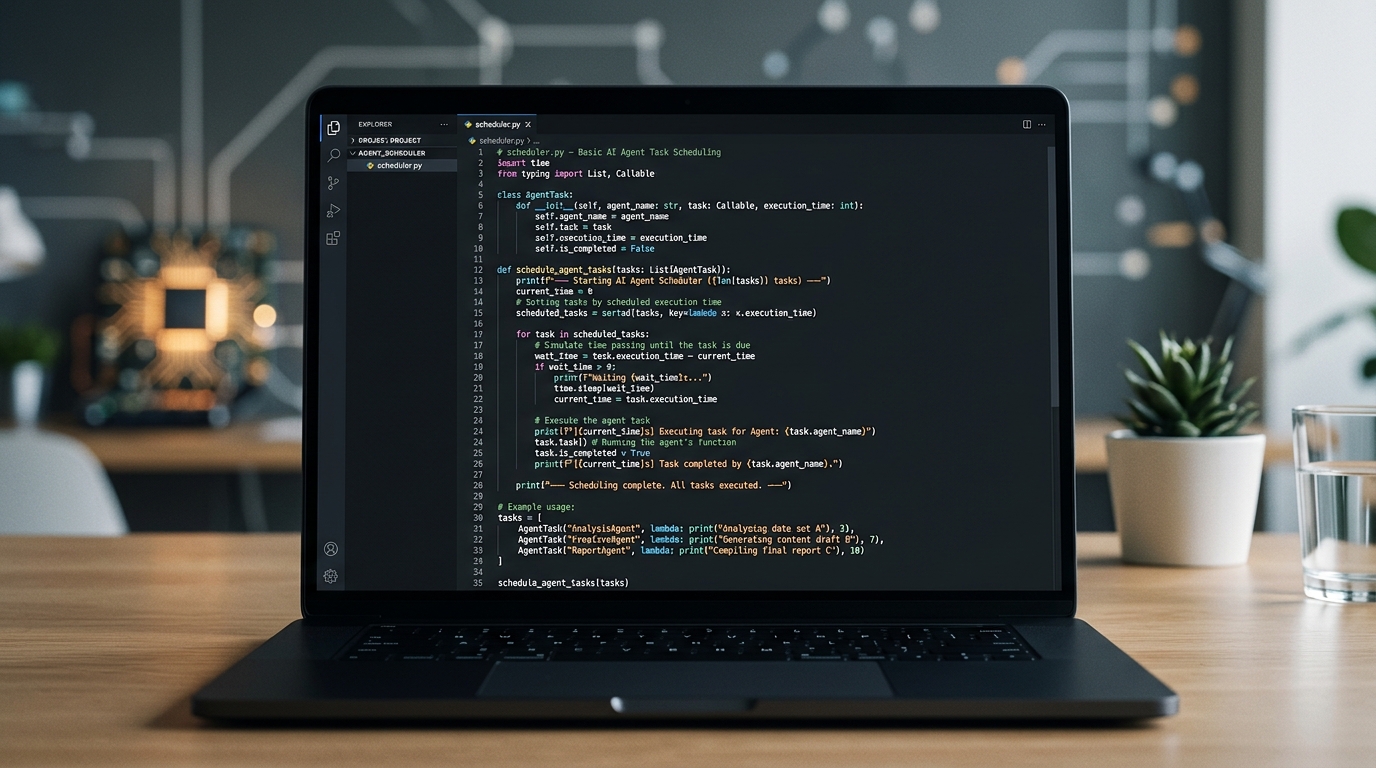
A Python code snippet illustrating how to schedule AI agents for automated tasks.
Step 3 — Constrain and observe. For a Claude Code MCP scheduled agent, three settings matter most:
--allowedTools— allowlist only the MCP tools and file operations this task needs. A triage agent doesn’t need Bash.- Scoped working directory — run each task in its own workspace so scheduled runs can’t interfere with each other or reach unrelated files.
- JSON output + log shipping — structured output makes every run parseable, so you can build dashboards and alerts on top of your agent runs.
This combination — cron for the schedule, Claude Code for the reasoning, MCP for controlled tool access — is currently one of the fastest paths from “agent idea” to “unattended production automation.”
FAQ
What’s the best way to run an AI agent on a schedule?
For fixed schedules, cron plus a wrapper script (with locking, timeouts, and logging) is the simplest reliable option. Use Python with APScheduler when you need retries, misfire handling, or dynamic scheduling, and Kubernetes CronJobs if you’re already cluster-native.
How do I stop a scheduled agent from running away with costs?
Cap every run three ways: wall-clock timeout (timeout or SDK-level), maximum agent turns/tool calls, and a token or spend budget if your provider supports it. A scheduled agent should always hit a hard limit rather than run indefinitely.
Can Claude Code run as a scheduled agent without a human present?
Yes — non-interactive mode (claude -p "task") executes a task and exits, which makes it schedulable from cron, systemd timers, or any orchestrator. Combine it with --allowedTools to restrict what the unattended agent can do.
How do overlapping runs happen, and how do I prevent them?
Agent runtimes vary — a run that usually takes 5 minutes might take 40. If the next scheduled run starts before the previous finishes, both may act on the same state. Prevent this with flock in cron wrappers or max_instances=1 in APScheduler.
Should the schedule live in cron or inside my Python app?
If the host already runs cron reliably and the task is simple, use cron — it’s boring and battle-tested. Prefer an in-app scheduler when jobs need coordination, persistence across restarts, or programmatic schedule changes.