
n8n Community Edition vs Cloud: A Guide for Technical Teams
You’ve decided n8n is the right automation platform. Good call — but there’s one more decision to make, and it shapes your costs, your security posture, and your operational workload: n8n Community Edition vs Cloud. One is free, self-hosted, and fully under your control; the other is a managed service that trades some control for zero maintenance.
This guide breaks down the technical differences so your team can choose deliberately rather than by default.
What is the Difference Between n8n Community Edition and Cloud?
At the core, both editions run the same workflow engine — the same node-based editor, the same integrations, the same execution model. The difference is who hosts it and what surrounds the engine:
- n8n Community Edition is the free, self-hosted version, distributed under n8n’s fair-code (source-available) license. You deploy it yourself — typically via Docker on a Linux server — and you own everything: infrastructure, upgrades, backups, security, and 100% of your data.
- n8n Cloud is the hosted SaaS offering run by n8n itself. You sign up, pick a plan with an execution allowance, and start building immediately. n8n handles hosting, TLS, upgrades, and availability.

Choosing between n8n Community Edition and n8n Cloud involves weighing factors like control, maintenance, and scalability.
| Dimension | Community Edition (Self-Hosted) | n8n Cloud |
|---|---|---|
| License cost | Free (fair-code license) | Subscription, tiered by executions |
| Hosting | Your VPS / on-prem server | Managed by n8n |
| Data residency | Entirely on your infrastructure | n8n’s cloud infrastructure |
| Execution limits | None (hardware-bound) | Plan-based allowances |
| Maintenance | You: upgrades, backups, monitoring | Included |
| Setup time | Hours (Docker + reverse proxy + DB) | Minutes |
| Enterprise features (SSO, advanced RBAC) | Paid self-hosted enterprise tiers | Higher cloud tiers |
| Network access to internal systems | Direct (same network) | Requires exposing endpoints or tunnels |
Understanding n8n for Technical Teams
n8n’s sweet spot has always been technical teams: sysadmins, platform engineers, and ops-minded developers who want visual speed without giving up code-level control. The platform reflects that in both editions — JavaScript and Python code nodes, sub-workflows, error handling, and webhook-driven architectures are available everywhere.
But the edition question is really an infrastructure ownership question, and technical teams should frame it that way:
- Do you already run Linux servers, Docker, and backups as a matter of routine? Then self-hosting n8n adds marginal operational load and unlocks maximum value.
- Is your team stretched thin, with no appetite for another service to patch and monitor? Then Cloud’s managed model may be worth the subscription.
- Do your workflows need to reach internal systems — databases, intranet APIs, file shares? Self-hosted n8n sits inside your network and reaches them directly; a cloud instance can’t, without you punching holes in your perimeter.
Features and Limitations of n8n Community Edition
What you get with Community Edition:
- The full workflow engine — this is not a crippled trial. All core nodes, integrations, code steps, triggers, and the visual editor are included.
- Unlimited workflows and executions, bounded only by your hardware.
- Full data control — credentials and payloads stay in your own PostgreSQL database, encrypted with a key you hold.
- Deployment freedom — VPS, on-prem, air-gapped networks, Kubernetes; anywhere Docker runs.
The limitations to plan for:
- You are the ops team. Upgrades, database backups, TLS certificates, uptime monitoring, and scaling are your responsibility. None of it is difficult, but it is nonzero, ongoing work.
- Some enterprise features are gated. Capabilities such as SSO/SAML and advanced collaboration and access controls are reserved for paid tiers, not the free Community Edition. Small technical teams rarely miss them; larger orgs should review the current feature matrix.
- Fair-code license boundaries. Free self-hosting covers internal business use, but embedding n8n into a product you sell requires a commercial license. Check the license terms if that applies to you.
- No vendor SLA. Your uptime is as good as your practices — which, for a competent team following a solid runbook, can be very good indeed.
For a complete production runbook — Docker, Postgres persistence, TLS, monitoring — follow our self host n8n VPS setup guide.
When to Choose n8n Cloud Instead
Cloud is the right answer more often than self-hosting enthusiasts admit. Choose n8n Cloud when:
- You need to ship this week. Zero infrastructure setup; you’re building workflows within minutes of signup.
- Nobody owns ops. If there is no one on the team who will reliably apply upgrades and verify backups, a managed service is safer than a neglected server.
- Your data governance permits it. If none of your workflow payloads are subject to strict residency or confidentiality requirements, the SaaS trade-off may be acceptable.
- Your workloads fit the execution allowances. Light-to-moderate automation volume fits comfortably within Cloud plans; the per-execution economics only become painful at high frequency.
- You want managed webhooks and OAuth out of the box. Cloud instances come with stable HTTPS URLs, which simplifies OAuth app approvals and webhook integrations.
The honest caveat: if your automation roadmap includes internal-system integration, high-frequency polling, or privacy-sensitive payloads, you will likely outgrow Cloud — and migrating later is possible (workflows export as JSON) but disruptive.
Making the Choice for Your Infrastructure
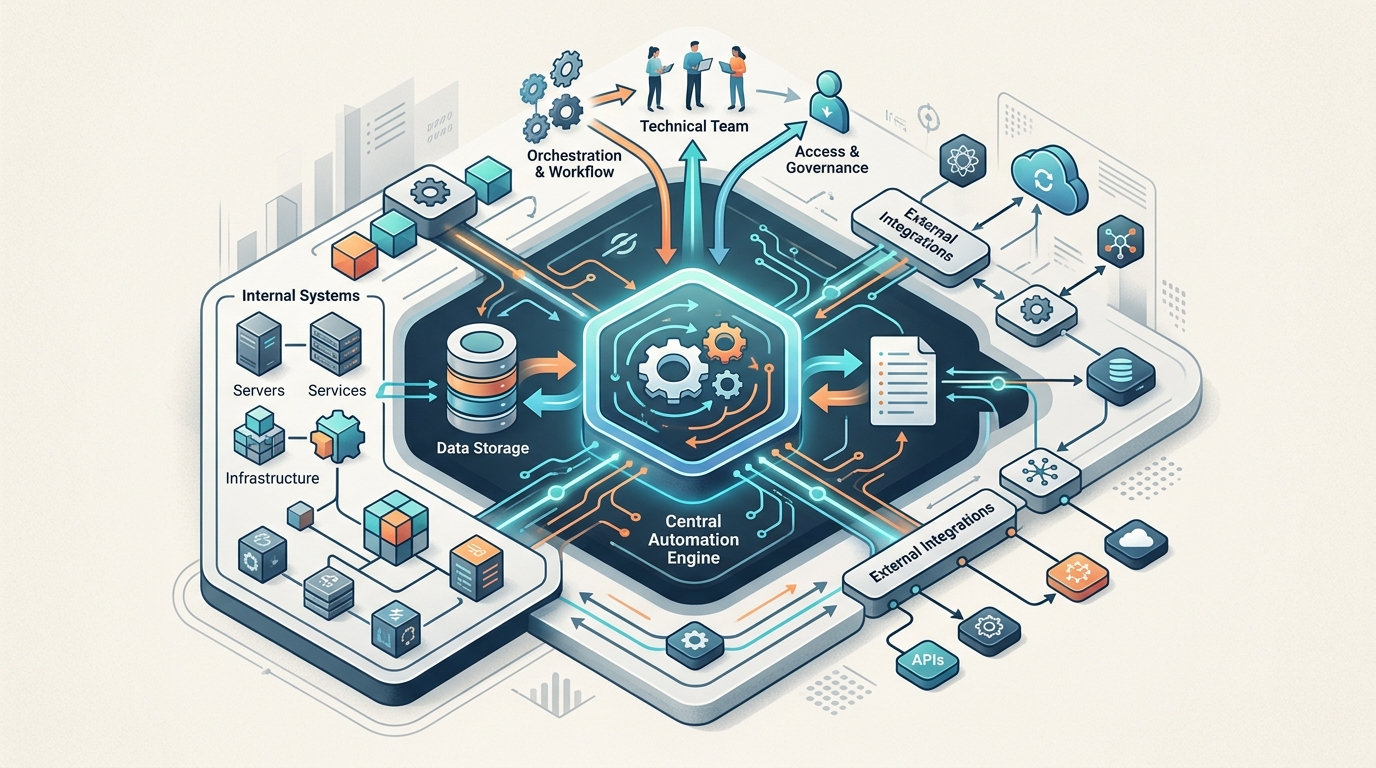
Technical teams must consider their existing infrastructure and data residency requirements when deploying n8n.
A simple decision framework:
- Hard privacy or residency requirements? → Community Edition, self-hosted. This is non-negotiable territory; if data can’t leave your network, the decision is made. (If this describes you, see our broader guide to on-premise automation software.)
- High execution volume or heavy polling? → Community Edition. Unmetered executions on a fixed-cost VPS beat plan allowances.
- No ops capacity, moderate volume, non-sensitive data? → Cloud. Pay for the managed service and spend your time building workflows instead of maintaining servers.
- Still undecided at the platform level? Revisit the fundamentals with our n8n vs Zapier vs Make comparison — the edition question only matters once you’re confident n8n is the right engine.
For most readers of this site — technical teams that value data control and already run infrastructure — Community Edition on your own VPS is the default recommendation, with Cloud as the pragmatic fallback when operational bandwidth is the binding constraint.
FAQ
What is the difference between n8n Community Edition and Cloud?
Both run the same core workflow engine. Community Edition is free and self-hosted — you manage the infrastructure and keep all data in-house. n8n Cloud is a paid managed service with execution-based plans, where n8n handles hosting, upgrades, and availability.
Is n8n Community Edition really free?
Yes, for self-hosted internal business use under n8n’s fair-code license. You pay only for your own server. Certain enterprise features (such as SSO and advanced collaboration controls) and embedding n8n in commercial products require paid licensing.
Can I migrate from n8n Cloud to self-hosted later?
Yes. Workflows can be exported as JSON and imported into a self-hosted instance. Credentials must be recreated on the new instance, and webhook URLs will change, so plan the cutover — but there is no lock-in at the workflow level.
Which edition is better for technical teams?
Teams that already operate Linux servers and Docker generally get the most value from self-hosted Community Edition: unmetered executions, full data control, and direct access to internal systems. Cloud suits teams without ops capacity or with light, non-sensitive workloads.
Does the Community Edition have execution limits?
No plan-based limits. Throughput is bounded only by your hardware. For high concurrency, n8n supports queue mode with Redis-backed workers, letting a self-hosted deployment scale horizontally.