
node-cron vs node-schedule: Choosing the Best Node.js Job Scheduler
If you need to run scheduled tasks inside a Node.js process, two libraries dominate the conversation: node-cron and node-schedule. Both are mature, widely used, and solve the same core problem — triggering a function on a schedule — but they differ in scheduling flexibility, API design, and how much control you get over individual jobs.
This comparison breaks down node-cron vs node-schedule so you can pick the right tool for your project in 2026, and understand what neither library does for you.
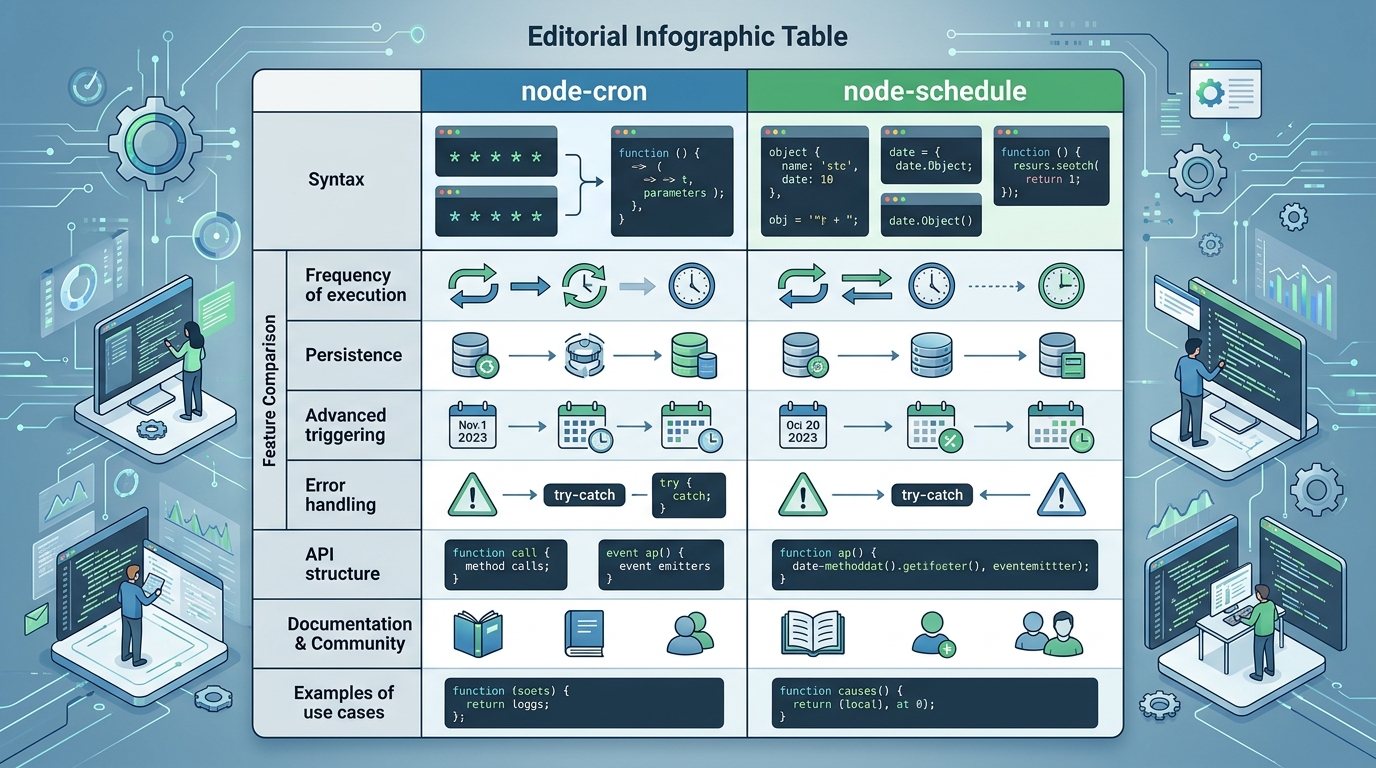
A detailed comparison of node-cron and node-schedule, outlining their features, scheduling flexibility, and API design.
What is the Difference Between node-cron and node-schedule?
At a high level:
- node-cron is a lightweight, cron-expression-focused scheduler. You define schedules using classic cron syntax (with optional seconds), and it runs your callback on that recurring pattern.
- node-schedule supports cron expressions and more flexible scheduling: one-off jobs at a specific
Date, recurrence rules built from JavaScript objects, and date ranges — making it closer to a general-purpose in-process job scheduler.
The rule of thumb: if your schedules are purely recurring and naturally expressed in cron syntax, node-cron keeps things simple. If you need “run once at this exact Date” or programmatically constructed recurrence rules, node-schedule is the more natural fit.
Both are in-process schedulers: jobs live inside your Node.js process and disappear when it stops. Neither persists jobs, replays missed runs, or coordinates across multiple instances — for that operational layer, see our guide to building reliable cron jobs.
node-cron Overview and Features
node-cron models its API directly on Unix cron:
const cron = require('node-cron');

// Runs at minute 0 of every hour
cron.schedule('0 * * * *', () => {
  console.log('Hourly job running');
});
Notable characteristics:
- Cron syntax with optional seconds field for sub-minute schedules.
- Timezone support via an options object, useful for user-facing schedules.
- Simple task control — returned tasks expose start/stop methods.
- Expression validation to catch malformed cron strings before they run.
- Minimal footprint with a small, focused API surface.
Pros and Cons of node-cron
Pros:
- Extremely easy to learn if you already know cron syntax
- Small and focused; little conceptual overhead
- Timezone-aware scheduling
- Good fit for containerized apps with a handful of recurring tasks
Cons:
- Recurring schedules only — no native “run once at this Date”
- No job persistence or missed-run handling
- Limited runtime introspection of scheduled jobs
- Cron expressions can get cryptic for complex schedules
node-schedule Overview and Features
node-schedule offers several ways to define when a job runs:
const schedule = require('node-schedule');

// Cron-style
schedule.scheduleJob('0 * * * *', () => console.log('Hourly job'));

// One-off at an exact Date
schedule.scheduleJob(new Date(2026, 11, 24, 9, 30, 0), sendHolidayReport);

// Object-based recurrence rule
const rule = new schedule.RecurrenceRule();
rule.dayOfWeek = [1, 3, 5]; // Mon, Wed, Fri
rule.hour = 8;
rule.minute = 0;
schedule.scheduleJob(rule, runMorningSync);
Notable characteristics:
- Multiple scheduling styles: cron strings,
Dateobjects, andRecurrenceRuleobjects. - One-time jobs at exact timestamps — something node-cron doesn’t offer natively.
- Job objects you can cancel, reschedule, and inspect (including next invocation time).
- Date-range constraints for jobs that should only run within a window.
Pros and Cons of node-schedule
Pros:
- Most flexible scheduling model of the two
- Readable, programmatic recurrence rules instead of cryptic strings
- One-off scheduled jobs at exact dates
- Job handles support cancellation and rescheduling at runtime
Cons:
- Slightly larger API to learn
- Like node-cron, no persistence — jobs vanish on process exit
- Flexibility can invite over-complicated scheduling logic where simple cron would do
Performance and Reliability in Production
For typical workloads — dozens of jobs firing on minute-or-coarser schedules — performance differences between the two libraries are negligible. Both rely on Node.js timers under the hood and recalculate against the wall clock, so neither suffers from the compounding drift of naive setInterval scheduling.
The reliability questions that actually matter in production apply equally to both:
- Process restarts erase all schedules. Neither library persists jobs; a crashed or redeployed process means missed ticks unless you handle it.
- No missed-run replay. If the process was down at the scheduled moment, the run is simply gone.
- No multi-instance coordination. Run three replicas of your app, and every job fires three times unless you add distributed locking.
- No built-in observability. Logging, alerting, and duration tracking are your responsibility.
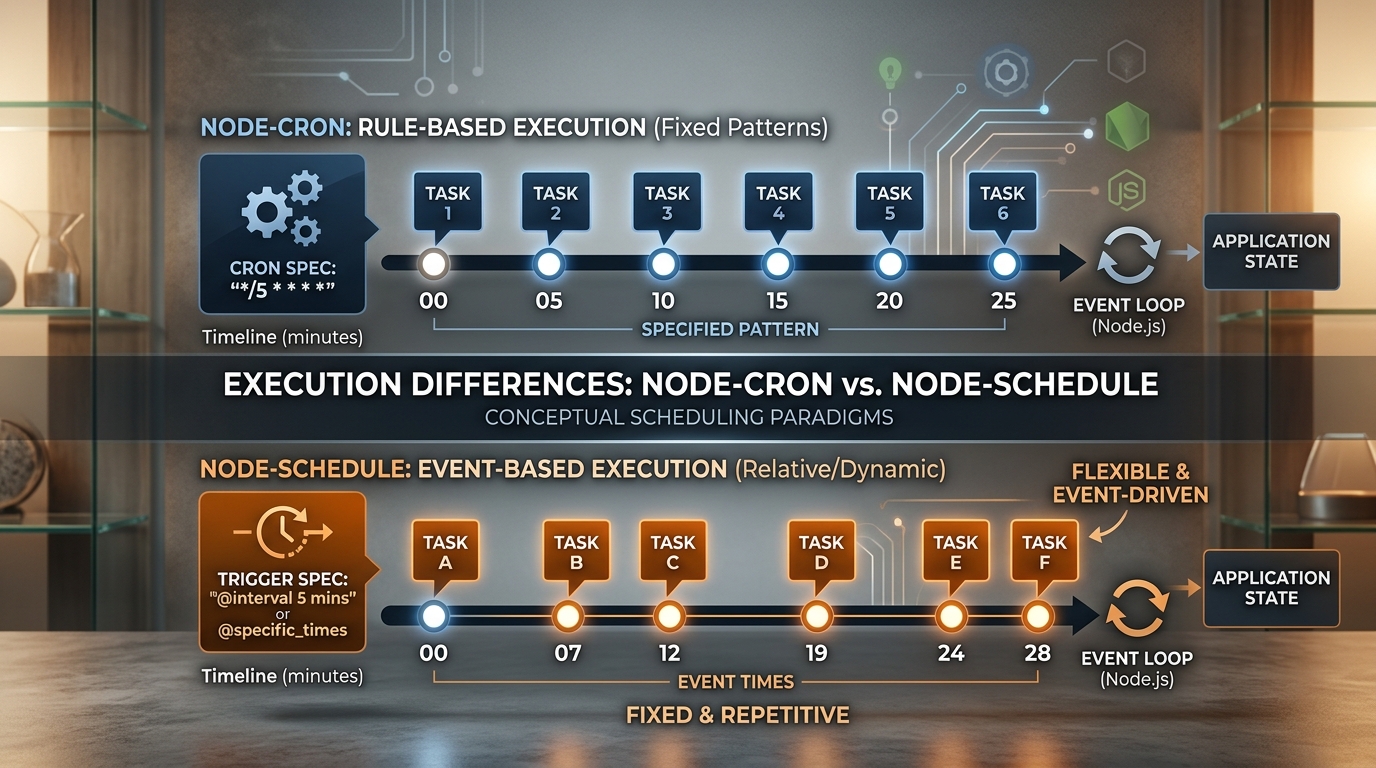
An illustrative code snippet or diagram demonstrating the distinct execution patterns and scheduling capabilities of node-cron versus node-schedule.
In other words, the library choice is the smaller half of the decision — the operational wrapper around it determines whether your scheduled tasks are production-grade.
Which Library Should You Choose for Your Project?
Choose node-cron if:
- All your schedules are recurring and map cleanly to cron expressions
- You value a minimal API and small dependency surface
- Your team already thinks in cron syntax
Choose node-schedule if:
- You need one-off jobs at specific dates alongside recurring ones
- You prefer programmatic recurrence rules over cron strings
- You want runtime job handles for cancellation, rescheduling, or inspecting next invocations
Choose neither (alone) if:
- You need guaranteed execution across restarts, missed-run handling, or multi-instance coordination — that calls for a persistent queue-backed scheduler or an external cron triggering your app
Whichever you pick, the scheduler is just the trigger. Building dependable automation workflows around those triggers — with idempotent jobs, persisted state, and monitoring — is what separates a demo from a production system.
FAQ
Is node-cron or node-schedule better for production?
Both are production-viable triggers with comparable performance. node-cron is better for simple recurring cron-style schedules; node-schedule is better when you need one-off dates or programmatic recurrence rules. Production reliability depends more on the logging, locking, and missed-run handling you build around either one.
Can node-cron run a job once at a specific date and time?
Not natively — node-cron is built for recurring cron expressions. If you need a job to fire once at an exact Date, node-schedule supports that directly via schedule.scheduleJob(date, fn).
Do node-cron and node-schedule persist jobs across restarts?
No. Both are in-process schedulers, so all jobs are lost when the Node.js process stops. For persistence and missed-run recovery, store job state externally or use a queue-backed scheduling system.
Does node-schedule support cron expressions too?
Yes. node-schedule accepts standard cron strings in addition to Date objects and RecurrenceRule instances, so you can migrate from node-cron with minimal syntax changes.