
The Best Local & Self-Hosted Automation Alternatives
As concerns over cloud data privacy, SaaS subscription fatigue, and vendor lock-in grow, thousands of IT managers and sysadmins have turned to self-hosted workflow automation tools. Platforms like n8n and Windmill initially gained popularity by allowing teams to bring automation in-house. However, as organizations deploy and operate these platforms long-term, many encounter a new operational bottleneck: the unexpected burden of self-hosted server infrastructure.
Managing dedicated Linux virtual machines, complex Docker Compose files, reverse proxies, and database backups often turns a quick automation initiative into an ongoing server administration headache.
If you are looking for self-hosted automation alternatives that deliver total data privacy without the maintenance friction of running custom server infrastructure, this guide compares server-based orchestrators against modern, desktop-first local platforms.
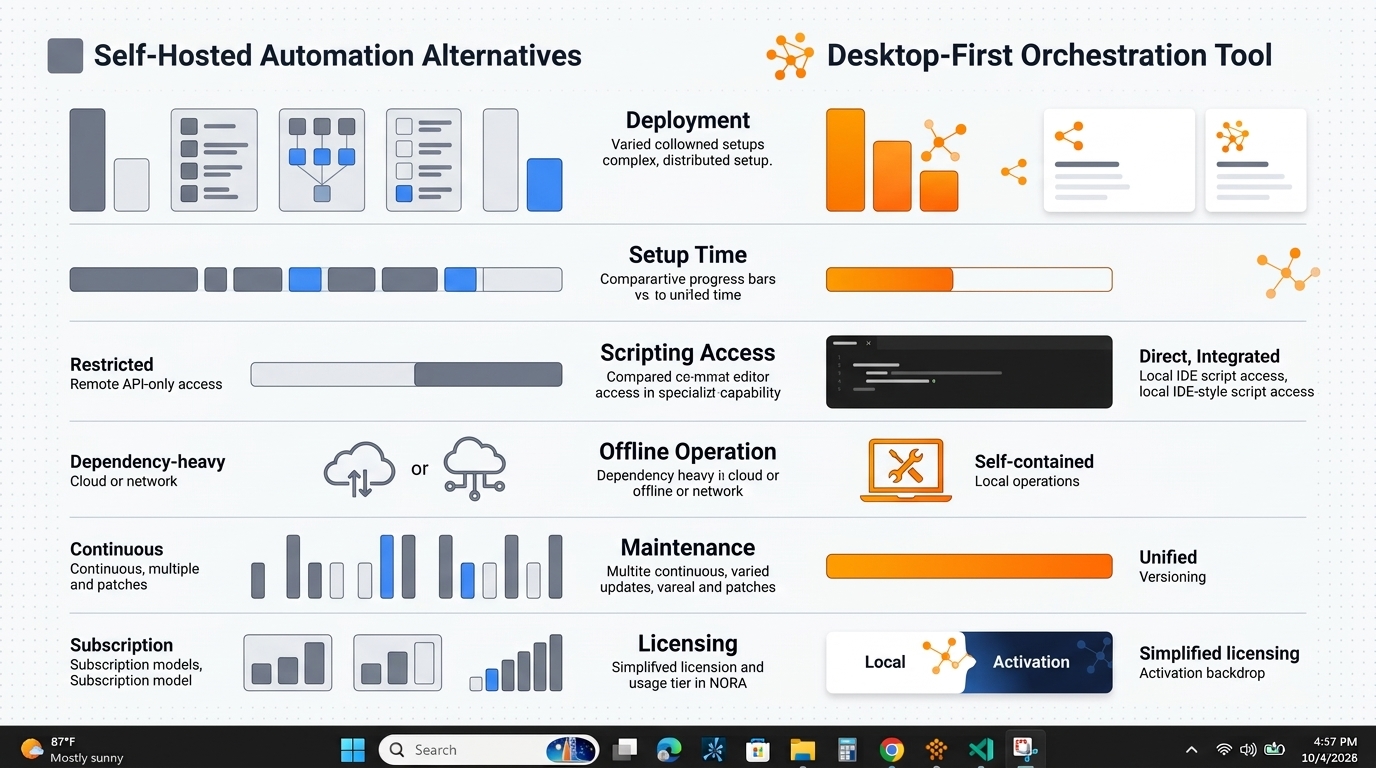
An illustrative comparison of server-based self-hosted automation platforms versus desktop-first orchestration tools like NORA. [cite: local-001]
The Problem with Traditional Self-Hosted Automation
Self-hosting automation software sounds ideal on paper: you retain control over your data and avoid cloud fees. In practice, traditional server-based self-hosting introduces substantial hidden friction:
- Infrastructure Overhead: Running tools like n8n or Windmill requires setting up Docker environments, configuring PostgreSQL databases, managing SSL certificates, and configuring reverse proxies (such as Nginx or Traefik).
- Maintenance & Patch Management: A self-hosted server is an additional attack surface. Sysadmins must continually patch underlying Linux OS packages, update container images, and monitor database storage usage.
- Local Desktop Integration Friction: Server-based tools run inside isolated Linux environments or container network stacks. Executing a local PowerShell script or interacting with files on a user’s local Windows desktop requires setting up complex SSH tunnels, webhook gateways, or custom agent runners.
- License Changes & Tier Limits: Many popular “open-source” platforms have shifted to restrictive “fair-code” or enterprise tier licensing models, restricting commercial usage or charging extra for essential features like granular RBAC and SSO.
Alternative to Self-Hosted n8n: Desktop-First Approach
n8n is widely recognized as a flexible node-based workflow platform. However, using n8n for internal IT operations often proves overly complex when all you need is local task orchestration.
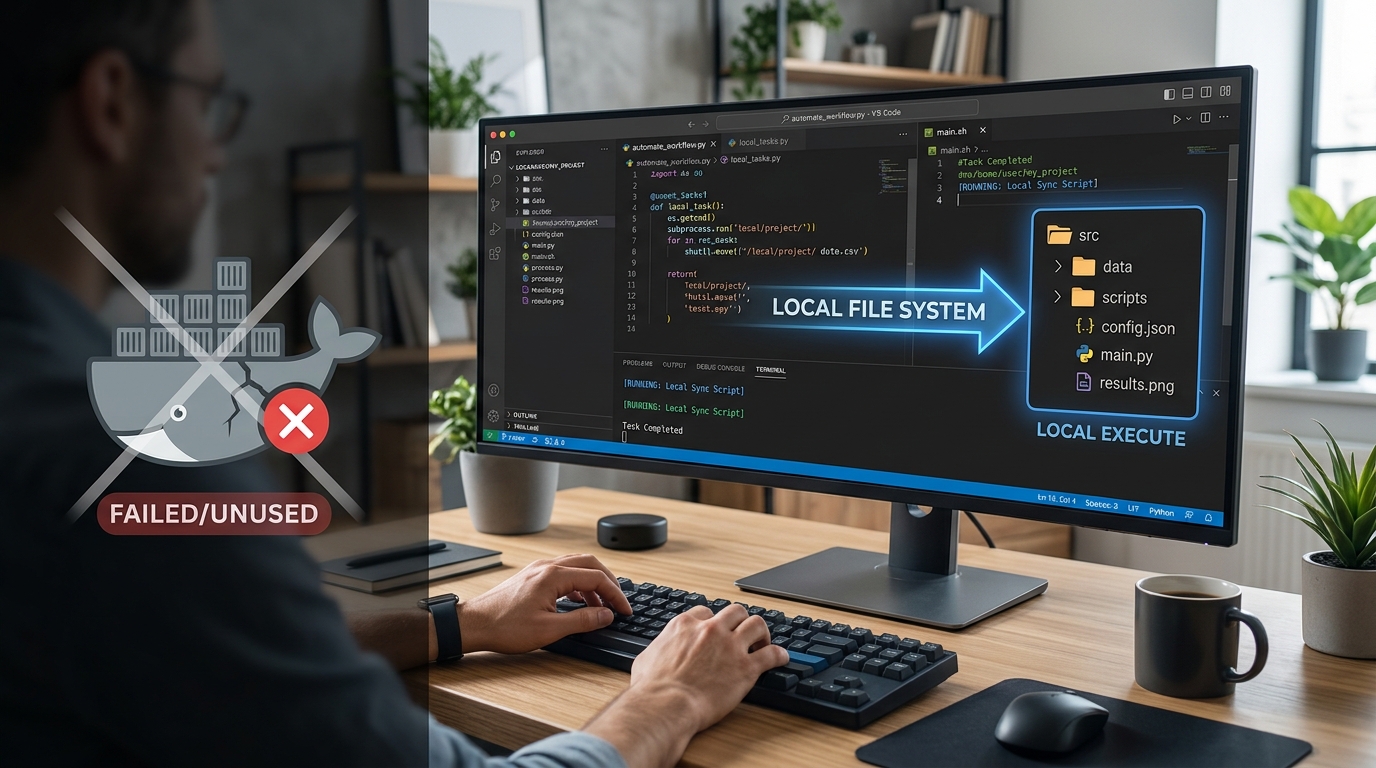
A visual illustration of a desktop-first automation alternative to self-hosted n8n, emphasizing zero Docker requirements.
Why Sysadmins are Moving Away from n8n Docker Setups
While n8n performs well for web-service integrations, using it as a primary IT tool introduces distinct challenges for system administrators operating in Windows environments:
- Heavy Container Stack: Running n8n reliably requires Docker Desktop or a dedicated Linux VM, consuming significant local system RAM and CPU resources before executing a single workflow line.
- Complex Local File & Command Access: Because n8n runs inside a Docker container, granting the container access to local host drives, elevated Windows admin privileges, or local PowerShell modules requires binding host volumes and configuring custom Docker environments.
- Version Update Friction: Upgrading n8n container versions can occasionally break database migrations or node schema compatibility, requiring manual rollbacks and terminal troubleshooting.
A desktop-first alternative to self-hosted n8n eliminates Docker completely. Installing as a native Windows application, a local desktop engine accesses local files, registry entries, and PowerShell scripts natively without virtualized network boundaries or container mounts.
Local Alternative to Windmill: Simplifying the Stack
Windmill has emerged as a developer-centric platform for building internal tools and script orchestration. While powerful for software engineering teams, it requires a heavy infrastructure stack including PostgreSQL, Caddy/Nginx, and worker nodes.
For IT sysadmins whose primary objective is reliable local script execution, system reporting, and file batching, Windmill’s multi-tenant architecture is often overkill:
- Excessive Architecture for Local Tasks: Deploying multi-container Kubernetes or Docker stacks just to schedule and execute local IT maintenance scripts adds unnecessary complexity.
- Deployment Velocity: Setting up Windmill requires database initialization, environmental variable management, and network configuration. A desktop-first tool installs in under 30 seconds and is ready to execute immediately.
Choosing a dedicated local alternative to Windmill allows sysadmins to leverage visual logic building and script wrapping directly on their workstations, bypassing server setup entirely.
Desktop vs Self-Hosted Server: Which is Right for You?
When evaluating self-hosted automation alternatives, comparing operational requirements helps determine whether a server-based setup or a desktop-first tool matches your team’s needs.
| Operational Factor | Server-Based Self-Hosting (n8n / Windmill) | Desktop-First Orchestration (NORA) |
|---|---|---|
| Primary Deployment Environment | Linux Server / Cloud VM / Docker Container | Local Windows Desktop / Workstation |
| Setup Time | 1 to 4 hours (Docker, DB, Networking) | Under 1 minute (Standard Installer) |
| Windows Scripting Access | Complex (Requires SSH / Agent Nodes) | Native (Direct PowerShell / Batch Execution) |
| Offline / Air-Gapped Operation | Requires offline Docker registry setup | Works out-of-the-box with zero setup |
| Ongoing Maintenance | High (OS updates, database maintenance) | Zero (Runs as lightweight local app) |
| Pricing / License Model | Open-core / Usage tiers / SaaS enterprise | Perpetual license automation (One-time fee) |
If your primary focus is connecting public cloud APIs across large multi-tenant teams, a server-based platform may fit. But if your goal is secure, fast, zero-maintenance IT automation on local machines, a desktop workflow tool is vastly superior.
Why NORA is the Ultimate Private Automation Tool
NORA redefines what a private automation tool should be by delivering modern visual workflow orchestration inside a lightweight, desktop-native executable.
NORA eliminates the compromise between cloud security risks and self-hosted infrastructure headaches:
- Zero Docker or Server Dependencies: NORA runs natively on your Windows workstation. There are no container networks to troubleshoot or backend databases to maintain.
- Native Windows Systems Integration: Trigger PowerShell scripts, parse local event logs, manage local directory trees, and call system utilities directly.
- Complete Data Isolation: Workflows execute using local CPU cycles. Payload data and credentials stay encrypted on your hardware.
- Cost Predictability: Rather than forcing subscription pricing or enterprise self-hosting surcharges, NORA provides an automation software one time purchase model.
By combining the visual ease of cloud iPaaS tools with native endpoint performance, NORA represents the premier choice for sysadmins planning an automation without server project.
Frequently Asked Questions (FAQ)
What is the main difference between self-hosted automation and desktop-first automation?
Self-hosted automation (like n8n or Windmill) requires installing software on a server or Docker container, which requires managing backend databases, web servers, and networks. Desktop-first automation installs directly on your PC as a local desktop application, requiring zero server infrastructure or backend management.
Is a desktop automation tool secure enough for enterprise use?
Yes. Desktop automation tools are often more secure than server-based platforms because execution occurs strictly within your endpoint security perimeter. No sensitive credentials or workflow payloads leave your device, ensuring full compliance with strict privacy standards.
Can I run self-hosted automation alternatives in an air-gapped environment?
Yes! Desktop-first tools like NORA are completely self-contained binaries that do not require external cloud validation or internet connectivity, making them ideal for air-gapped enterprise environments.
Can I migrate my existing PowerShell or Python scripts into a desktop automation tool?
Absolutely. Modern desktop orchestrators like NORA feature built-in script nodes that allow you to wrap, execute, and pass dynamic parameters to your existing PowerShell, Python, and Batch scripts directly.