
The Ultimate Guide to Local AI Image Generation & Hosting
Local AI image generation gives technical teams more control over how image models run, where data flows, and how generation infrastructure is managed. Instead of sending every request to a hosted API, a self-hosted setup runs image generation on hardware you control.
For DevOps teams, technical founders, and engineering-led marketing teams, the appeal is clear: local infrastructure can support privacy-sensitive workflows, custom model experimentation, predictable internal processes, and deeper integration with production systems. It also comes with responsibilities: hardware planning, maintenance, monitoring, updates, and capacity management.
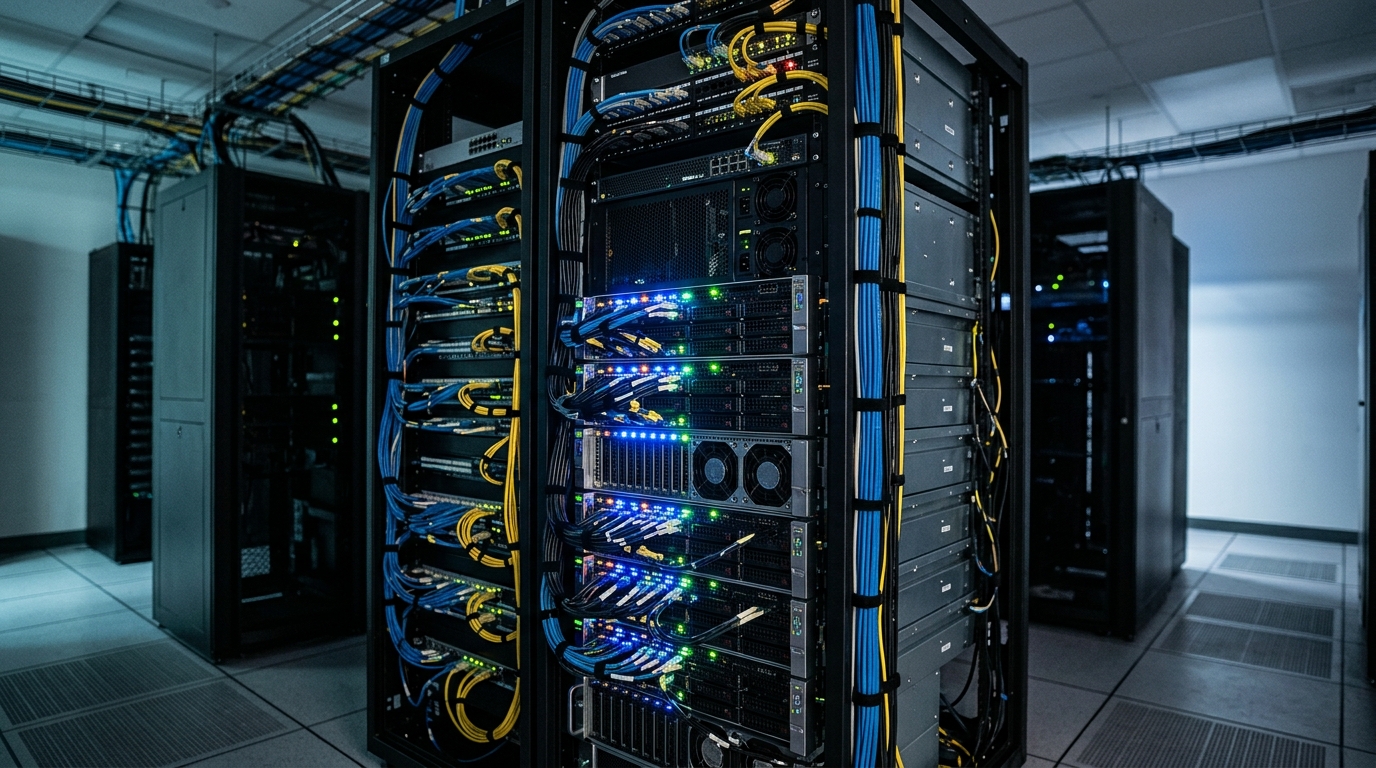
A robust server rack setup, illustrating the hardware foundation for local AI image generation and self-hosting.
Why Choose Self-Hosted Image Generation?
Self-hosted image generation is a strong option when your team needs control more than convenience. Hosted services are often easier to start with, but local generation lets you own more of the runtime environment.
Teams commonly choose local setups for:
- Data control: prompts, reference images, and outputs stay inside your environment.
- Custom workflows: teams can integrate generation directly into internal systems.
- Model experimentation: local environments can support custom checkpoints, LoRAs, ControlNet-style workflows, or specialized pipelines where appropriate.
- Operational predictability: teams can define their own queues, policies, storage, and review steps.
- Reduced dependency on external API availability: local systems can keep running as long as internal infrastructure is healthy.
Local hosting is not automatically cheaper or faster. The right decision depends on volume, utilization, hardware cost, maintenance burden, and team expertise. If you are evaluating the economic side, compare cloud vs local setup costs before buying hardware.
Local Stable Diffusion Hardware Requirements
Local stable diffusion hardware planning starts with the model and workload. A workstation used by one creator has different needs than a server supporting batch jobs for a marketing or ecommerce pipeline.
Typical planning categories include:
- GPU: the most important component for generation speed and model capacity.
- VRAM: affects model size, resolution, batch size, and workflow complexity.
- System RAM: helps with large workflows, preprocessing, and multitasking.
- Storage: model files, generated outputs, datasets, and logs can consume significant space over time.
- CPU: less important than GPU for generation, but still relevant for orchestration, preprocessing, and file operations.
- Cooling and power: sustained generation workloads can stress consumer workstations.
- Network: important if multiple users or services submit generation jobs.
Specific GPU benchmarks vary by model, settings, drivers, and workflow design. Use [SOURCE NEEDED] when documenting exact speed expectations for your organization.
What is the best local hardware for Stable Diffusion?
The best local hardware for Stable Diffusion depends on your workload. For experimentation, a single GPU workstation may be enough. For production workflows, teams often need a more robust server setup with sufficient VRAM, reliable cooling, storage planning, and monitoring.
Rather than choosing hardware based only on a model name, evaluate:
- Target resolution and output size.
- Expected number of images per day.
- Whether jobs run interactively or in batches.
- Need for multiple simultaneous users.
- Workflow complexity, including upscaling or control networks.
- Maintenance skills available on the team.
- Budget for replacement, downtime, and upgrades.
If the goal is production automation, hardware should be selected for reliability and manageability, not only peak generation speed.
Step-by-Step SDXL Local Setup
An SDXL local setup should be built methodically. The exact commands and packages depend on your operating system, GPU, drivers, and preferred interface, so treat this as an infrastructure checklist rather than a universal command recipe.
-
Define the operating environment
Choose a workstation, server, or containerized environment. Document OS version, GPU model, driver version, and runtime dependencies. -
Install GPU drivers and runtime dependencies
Confirm the GPU is visible to the system and compatible with your chosen ML framework. Avoid mixing untested driver and runtime versions in production. -
Choose an interface or workflow engine
Common options include web-based Stable Diffusion interfaces, ComfyUI-style node workflows, or custom Python services. For workflow-specific automation, see Stable Diffusion automation. -
Download approved models
Store models in a controlled location. Track source, license terms, version, and intended use. Use [SOURCE NEEDED] for legal or licensing claims that require verification. -
Configure output storage
Decide where generated images, metadata, logs, and intermediate files will live. Establish retention and backup rules. -
Test a baseline prompt
Run a simple generation job and record settings, time, output dimensions, and errors. This becomes your baseline for future troubleshooting. -
Add workflow templates
Create reusable templates for the kinds of assets your team needs: product images, social graphics, blog headers, or internal concepts. -
Add access control
Decide who can submit jobs, change models, modify workflows, and approve outputs. -
Connect to a broader pipeline
Once local generation works, integrate it with your image generation pipeline so jobs can be queued, reviewed, and stored consistently.
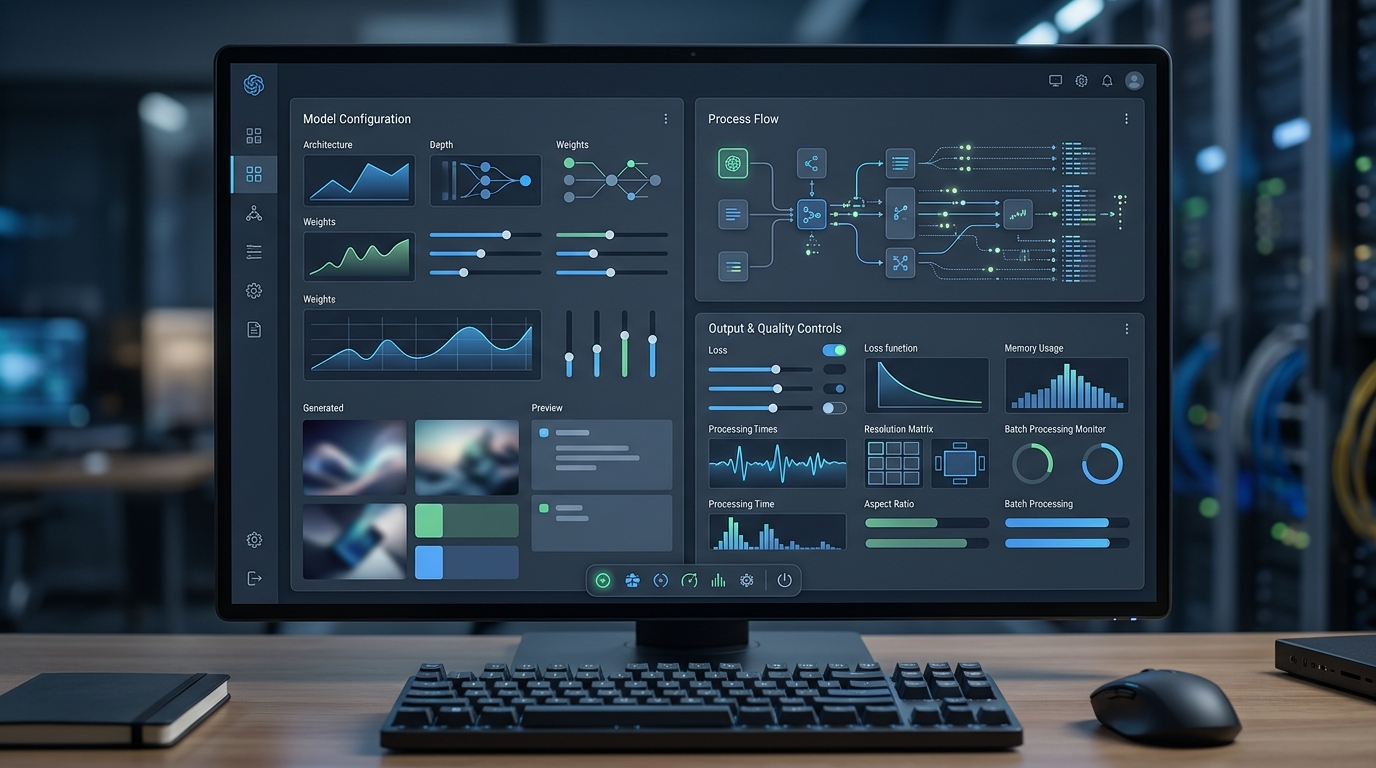
A user interface displaying configuration options for a local AI image generation server, highlighting settings for models and workflows.
Managing Infrastructure for Self-Hosted AI
How do you self-host an AI image generation infrastructure? You treat it like a production service, not a hobby application.
Key management practices include:
- Environment documentation: record installed versions, dependencies, drivers, models, and configuration files.
- Monitoring: track GPU utilization, memory usage, storage growth, job failures, and queue length.
- Backups: back up workflow definitions, prompt templates, metadata, and approved outputs.
- Model governance: control who can install models and where models come from.
- Access control: require authentication for shared systems.
- Change management: test model, driver, and workflow updates before production use.
- Queue management: prevent one large batch from blocking urgent work.
- Review workflows: route outputs to the right team before they are published.
For teams using local generation as part of marketing or ecommerce operations, the infrastructure should connect to asset storage, review status, and downstream publishing tools. Otherwise, local generation can become another isolated creative workstation.
Security and Privacy Benefits
Local AI image generation can provide meaningful security and privacy advantages because prompts, reference images, and outputs can remain within your environment. This matters when teams work with unreleased products, proprietary campaign concepts, customer-specific visuals, or sensitive internal data.
Potential benefits include:
- Reduced exposure of prompts and reference images to third-party APIs.
- More control over where generated assets are stored.
- Internal logging and audit policies.
- Custom access rules for different teams.
- Better alignment with internal security review processes.
However, local does not automatically mean secure. Teams still need patching, access control, network restrictions, credential management, and monitoring. A poorly managed local server can create risk even if no external API is involved.
The best approach is to match the hosting model to your risk profile. If the work is low sensitivity and unpredictable in volume, cloud may be sufficient. If data control and customization are priorities, local generation may be the right foundation.
FAQ
How to self-host an AI image generation infrastructure?
Start by choosing hardware, installing compatible GPU drivers and runtime dependencies, selecting a Stable Diffusion interface or workflow engine, downloading approved models, configuring storage, and adding access control. Then connect the setup to a queue, review workflow, and asset storage system.
What is the best local hardware for Stable Diffusion?
The best hardware depends on output volume, resolution, model choice, workflow complexity, and user concurrency. GPU and VRAM are the most important planning factors, but storage, cooling, power, and monitoring also matter for production use.
Is local AI image generation cheaper than cloud APIs?
Not always. Local generation has upfront hardware and maintenance costs, while cloud APIs usually have usage-based costs. The better option depends on utilization, workload consistency, privacy needs, and technical capacity.
Why use SDXL locally?
Running SDXL locally can give teams more control over models, settings, workflow design, data handling, and integrations. It is most useful when the team has the technical skill to maintain the environment.