
How to Choose an Automation Platform in 2026
The automation tool market has never been more crowded, and the positioning has never been blurrier. Every platform claims AI capabilities, developer-friendliness, and enterprise security — which means marketing pages have stopped being useful inputs to the decision.
This guide is a working framework for how to choose an automation platform as a technical decision-maker: the factors that actually differentiate tools, how to weight them for your team, and the implementation mistakes that sink automation projects after the right tool was chosen.
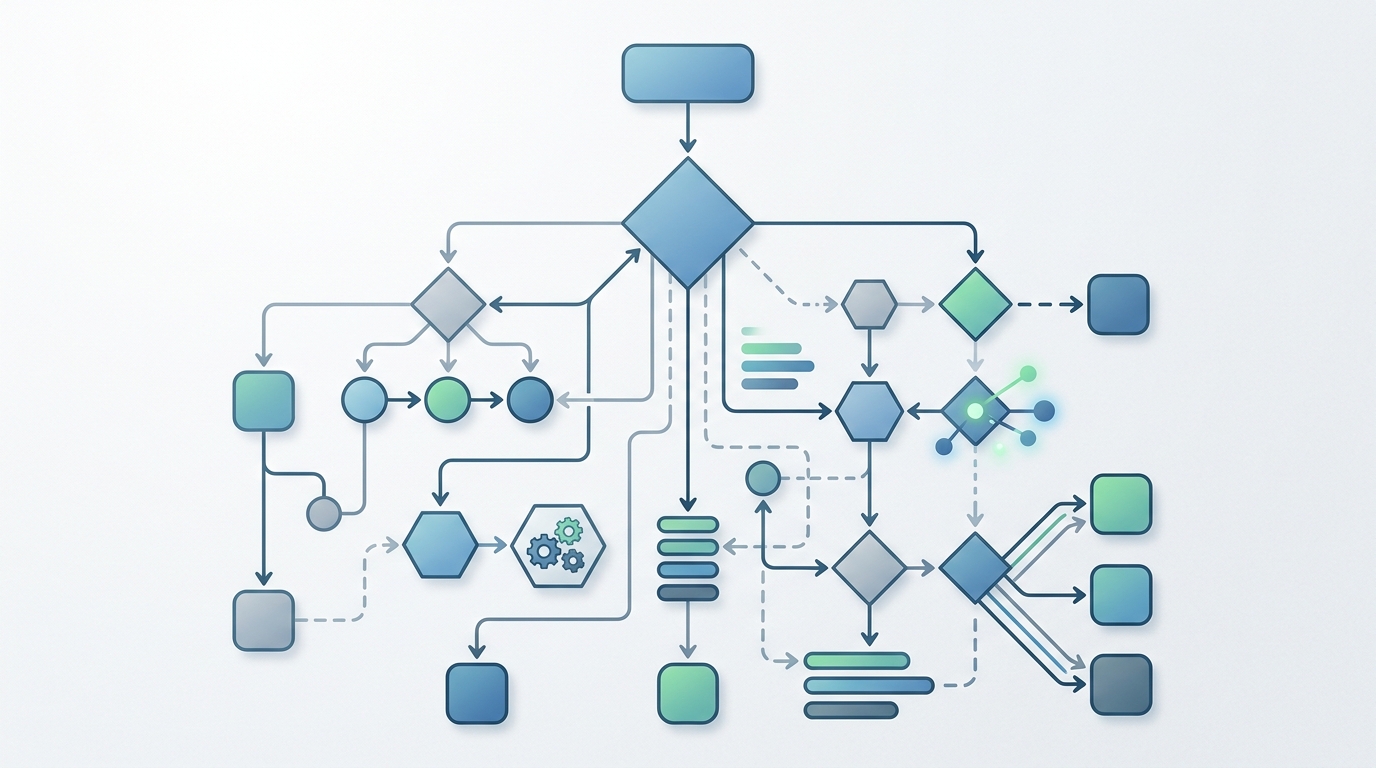
A visual guide to navigating the complexities of choosing the right automation platform for your organization.
The Importance of Choosing the Right Automation Tools
An automation platform is not a normal SaaS purchase. Once adopted, it accumulates workflows the way a codebase accumulates modules — and within a year, parts of your operation quietly depend on it. That makes the selection decision unusually sticky:
- Switching costs compound. Workflow logic built in a platform’s proprietary format does not export cleanly. The more value you get from a platform, the more expensive it becomes to leave.
- The deployment model sets your data policy. Whatever the platform can see — credentials, payloads, AI prompts — a cloud vendor’s infrastructure sees too. That is an architectural decision made once, at selection time.
- Pricing models determine behavior. Teams on per-task pricing learn to ration automation; teams on flat or local models automate freely. The pricing structure you pick shapes how much value you extract.
- Failed rollouts poison the well. A platform that gets abandoned makes the next automation initiative harder to sell internally. Choosing carefully the first time is cheaper than choosing twice.
Key Factors in Evaluating an Automation Platform
Score your shortlist against these three factor groups. They cover the differences that survive contact with production.
Deployment Options (Cloud vs Self-Hosted)
The first and most consequential fork. Cloud platforms offer zero setup and broad SaaS catalogs; self-hosted and local-first platforms offer data control, direct access to internal systems, and freedom from per-execution metering.
Ask concretely:
- What data will flow through workflows in year one — and would you be comfortable with a vendor processing all of it?
- Do workflows need to reach systems behind your firewall?
- What happens to your monthly cost if execution volume grows ten-fold?
This decision deserves its own analysis — weigh the pros and cons of cloud automation vs self-hosted before scoring anything else, because it disqualifies more tools than any other factor.
Scalability and Internal Use Cases
Scalability here means more than execution throughput:
- Workflow volume economics. High-frequency internal workflows (polls, syncs, triage) are where metered pricing bites. Model your realistic volume before trusting any pricing page.
- Use-case ceiling. Platforms comfortable with SaaS glue can struggle with internal operations — edge cases, custom logic, sensitive data. If internal ops is your center of gravity, evaluate against the ideal automation platform for internal operations criteria specifically.
- Team growth. Can workflows be shared, documented, and handed over — or does every automation live and die with its author?
AI Integration and Extensibility
In 2026, AI steps are where automation value concentrates — triage, extraction, summarization, drafting. Evaluate:
- Are AI model calls first-class workflow steps or a single bolted-on integration?
- Is the platform multi-provider? You should be able to use Claude, GPT, Gemini, or others per step, and swap as models and pricing evolve — vendor lock-in at the AI layer is lock-in all the same.
- Can you drop to code? Every real workflow eventually exceeds what visual nodes express. Script execution as a native capability is the difference between a platform you grow with and one you outgrow.
- Where do prompts and responses travel? AI workflows carry sensitive content; know whether that content transits the platform vendor’s servers.
Mapping Tools to Your Team’s Technical Expertise
The best platform is the one your actual team will use. Match the tool to the people:
- Non-technical team, SaaS-centric workflows → managed cloud platforms with big catalogs. Accept the data and pricing trade-offs consciously.
- Small technical team, no capacity to run servers → local-first tools that deliver self-hosted data posture without a deployment project. This is the profile NORA is built for: a visual node-based builder that runs as a desktop app, orchestrates existing scripts, and treats AI models as native nodes.
- Engineering team with platform capacity → self-managed server deployments of source-available tools are viable, if you accept ownership of upgrades, scaling, and security.
- Mixed team → prioritize visual builders with code escape hatches, so technical members handle edge cases while others build and read the simple workflows.
Be honest about maintenance appetite. The most common mis-selection is a team choosing the most powerful option and discovering nobody has time to operate it. For a concrete look at specific tools mapped to these profiles, review the best AI automation tools for developers.
Avoiding Common Automation Implementation Mistakes
Selection failures are rarer than implementation failures. The recurring mistakes:
- Piloting with a toy workflow. Demo scenarios prove nothing. Pilot with one real, recurring, production-relevant workflow — that is where platform gaps surface.
- Automating a broken process. Automation amplifies whatever exists. Fix the process first, then automate the fixed version.
- Skipping human-in-the-loop stages. Especially with AI steps: keep approval gates until execution history earns autonomy. Removing oversight on day one is how automations end up distrusted by week three.
- Letting workflows become one person’s toolbox. Undocumented automations recreate the glue-code problem. Require a one-paragraph description and a named owner per workflow.
- Ignoring the failure path. Every workflow needs an answer to “what happens when this breaks, and who finds out?” Retries, alerts, and visible logs are not optional extras.
- Scaling before trusting. Expand automation scope only as fast as your confidence in the platform’s observability grows.

Effective evaluation of an automation platform requires a collaborative effort to consider all key factors for internal use.
Next Steps in Your Automation Journey
A concrete 30-day path from reading to decided:
- Week 1: Inventory recurring manual work and rank it by frequency × time cost. Define your hard requirements — especially on data handling and deployment model.
- Week 2: Shortlist two or three platforms that pass the hard requirements. Disqualify aggressively; a short shortlist is a feature.
- Weeks 3–4: Pilot one real workflow on your top candidate, end to end, with logging and an approval step. Note every gap between the marketing and the reality.
- Decision: Score the pilot against the factors above, pick, and commit — then compound one workflow at a time.
Choosing well is mostly about matching architecture to constraints: your data, your team, your volume. Get those three honest, and the shortlist usually narrows itself.
Frequently Asked Questions
How do I choose an automation platform for my team?
Start with hard requirements — data handling, deployment model, internal system access — and disqualify tools that fail them. Then score the survivors on AI integration, extensibility, pricing model at your realistic volume, and fit with your team’s maintenance capacity. Pilot one real workflow before committing.
Should I choose cloud or self-hosted automation?
If workflows touch sensitive data, internal systems, or run at high frequency, self-hosted or local-first is generally the better fit. If your automation is low-sensitivity SaaS glue built by non-technical users, cloud platforms are faster to adopt. Many teams run local-first for internal operations and keep a cloud tool for light SaaS connections.
What is the most common mistake when adopting automation platforms?
Piloting with a trivial workflow and scaling on that false confidence. Platforms reveal their real limits — error handling, edge cases, observability, cost at volume — only under genuine production workflows. Pilot with something real.
How important is AI support in an automation platform in 2026?
Central. Triage, extraction, summarization, and drafting are the highest-value automation steps for most teams, and they require native, multi-provider AI nodes. Evaluate whether model calls are first-class workflow primitives and whether you can swap providers — and know where your prompts travel.