
How to Make Local LLM Faster: The Ultimate Optimization Guide
Running open-weights AI models on personal hardware offers privacy and autonomy, but raw execution speed remains a constant challenge. When local models stutter or take tens of seconds to formulate responses, learning how to make local LLM faster becomes essential.
Whether you are building custom AI agents, integrating local code assistants into your IDE, or running offline conversational models, this comprehensive local LLM optimization guide covers actionable techniques to improve LLM inference speed, drastically reduce local LLM latency, and maximize output throughput.
Understanding Local LLM Inference Speed
To effectively speed up local AI model execution, you must first understand the fundamental mechanics of transformer inference. Large language model inference runs in two distinct operational phases:
- Prompt Evaluation Phase (Prefill): The model parses and evaluates your input tokens in parallel. This phase is heavily compute-bound (FLOPs) and relies heavily on GPU processing power.
- Token Generation Phase (Autoregressive Decode): The model generates one token at a time sequentially. Each new token requires reading every single parameter weight from memory. This phase is heavily memory bandwidth-bound.
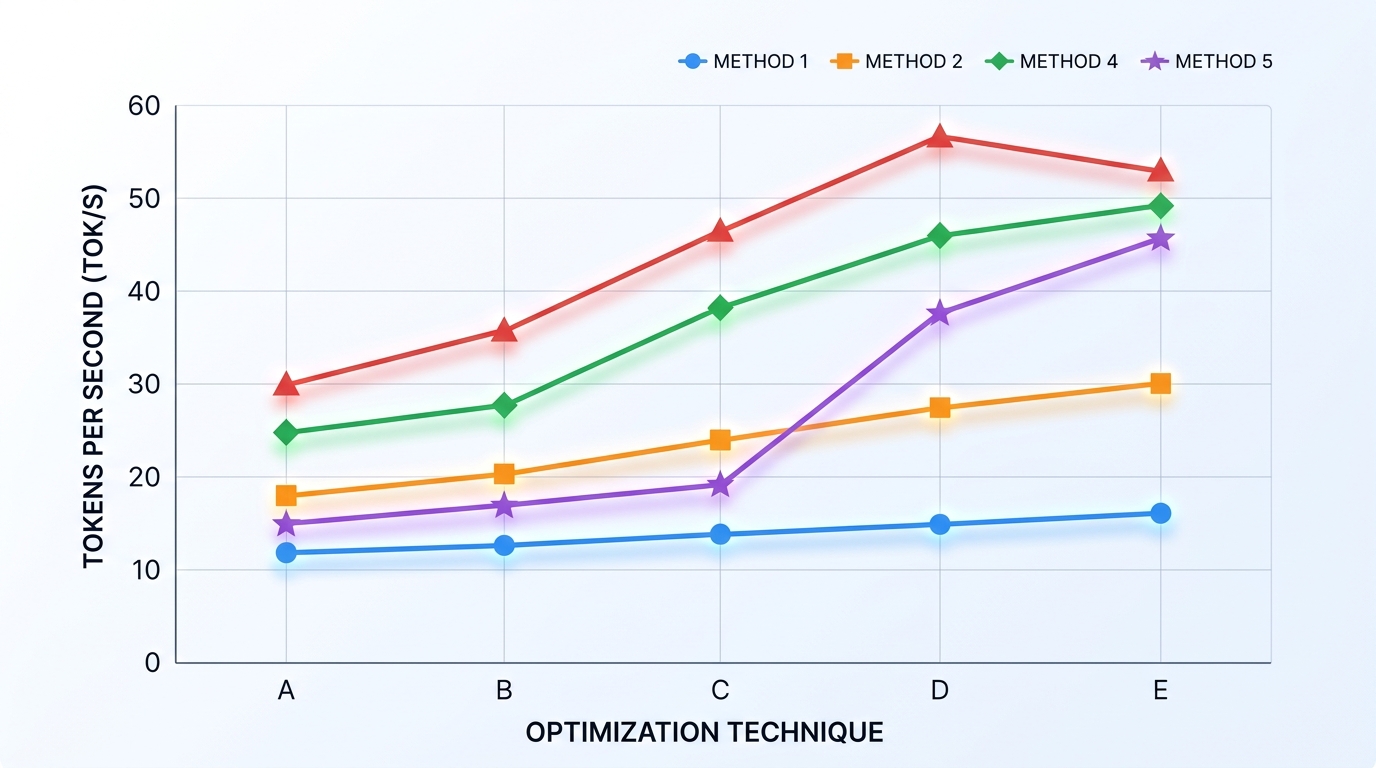
A visual comparison of tokens per second (tok/s) rates, illustrating the impact of different optimization strategies on local LLM inference speed.
What is a Good Tokens Per Second Rate?
When evaluating performance metrics, generation speed is expressed in tokens per second (tok/s):
- 1–5 tok/s (Unusable/Laggy): Output trails far behind human reading speed. Usually indicates CPU fallback or heavy RAM swapping. If your system falls into this range, start by learning how to diagnose a slow local LLM.
- 15–25 tok/s (Standard Interactive Speed): Matches average human reading speed (~250–300 words per minute). Ideal for interactive chat windows and real-time coding assistants.
- 40–80+ tok/s (High Performance): Excellent performance for automated script pipelines, real-time voice agents, and high-volume background data processing.
If your setup produces local LLM tokens per second low numbers, systematic optimization will yield massive improvements.
Proven Ways to Improve LLM Inference Speed
Executing targeted configuration adjustments can instantly increase model throughput without replacing hardware.
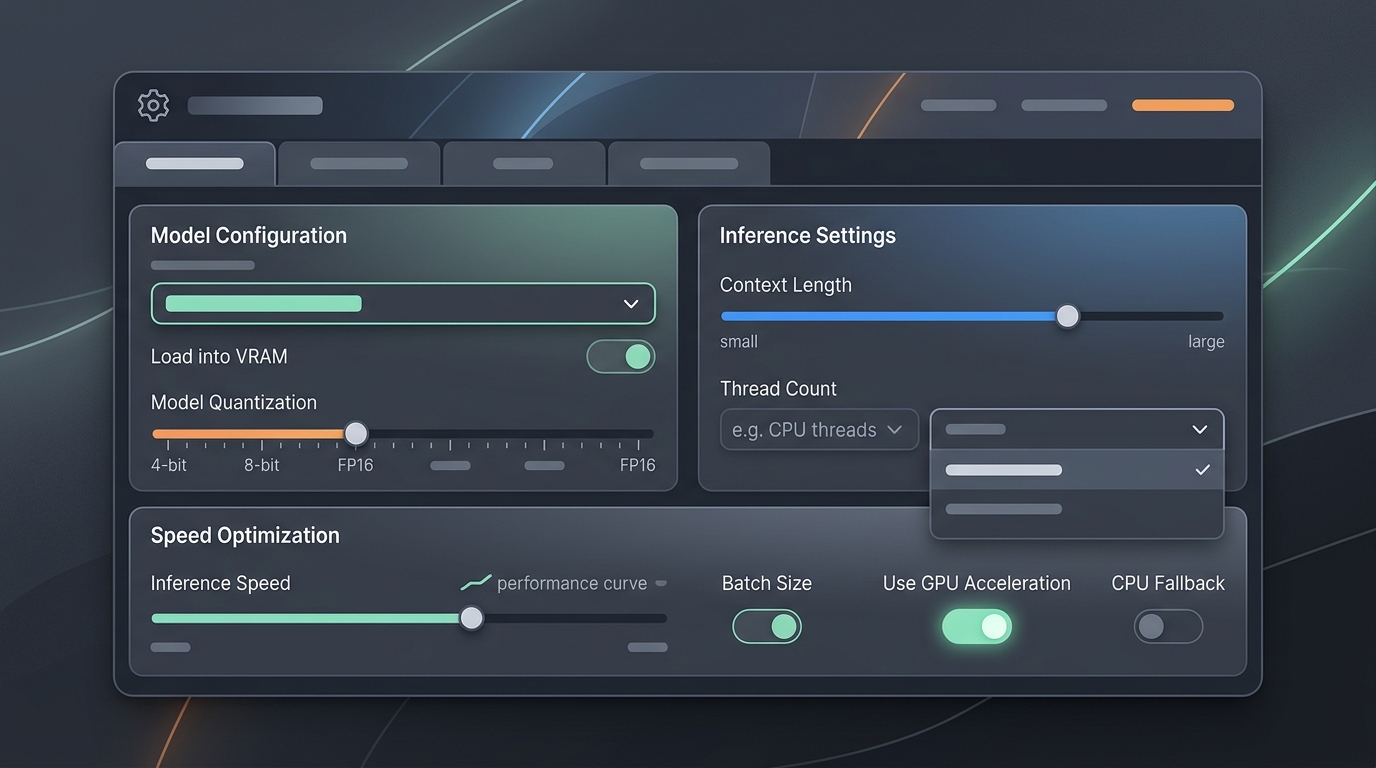
An illustrative interface showcasing common settings for fine-tuning local LLM inference speed and quantization levels.
Offload Layers to the GPU
The single most impactful step to optimize local model performance is ensuring that 100% of model layers reside on dedicated GPU VRAM.
Modern inference runtimes (such as Llama.cpp, Ollama, LM Studio, and vLLM) allow users to specify how many model layers offload to dedicated graphics hardware.
– In Llama.cpp, use the flag -ngl 99 (or --n-gpu-layers 99).
– In Ollama, settings automatically detect maximum GPU memory, but can be fine-tuned via num_gpu parameter blocks in your Modelfile.
If your model layers overflow dedicated VRAM, system memory fallback occurs, severely throttling total throughput. If you encounter issues where the graphics chip is ignored entirely, read our guide to fix local LLM hardware bottlenecks.
Choose the Right Quantization (GGUF, AWQ, EXL2)
Quantization reduces the precision of model weights from 16-bit floating point (FP16) down to 8-bit, 4-bit, or even 2-bit integers. Lowering precision dramatically reduces weight size and memory bandwidth requirements.
- GGUF (Llama.cpp / Ollama): The standard universal format for CPU/GPU hybrid and full GPU execution. (GGUF)
Q4_K_M(4-bit medium) offers the golden balance, reducing VRAM demands by over 60% while maintaining near-lossless precision. - AWQ (Activation-aware Weight Quantization): Tailored specifically for NVIDIA GPUs, offering extremely fast prefill prompt evaluation speeds.
- EXL2 (ExLlamaV2): Optimized for fast autoregressive generation on NVIDIA GPUs, supporting fine-grained variable bitrates (e.g., 3.5-bit or 4.25-bit) to tightly fit exact VRAM constraints.
Selecting a 4-bit quantization scheme over FP16 typically yields a 2x to 4x increase in generation speed.
Upgrade to Faster Memory (RAM/VRAM Bandwidth)
Because token generation is memory-bandwidth bound, total output speed scales almost linearly with memory transfer rates:
| Memory Technology | Typical Bandwidth Range | Expected 7B Model Speed |
|---|---|---|
| DDR4 RAM (Dual Channel) | 25 – 45 GB/s | 2 – 5 tok/s |
| DDR5 RAM (Dual Channel) | 50 – 85 GB/s | 6 – 12 tok/s |
| Apple M-Series (Unified) | 100 – 800 GB/s | 15 – 90+ tok/s |
| Consumer GPU (GDDR6/6X) | 300 – 1,000+ GB/s | 35 – 120+ tok/s |
If you are running hardware on macOS platforms, review our dedicated steps to optimize Ollama running slow on Mac.
How to Reduce Local LLM Latency for Real-Time Apps
Time-to-First-Token (TTFT) determines how quickly an application begins producing output after receiving a prompt. High latency creates noticeable lag in real-time agentic workflows and live voice interfaces.
1. Enable FlashAttention
FlashAttention optimizes how transformer attention matrices compute in memory, reducing I/O bottlenecks and drastically accelerating prompt processing times on modern GPUs.
– Enable FlashAttention in supported runners using flags like --flash-attn or setting OLLAMA_FLASH_ATTENTION=1.
2. Restrict Context Window Overhead
Every token stored in context requires Key-Value (KV) cache memory. Allocating an excessive context window (e.g., 64,000 tokens when only 4,000 are needed) consumes significant VRAM and increases prompt processing latency.
– Set context parameters (num_ctx or --ctx-size) to match your actual operational requirements.
3. Utilize KV Cache Quantization
High-end inference runners support quantizing the KV cache itself (e.g., standard FP16 KV cache down to 8-bit or 4-bit integers). This frees up VRAM for larger context windows while keeping prompt evaluation fast.
Advanced Techniques to Increase Local LLM Throughput
When building backend services or local API endpoints that handle multiple concurrent queries, single-stream generation speed is less critical than total throughput across multiple user requests.
Continuous Batching and PagedAttention
Frameworks like vLLM and TGI (Text Generation Inference) utilize PagedAttention and continuous batching. (vLLM) Instead of processing prompts sequentially, requests are batched together dynamic-style, maximizing GPU compute core saturation and yielding up to 3x to 5x total throughput improvements under concurrent workloads.
Speculative Decoding
Speculative decoding uses a smaller, lightweight “draft model” (e.g., a 1B parameter model) to rapidly predict candidate tokens, which are then validated in parallel by the primary target model (e.g., a 70B parameter model). This technique can significantly increase local LLM throughput and single-stream generation speed without reducing output quality.
Conclusion: Build a Faster Local AI Stack
Achieving maximum performance from local language models requires matching your framework settings to your physical hardware architecture. By ensuring full GPU offloading, selecting optimal 4-bit quantization formats, enabling FlashAttention, and managing context window boundaries, you can transform a slow local LLM setup into a blazing-fast local AI engine.
Frequently Asked Questions (FAQ)
Does increasing GPU power or VRAM make local LLMs faster?
Increasing GPU power (CUDA compute cores) speeds up prompt processing latency. Increasing VRAM bandwidth (e.g., upgrading from GDDR6 to GDDR6X or HBM) speeds up token generation rate (tokens per second).
Is GGUF fast on NVIDIA graphics cards?
Yes, GGUF runtimes like Llama.cpp fully support CUDA acceleration and deliver high speeds on NVIDIA GPUs when full layer offloading is configured.
How much VRAM is required for smooth 7B model execution?
A 7B parameter model quantized to 4-bit (Q4_K_M) requires approximately 4.5 GB to 5.5 GB of VRAM for parameters, plus additional memory for context caching. An 8 GB VRAM graphics card handles a 7B model smoothly at high speeds.