
Best Cloud Automation Alternatives: Make vs n8n vs Local Tools
Over the past decade, cloud automation tools like Zapier and Make (formerly Integromat) transformed how businesses connect software applications. By offering visual drag-and-drop workflow builders and thousands of pre-built app integrations, cloud Integration Platforms as a Service (iPaaS) enabled teams to automate routine tasks rapidly.
However, as IT operations grow and automation architectures mature in 2026, many organizations are encountering the steep limits of public cloud platforms. Unpredictable task-based subscription pricing, strict execution rate limits, data privacy risks, and lack of direct local infrastructure access are driving sysadmins, developers, and IT directors to search for cloud automation alternatives.
Whether you are evaluating Make vs n8n, searching for a privacy-centric n8n alternative, or looking to eliminate cloud dependency entirely with desktop-first orchestration, this guide provides an in-depth analysis of the top cloud automation alternatives available today.
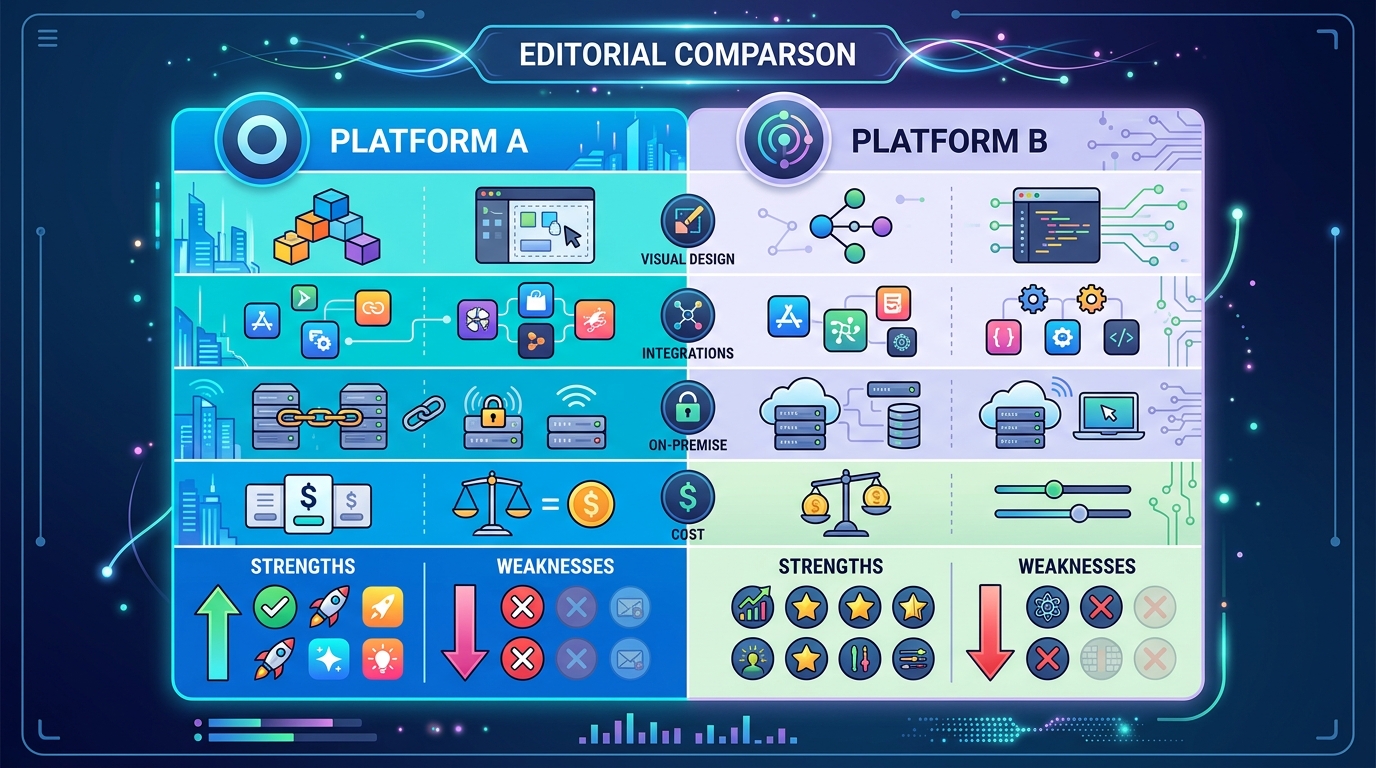
Comparison chart illustrating Make vs n8n for local workflow automation, highlighting deployment models, execution methods, and operational considerations.
The Problem with Traditional Cloud Automation Platforms
To understand why technical teams are actively replacing cloud iPaaS platforms, it is necessary to examine the structural friction built into multi-tenant cloud automation models:
- Usage-Based Task Billing Traps: Platforms like Make and Zapier bill customers based on the number of individual operations or tasks executed. While cost-effective for low-volume web triggers, this model penalizes efficiency when handling loops, batch processing, or continuous polling tasks. A simple daily script that iterates over 10,000 database rows can consume an entire monthly tier in a single run.
- Data Exposure and Privacy Vulnerabilities: In a cloud-first model, sensitive internal payloads—including database credentials, customer PII, internal IP addresses, and API authorization tokens—must pass through external vendor servers. For enterprises governed by strict HIPAA, SOC 2, or GDPR compliance standards, delegating pipeline execution to public cloud infrastructure introduces unnecessary legal and security exposure.
- Execution Rate Limits and Network Bottlenecks: Cloud providers enforce concurrency limits and artificial execution delays to prevent individual tenants from overloading shared resources. When an IT team requires immediate, high-throughput execution across internal systems, cloud rate limits stall mission-critical operations.
- Inability to Access Local Infrastructure: Cloud-hosted platforms cannot easily interact with local desktop environments, internal active directories, private on-premise databases, or local scripting environments (such as PowerShell or Bash) without complex reverse proxies or exposed inbound webhooks.
How to avoid automation vendor lock-in
The most insidious risk of proprietary cloud iPaaS platforms is vendor lock-in. Workflows created inside proprietary cloud builders rely on custom visual schemas and closed-source node definitions. Exporting a complex workflow from Make or Zapier into standard, reusable code is virtually impossible; migrating requires completely rebuilding every workflow from scratch.
To prevent vendor lock-in, forward-thinking IT departments are shifting toward open standards and local execution architectures. By utilizing standard scripting languages (Python, PowerShell) wrapped inside open or portable orchestrators, organizations ensure that their core logic remains fully owned, transparent, and portable across any internal execution environment.
Make vs n8n: Which is better for local automation?
When technical teams decide to move beyond basic SaaS automation, the debate almost always centers on Make vs n8n. Both platforms offer visual node-based workflow editing, but their underlying architectures and deployment models differ fundamentally.
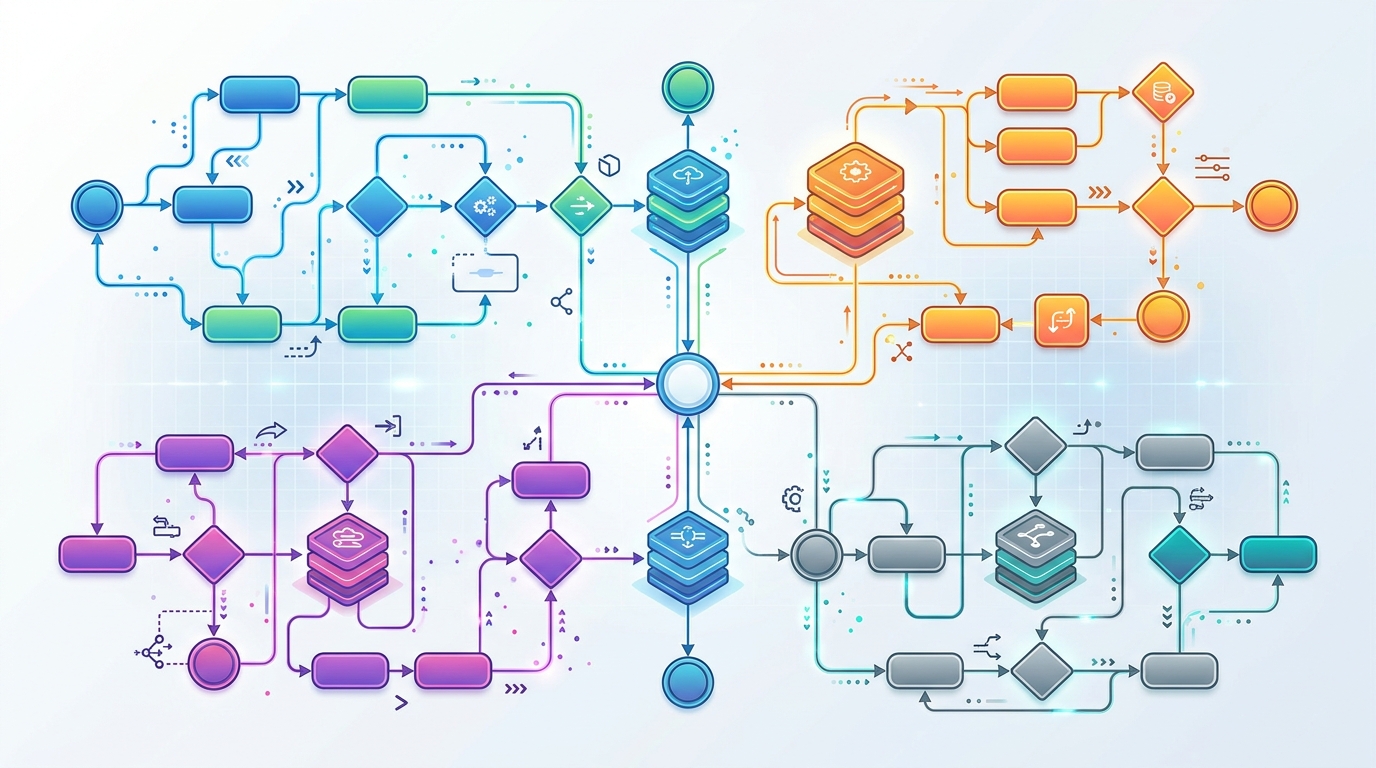
Flowchart illustrating the best cloud automation alternatives including self-hosted, local-first, and custom scripting solutions.
Analyzing Make’s limitations for local-first operations
Make is a polished, fully cloud-hosted iPaaS that excels at visual clarity and web API connectivity. However, when evaluated as a solution for private, high-volume, or local automation, Make exhibits significant operational drawbacks:
- Strict SaaS Dependency: Make runs entirely on Make’s cloud infrastructure. There is no supported option to install Make locally on a private workstation or behind an air-gapped corporate firewall.
- Pay-Per-Operation Model: Every visual node execution counts as an operation. Large data arrays or frequent polling intervals quickly multiply subscription costs.
- Zero Native Local Execution: Make cannot directly execute a PowerShell script on an internal Windows workstation or read a file from a local hard drive without requiring local agent relay workarounds or exposing inbound network webhooks.
For teams requiring strict data privacy or direct system execution, Make functions purely as a web-to-web connector rather than a true IT orchestrator.
n8n self-hosting overhead vs cloud convenience
n8n introduced a powerful alternative to traditional SaaS tools by offering a fair-code, node-based workflow builder that can be self-hosted on private infrastructure.
In the Make vs n8n comparison, n8n wins decisively on data ownership and flexibility:
– Self-Hosting Capability: n8n can be deployed on internal Linux servers via Docker or Kubernetes.
– Fair-Code Core: Technical teams can inspect the source code and build custom community nodes.
– Direct Database & SSH Access: Self-hosted n8n instances can query internal SQL databases and trigger remote SSH commands within the local network.
However, self-hosting n8n introduces substantial DevOps overhead. Running n8n privately requires provisioning Linux virtual machines, managing PostgreSQL databases, configuring Redis instance queues for scaling, maintaining Docker images, managing SSL certificates, and constantly securing inbound webhooks.
For many IT teams, managing a multi-container server stack just to run basic administrative scripts creates an unnecessary operational management burden.
The Best Cloud Automation Alternatives for Privacy
For IT leaders prioritizing security, predictability, and local execution, there are three primary architectural categories of cloud automation alternatives:
1. Self-hosted cloud solutions (e.g., n8n Community)
- Best For: Engineering teams with dedicated DevOps resources who need a web-based visual canvas hosted on internal Linux servers.
- Pros: Keeps data off third-party SaaS servers; flexible JavaScript node architecture.
- Cons: High infrastructure maintenance overhead; complex setup for non-Linux or pure desktop environments; require constant container patching.
2. Local-first desktop orchestrators (e.g., NORA)
- Best For: Sysadmins, IT managers, and Windows script runners who want zero-cloud dependency, zero server infrastructure overhead, and absolute data privacy.
- Pros: Runs natively as a desktop application; direct execution of local PowerShell, Python, and shell scripts; 100% offline execution; fixed costs without per-task fees; zero network configuration required.
- Cons: Designed for endpoint/workstation and internal server execution rather than massive multi-tenant cloud hosting.
If you are looking for a desktop-first orchestrator that combines visual workflow design with direct local script execution, you can explore the NORA automation platform as a dedicated local solution.
3. Custom-built scripting pipelines
- Best For: Software engineers comfortable writing custom code in Python, Go, or PowerShell scheduled via native cron or Task Scheduler.
- Pros: Total execution control; zero licensing costs; minimal resource consumption.
- Cons: Lack of visual interface; difficult for cross-functional team members to maintain; requires building custom logging, error retry mechanisms, and credential vaults from scratch.
Self-hosted vs Local Automation: Making the Right Choice
Understanding the distinction between self-hosted web software and true local desktop automation is crucial when choosing an alternative:
| Feature / Criteria | Self-Hosted Web Automation (n8n) | Local Desktop Automation (NORA) | Custom Scripts (Cron/Task Scheduler) |
|---|---|---|---|
| Primary Deployment | Docker / Linux VM | Native Desktop Binary | OS Scheduled Process |
| User Interface | Web Browser Canvas | Native Visual GUI | Command Line / Code Editor |
| Setup Overhead | Hours (Servers, Databases) | Minutes (Single Installer) | Moderate (Code Writing) |
| Local Script Execution | Complex (Docker mounts/SSH) | Native Direct Execution | Native Direct Execution |
| Network Requirements | Inbound ports / Webhooks | 100% Offline Capable | 100% Offline Capable |
| Cost Model | Free Self-Host / Paid Cloud | Predictable / Perpetual | Free |
| Maintenance Burden | High (DevOps, Patching) | Low (Self-contained app) | Low to Moderate |
If your primary goal is to orchestrate internal systems, run local scripts, and avoid cloud rate limits without inheriting the burden of server management, true local automation is the superior path. To learn how local execution fits into a broader IT strategy, read our comprehensive guide to local workflow automation.
Conclusion: Reclaiming Control of Your Workflows
The era of defaulting to public cloud automation for every internal workflow is coming to an end. While cloud platforms like Make remain useful for non-sensitive web-app bridging, technical teams managing core infrastructure, sensitive data, and high-frequency tasks require dedicated cloud automation alternatives.
By shifting execution away from metered SaaS platforms and toward local desktop orchestrators or self-hosted engines, IT organizations eliminate usage penalties, secure their operational data, and establish predictable automation licensing for years to come.
Frequently Asked Questions (FAQ)
Is n8n completely free to self-host?
n8n operates under a “fair-code” license (Sustainable Use License). It is free to self-host for internal business use and personal projects, but commercial distribution or offering n8n as a hosted service requires a commercial license.
What is the easiest Make alternative for Windows environments?
For Windows sysadmins, native desktop workflow orchestrators like NORA provide the easiest alternative. Unlike Make or n8n (which require Docker or web servers), desktop orchestrators install directly on Windows and interact natively with PowerShell and local file directories.
Can local workflow tools connect to cloud webhooks when necessary?
Yes. Local workflow orchestrators run on your host machine and can easily initiate outbound HTTP requests or call cloud web APIs. The key difference is that the orchestration engine and master data remain secure on your machine rather than in the cloud.
Published by Hunter Fisher LLC. Evaluating next-generation workflow orchestrators for modern IT infrastructure in 2026.