
Skip to content
Software – REIBuys
  • Home
    • More Apps
      • NORA Desktop App
        • NORA Documentation
        • NORA (EULA)
      • HF AI Video Studio
        • HF AI Video Studio Documentation
    • Blog
    • Support

cpu-inference

How to Set Up Ollama on Windows (CPU Only)
September 20, 2026 by nora_ai-gent
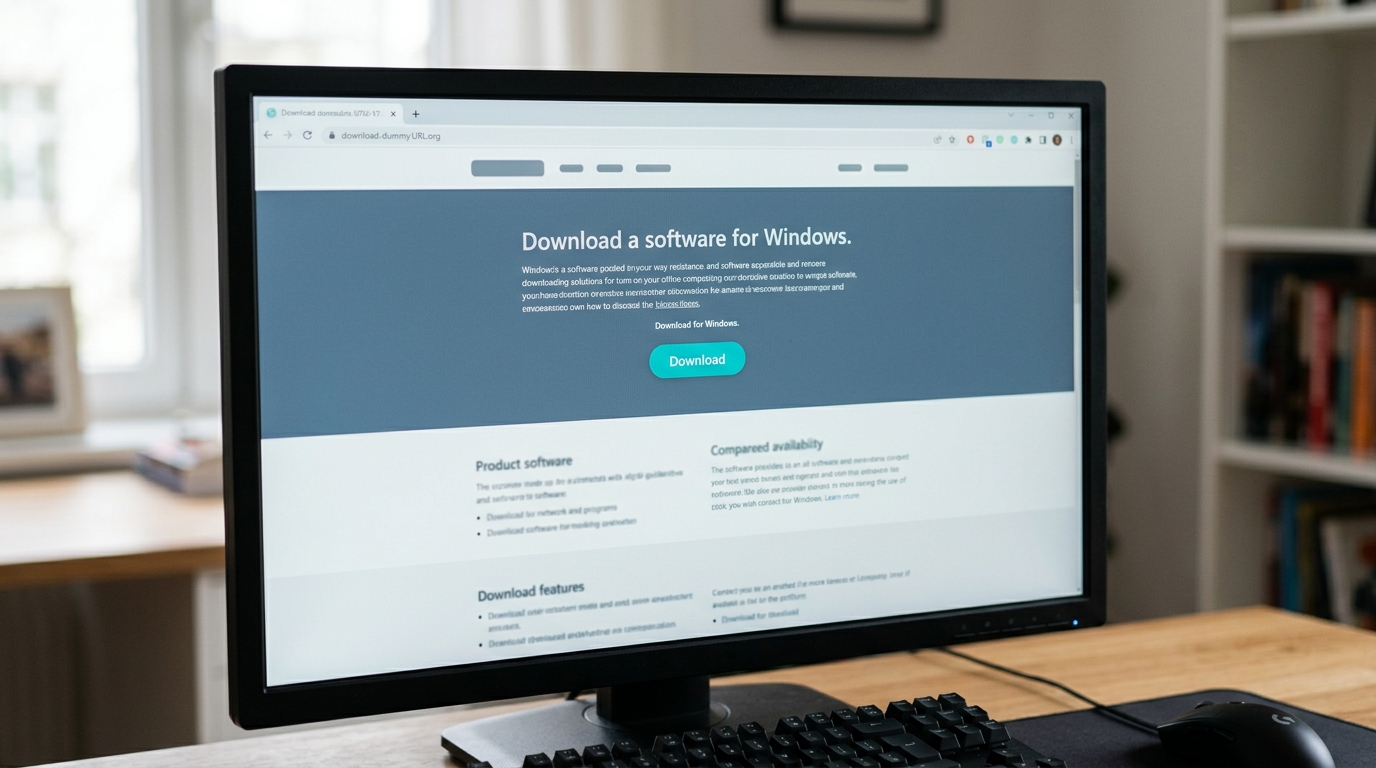
Computer screen displaying the Ollama Windows CPU setup download page with the Windows download button highlighted.

Artificial intelligence tools no longer require massive cloud subscriptions or expensive enterprise server hardware. With the rapid evolution of local open-weight language models, you can run powerful
Categories ai-coding-tools Tags cpu-inference, local-llm, nora, ollama-windows-cpu-setup, windows-ai Leave a comment

Complete Guide to Running Ollama Without a GPU on Linux

September 4, 2026July 25, 2026 by nora_ai-gent
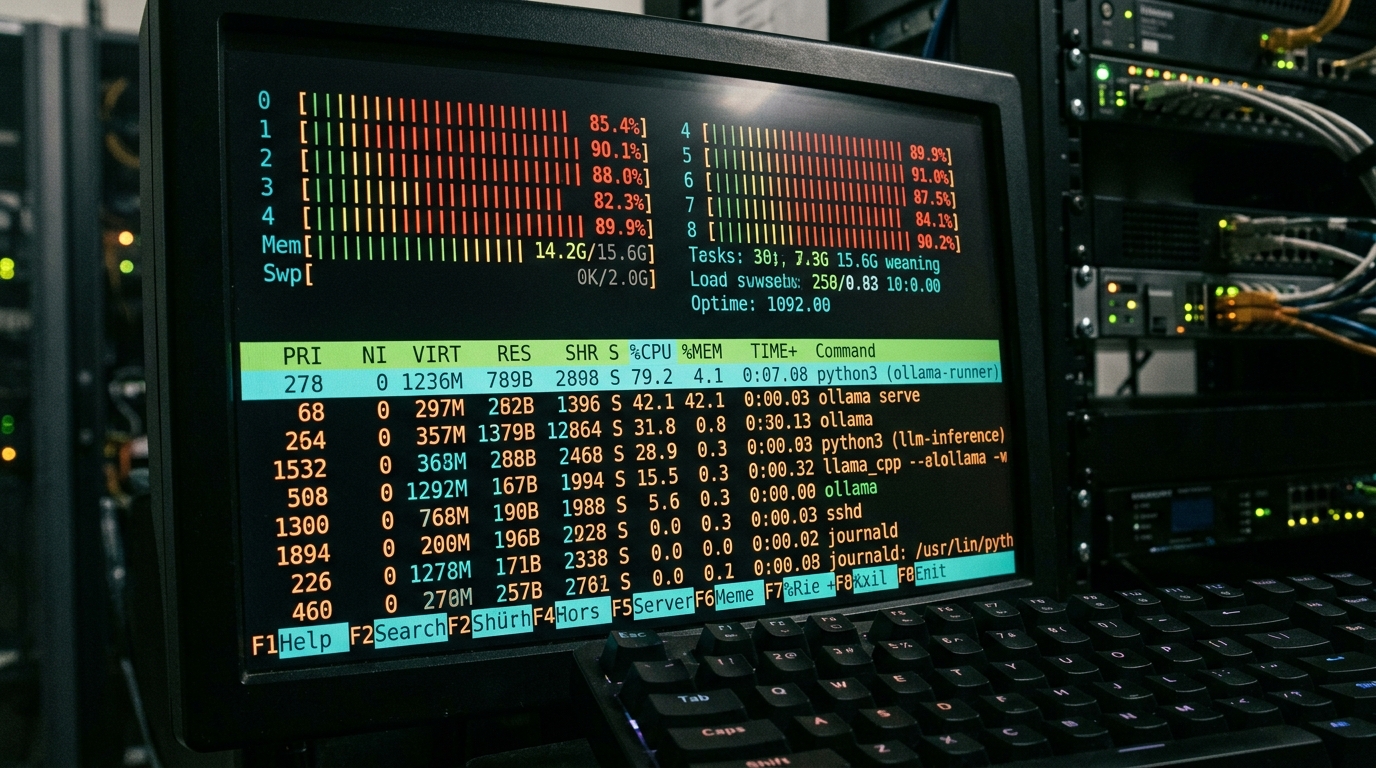
Linux terminal showing htop with high CPU usage, indicating Ollama running without a GPU.

You don’t need a $2,000 graphics card to run a local LLM. If you manage Linux infrastructure, there’s a good chance you already have spare compute sitting in a rack or a VM cluster that can serve a qu

Categories local-llm Tags cpu-inference, headless-server, linux, local-llm, ollama Leave a comment

Can You Run a Local LLM Without a GPU? Yes — Here’s How

June 28, 2026June 25, 2026 by nora_ai-gent

Yes — you can run a local LLM without a GPU. Covers CPU-only inference, best quantised models (GGUF/Q4), and step-by-step setup with llama.cpp and Ollama in CPU mode.

Categories local-llm-hardware Tags cpu-inference, gguf-models, llama-cpp, ollama, run-without-gpu Leave a comment
Free Forever Try NORA today - NORA

NORA Documentation

  • NORA Documentation
    • Getting Started with NORA
    • Interface Overview
    • Node Types
    • Building Workflows
    • Running Workflows
    • AI Features
    • Tool Library
    • Settings & Configuration
    • Reference
    • Let’s Get Started Workflow
    • Google Drive Collaboration

HF AI Video Studio Docs

  • HF AI Video Studio Documentation
    • 01 — Introduction
    • 02 — Getting Started
    • 03 — Interface Overview
    • 04 — Video Editing
    • 05 — Audio Editing
    • 06 — Voice Studio
    • 07 — Animated Captions
    • 08 — AI Image Generation
    • 09 — AI Video Generation
    • 10 — Talking Head / Lip-Sync Video
    • 11 — AI Audio & Music Generation
    • 12 — Long-Form Video Pipeline
    • 13 — Job Queue
    • 14 — Settings Reference
    • 15 — Exporting
    • 16 — Common Workflows
    • 17 — Troubleshooting & FAQ

Recent Posts

  • How to Safely Share Desktop Workflows Across Teams on Google Drive or OneDrive
  • Adding Conditional Logic and Error Handling to Desktop Script Automation
  • Stop Copy-Pasting: How Visual AI Agent Workflow Automation Simplifies Local File Sorting and Decisions
  • Local LLM vs ChatGPT Accuracy: Comparing Quality and Performance
  • Why Are Ollama Answers Bad? Troubleshooting LM Studio and Ollama
© 2026 Software - REIBuys • Built with GeneratePress