Ollama vs LM Studio: Which is the Best Local LLM Tool for Sysadmins?
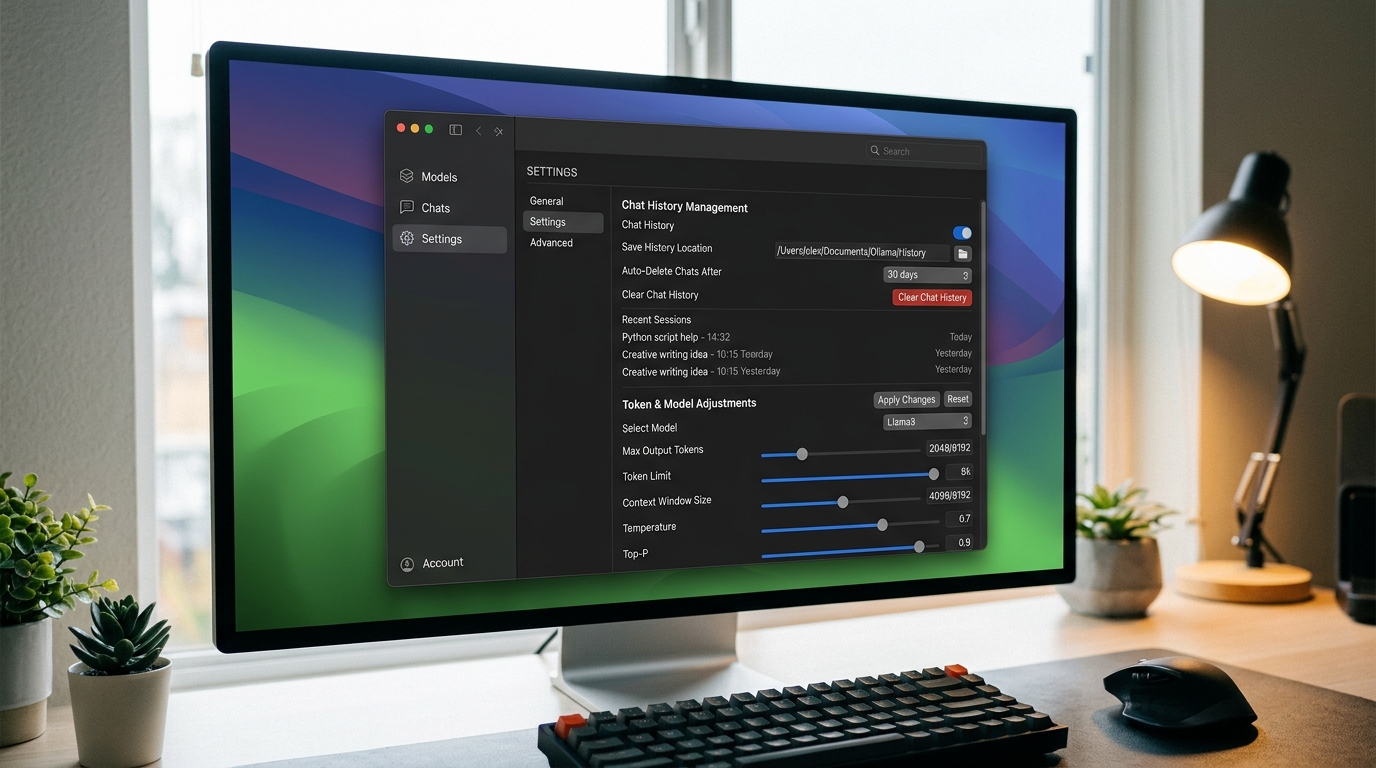
[IMAGE: Split screen showing Ollama CLI interface and LM Studio GUI for comparison]
[IMAGE: Split screen showing Ollama CLI interface and LM Studio GUI for comparison]
You don’t need a $2,000 graphics card to run a local LLM. If you manage Linux infrastructure, there’s a good chance you already have spare compute sitting in a rack or a VM cluster that can serve a qu
As internal teams mature in their AI adoption, relying on a single Large Language Model is rarely sufficient. Developers need specialized coding models, support teams require high-context summarizatio
Ollama has revolutionized local inference by abstracting away the complex Python environments and CUDA driver nightmare that traditionally plagued local AI setup.
Yes — you can run a local LLM without a GPU. Covers CPU-only inference, best quantised models (GGUF/Q4), and step-by-step setup with llama.cpp and Ollama in CPU mode.
Run Gemma locally using Ollama or llama.cpp — step-by-step setup, workflow integration, and a Gemma vs CodeLlama coding comparison to help you choose the right model.
Best Ollama models for coding, ranked. Install Ollama on Linux, Windows, or Mac and run your first local model in minutes — with a comparison table and quick-start commands.
Step-by-step guide to running an LLM locally on existing hardware. Install Ollama or llama.cpp, pull a model, and connect a UI — no new hardware required.
Most AI agent frameworks lock you into a specific LLM provider, a specific language, and a specific way of managing conversations. If the framework doesn’t support your model or your architecture, you