
How to Automate Boilerplate Code with AI Agents
Boilerplate is the tax you pay for building software: the repetitive scaffolding, the config, the CRUD endpoints, the component shells. It is necessary, but writing it by hand is a poor use of a developer’s time. AI coding agents like Claude Code excel at exactly this kind of predictable, pattern-based work. This guide shows solo developers how to automate boilerplate generation with real workflow examples and practical quality controls.
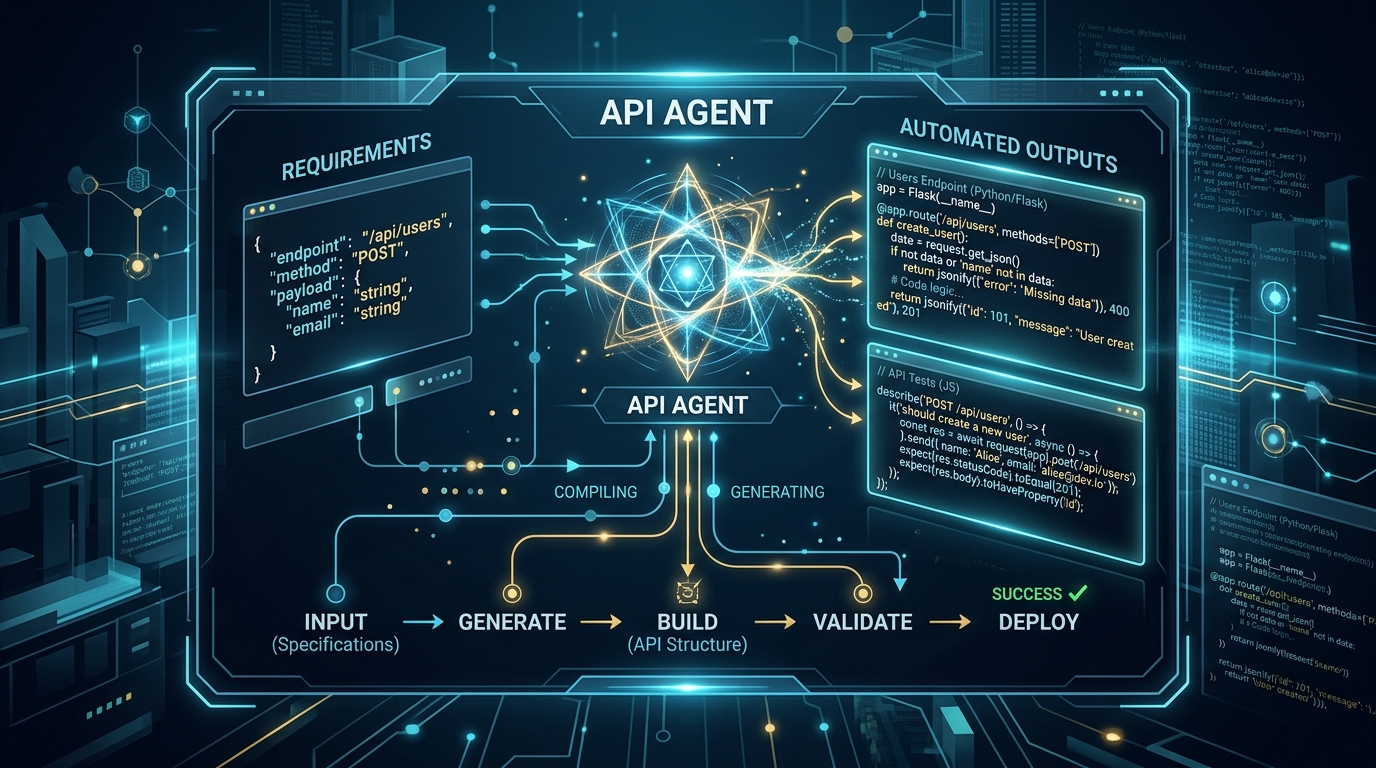
AI coding agents can significantly speed up development by automating the creation of repetitive API endpoints.
The Cost of Writing Boilerplate Code
Boilerplate rarely requires deep thinking, but it still consumes real hours and attention:
- Context switching — Stopping creative work to hand-write a config file or a stubbed component breaks your flow.
- Copy-paste errors — Manually duplicating patterns invites subtle mistakes.
- Inconsistency — Hand-written scaffolding drifts over time, so no two modules look alike.
- Opportunity cost — Every hour on boilerplate is an hour not spent on the features that matter.
Automating this work reclaims time and enforces consistency at the same time.
Using AI Agents for Code Boilerplate Generation
AI agents are well suited to boilerplate because the work is pattern-driven. To get reliable results:
- Give the agent your patterns. Point it at an existing, well-written example so it matches your conventions.
- Be explicit about scope. Describe exactly what to generate and where it should live.
- Encode standards once. A good instructions file means you do not repeat your conventions every time — you can document boilerplate patterns in CLAUDE.md so generation follows them automatically.
- Review, then reuse. Once a generated pattern is correct, it becomes the template the agent mirrors going forward.
Real Claude Code Workflow Examples
Here are two concrete, everyday automation workflows.
Automating API Endpoint Creation
A common request pattern:
“Create a new REST endpoint for
ordersfollowing the same structure as the existingusersendpoint. Include the route, controller, validation schema, and a matching test file.”
Because you referenced an existing endpoint, the agent mirrors your established structure — routing conventions, error handling, and test layout — instead of inventing its own. You get a complete, consistent endpoint scaffold to review rather than a blank file.
Generating Component Scaffolding
For frontend work:
“Scaffold a new
UserCardcomponent matching the pattern ofProductCard, including the component file, styles, and a test.”
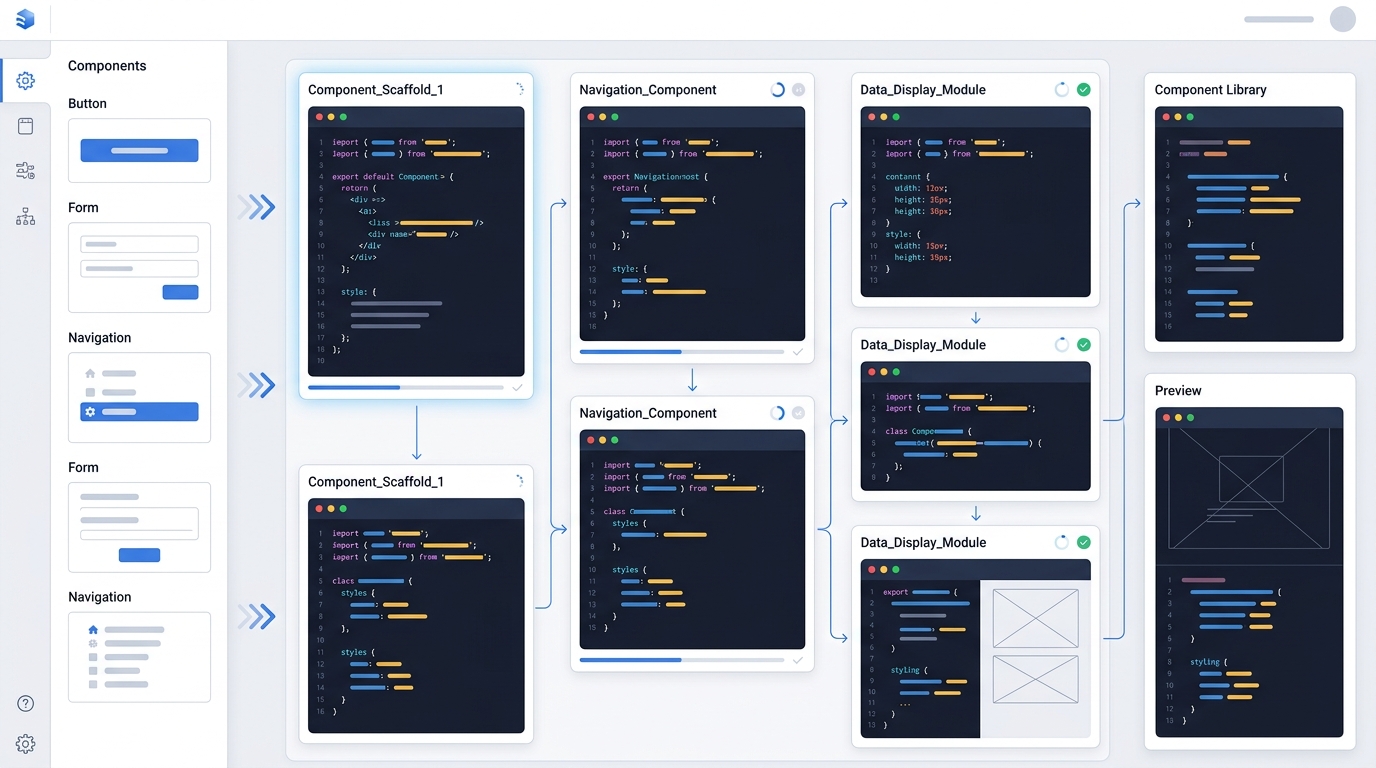
Claude Code streamlines frontend development by automating the generation of component scaffolding, ensuring consistency across projects.
The agent produces the component shell, wiring, and test stub in your project’s style. You focus on the unique logic instead of retyping the same structure for the hundredth time.
Integrating AI Generation into Your Daily Routine
Automation only pays off if it becomes a habit. Build it into your workflow:
- Start each feature with scaffolding. Ask the agent to generate the skeleton first, then fill in the logic.
- Keep reference examples clean. The agent mirrors what it sees, so maintain a few exemplary files it can pattern-match against.
- Batch similar tasks. Generate related files in one focused session rather than scattering requests.
- Set up your workspace first. If you have not configured your project yet, cover the basic workspace prerequisites so the agent has the context it needs.
Quality Control for AI-Generated Boilerplate
Automation does not remove your responsibility as the reviewer. Protect quality with a few habits:
- Always read before accepting. Generated code is a strong first draft, not a final answer.
- Run the tests. If the agent generated test files, confirm they actually pass and cover meaningful cases.
- Lint and format. Ensure generated code conforms to your standards before committing.
- Watch for invented APIs. If the agent references a function or library you do not recognize, verify it exists before trusting it.
- Refine your patterns. When output misses the mark, improve your reference example or your instructions so the next generation is better.
Once boilerplate automation is part of your routine, you can push further. Explore ways to speed up generation workflows and combine techniques so more of your repetitive work happens automatically. The goal is simple: let the agent handle the predictable parts so you can spend your energy on the problems only you can solve.
Frequently Asked Questions
What kinds of boilerplate can AI agents generate?
Common examples include API endpoints, CRUD operations, component shells, configuration files, and test stubs — any predictable, pattern-based code that follows an existing example.
How do I make sure generated boilerplate matches my project’s style?
Point the agent at a well-written existing example and document your conventions in a CLAUDE.md file. The agent mirrors the patterns it sees and the rules you provide.
Is AI-generated boilerplate safe to commit directly?
Treat it as a strong first draft. Always review the code, run the tests, lint and format it, and verify any unfamiliar APIs before committing.
Can Claude Code generate tests along with boilerplate?
Yes. You can ask it to include matching test files when scaffolding endpoints or components, then run those tests to confirm they pass and cover meaningful cases.
How do I get more consistent results over time?
Maintain clean reference examples for the agent to pattern-match against and refine your instructions whenever the output misses the mark. Consistency improves as your patterns and rules sharpen.