
The Best Ollama Alternatives and Local AI Replacements
Ollama has established itself as one of the most widely used tools for running local language models. Its command-line interface, streamlined model registry, and background service architecture make it a favorite among developers and terminal power users.
However, Ollama is not a one-size-fits-all solution. Many users eventually search for alternative tools. Whether you require a native graphical user interface (GUI), advanced visual parameter sliders, built-in retrieval-augmented generation (RAG) for local documents, or an open-source license structure, the local AI ecosystem offers excellent options.
This article reviews the best Ollama alternatives, top LM Studio alternatives, and Jan.ai replacements available in 2026—helping you identify the perfect platform for your specific technical workflow.
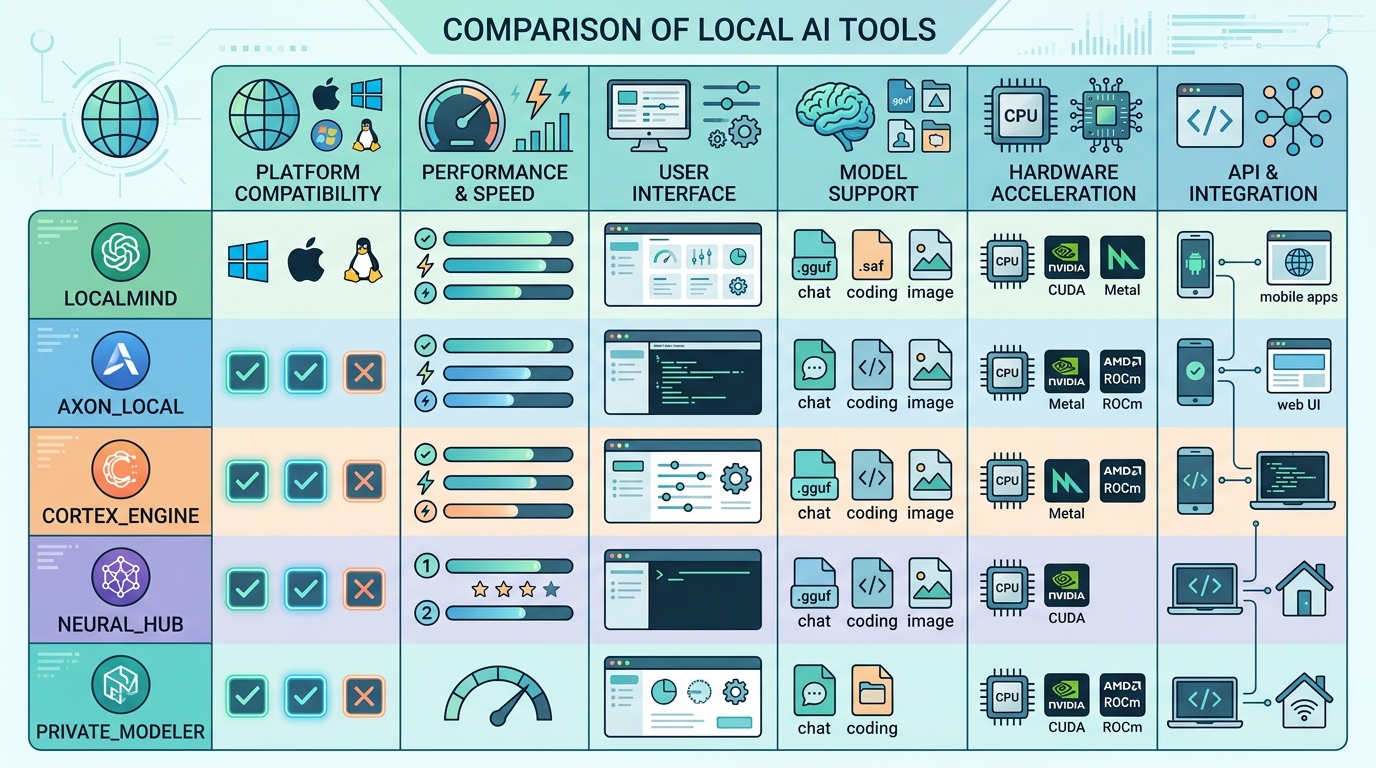
A comparison chart highlighting key features and differences between top Ollama alternatives.
Why Look for Ollama Alternatives?
While Ollama excels as a CLI-first backend runner, users often seek alternative tools due to several key pain points:
- Lack of a Built-In Chat Interface: Ollama operates purely in the terminal or as a background service. Users who want a desktop window with chat threads, prompt templates, and history must manually set up a secondary frontend like Open WebUI.
- Limited Visual Parameter Tuning: Tweaking parameters like temperature, top-p, repeat penalties, and GPU layer offloading in Ollama requires editing text-based
Modelfilesrather than adjusting intuitive desktop sliders. - Proprietary Model Registry Packaging: Ollama stores models in its own internal manifest format. While powered by standard GGUF weights, importing external GGUF files directly from Hugging Face requires extra command-line steps.
- Document and RAG Integration: Users looking to upload PDFs and text files to chat directly with private documents often prefer desktop tools with native local document embeddings.
Top Ollama Alternatives Evaluated
If you want to replace or supplement Ollama, several powerful platforms cater to different technical needs:
1. LM Studio (Best Overall Desktop GUI Alternative)
For users who want to transition away from command-line commands, LM Studio is the premiere alternative. It provides a sleek, cross-platform desktop application featuring an integrated Hugging Face model browser. You can search for any open-weight model, download GGUF files directly inside the application, adjust GPU offloading layers visually, and manage local API servers with a single click.
2. Jan.ai (Best Fully Open-Source GUI Alternative)
If you like the polished interface of LM Studio but require 100% open-source software, Jan.ai is the leading alternative. Licensed under AGPL-3.0, Jan.ai operates completely offline and stores all conversation history and model weights in accessible local file folders. It offers modular plugin support and an intuitive ChatGPT-like design.
3. GPT4All (Best for Chatting with Private Documents)
Developed by Nomic AI, GPT4All is an open-source desktop client built with an explicit focus on privacy and document interaction. (GPT4All) Its “LocalDocs” feature allows non-technical users to point the application at local folders containing PDFs, Word documents, and text files. GPT4All embeds these documents locally, allowing you to ask questions and receive answers cited directly from your files.
4. LocalAI (Best Drop-In Server Alternative for Sysadmins)
For developers and system administrators running home servers or containerized environments (Docker/Kubernetes), LocalAI is a community-driven drop-in replacement for OpenAI’s REST API. Unlike desktop-focused tools, LocalAI supports text generation, audio transcription (Whisper), image generation, and embeddings within a single self-hosted server backend.
5. Text Generation WebUI (Best for Advanced AI Experimenters)
Often called “oobabooga,” Text Generation WebUI is the gold standard for deep model customization. (Text Generation WebUI) It supports multiple loader backends (llama.cpp, ExLlamaV2, Transformers), complex sampler setups, character roleplay, and custom Python extensions—making it ideal for researchers and advanced experimenters.
The Best LM Studio Alternatives
While LM Studio is widely praised for its user interface, some users seek alternatives because LM Studio is freeware rather than fully open source, or because they want deeper customization features.
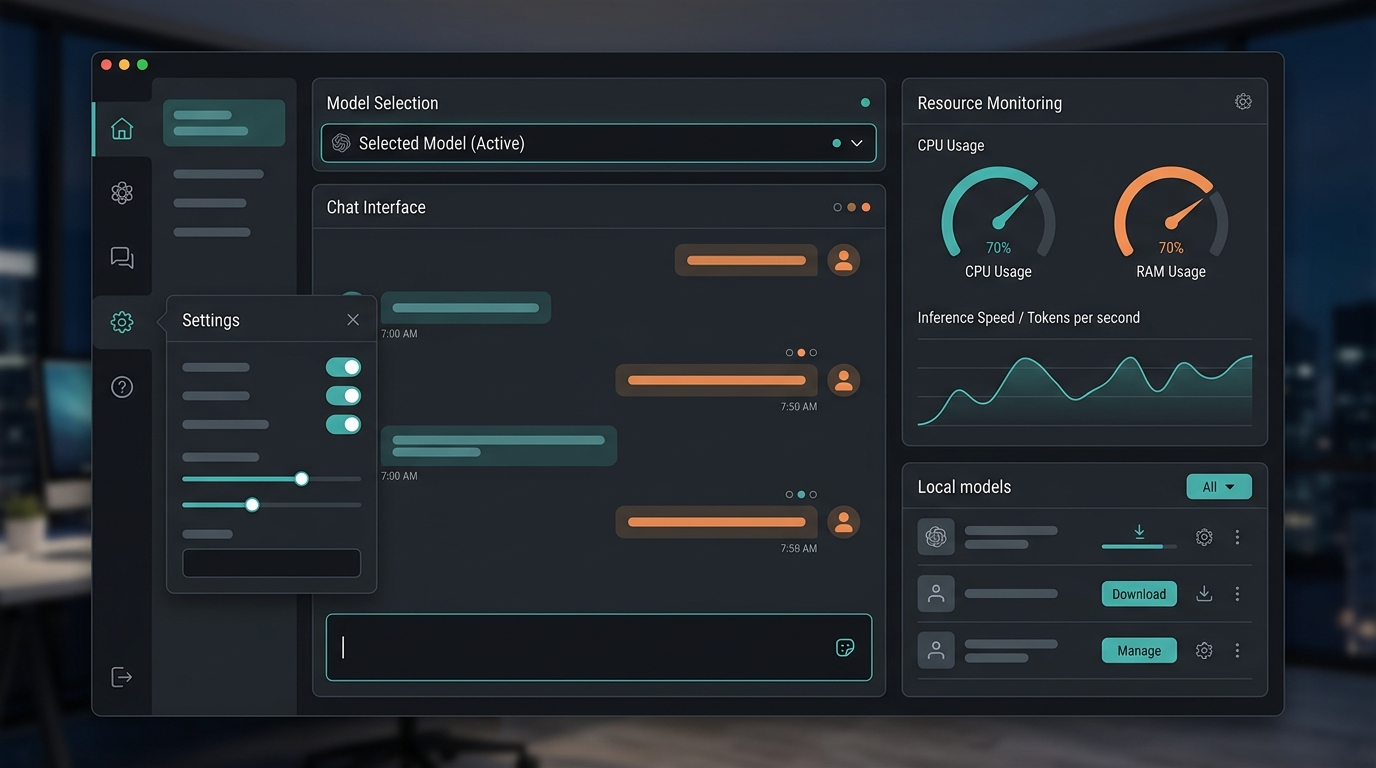
A clean dashboard interface of a local AI application, showcasing model management, chat history, and settings, similar to LM Studio.
Top LM Studio alternatives include:
- Jan.ai: The closest direct open-source equivalent to LM Studio, offering desktop model downloads, local API server hosting, and thread management.
- Open WebUI (paired with Ollama or vLLM): Delivers an enterprise-grade web interface featuring user accounts, role-based access control, document RAG, and web browsing capabilities that far exceed basic desktop GUIs.
- KoboldCPP: A lightweight, single-file executable that provides an intuitive web browser UI with fast GGUF performance—ideal if you are struggling without a GPU on older hardware.
The Best Jan.ai Alternatives
If you are using Jan.ai but require specialized frontend features or corporate multi-user support, consider these top alternatives:
- AnythingLLM: A full-stack, enterprise-ready local AI application that supports multi-user permissions, vector database selection, agentic web scraping, and document management.
- LibreChat: An open-source, customizable web UI that clones the full feature set of ChatGPT, supporting multi-model chat threads, plugin execution, and custom backend API integration.
- Chatbox AI: A clean, multi-platform desktop and mobile app that connects seamlessly to local servers like Ollama or LM Studio as well as remote cloud APIs.
Making the Switch: Data and Model Migration
When transitioning between local AI software, you do not need to redownload multi-gigabyte model files. Most desktop runners utilize standard GGUF model files that can be shared across platforms:
- Locate Your Model Storage Directory: Identify where your existing software stores its downloaded GGUF files (e.g., LM Studio’s
~/.cache/lm-studio/modelsdirectory or Ollama’s model blobs). - Configure Custom Model Paths: In software like Jan.ai or LM Studio, navigate to Application Settings and point the “Custom Model Path” directory to your existing GGUF folder.
- Verify Local REST Endpoints: If you rely on software integrations that expect an OpenAI-compatible endpoint at
http://localhost:11434orhttp://localhost:1234, ensure your new platform’s local server port is mapped to match your existing scripts.
To review a detailed breakdown of feature sets across all top desktop platforms, read our full local LLM software comparison. To explore broader self-hosting infrastructure choices, visit our guide on self-hosted AI tools.
FAQ
What are the best Ollama alternatives?
The best Ollama alternatives depending on user needs are:
* LM Studio: Best overall desktop graphical interface with integrated Hugging Face model search.
* Jan.ai: Best fully open-source, privacy-first desktop application.
* GPT4All: Best for non-technical users who want to chat with private local documents (PDFs/Text).
* LocalAI: Best Docker-based self-hosted server alternative for developers and system administrators.
What are the best LM Studio alternatives?
The best LM Studio alternatives are Jan.ai (for a fully open-source desktop application), Open WebUI (for an enterprise-grade web frontend with document RAG and web browsing), and AnythingLLM (for multi-user workspace management and local vector database integration).